
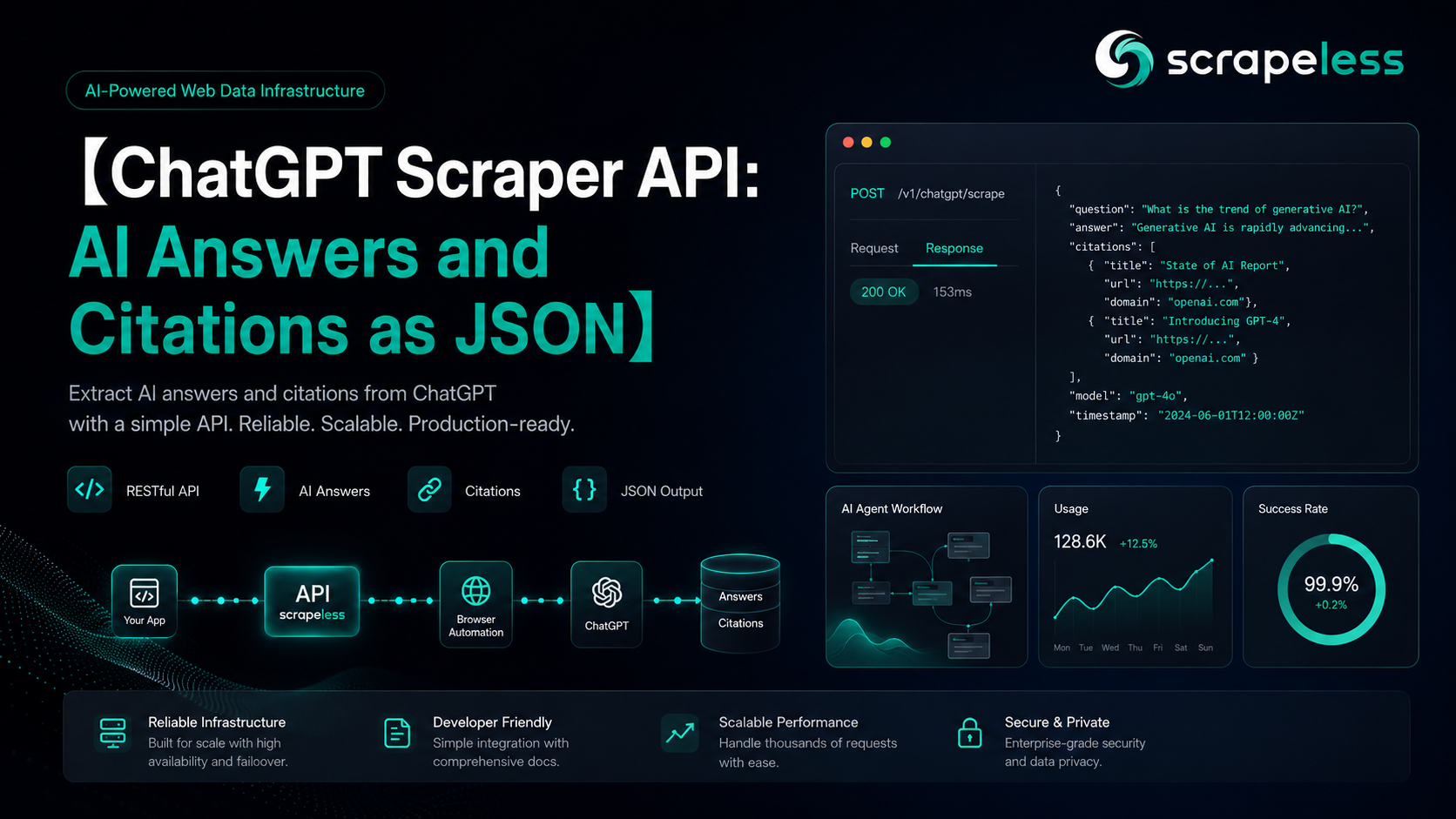
ChatGPT Scraper API: AI Answers and Citations as JSON

Advanced Data Extraction Specialist
TL;DR:
- A ChatGPT scraper API turns the model's answer into structured JSON. One POST to the
scraper.chatgptactor returns the response text, the citations behind it, and the web-search results ChatGPT consulted — as fields, not a screenshot. - Two inputs run the whole thing.
promptcarries the question; an optionalcountrypins the run to residential egress in that market, so you capture the answer a real user there would see. - Citations arrive ready to chart.
content_referenceslists every cited source with its title, URL, and attribution — the raw material for share-of-citation tracking without a parsing step. - The envelope never changes. Every call returns
{ status, task_id, task_result }, the same shape as the other Scrapeless LLM actors, so a wrapper written for ChatGPT extends to Grok, Gemini, Perplexity, and Copilot unchanged. - No browser to babysit. Rendering, session handling, and proxy rotation run server-side; you call one endpoint with an
x-api-tokenheader and read JSON back. - Free to start. New Scrapeless accounts include free trial credits — sign up at app.scrapeless.com.
Introduction: the answer is the new results page
ChatGPT answers product questions directly: a buyer asks for the best help-desk tool, the best CRM, the best proxy provider, and gets a short synthesized recommendation with a handful of cited sources. There is no page two. A brand is either named in that answer — or it is invisible to that buyer.
That shift created a new data need. Teams that used to track rankings now need the answers themselves: stored, diffed, and charted over time, with the citations that explain why the model said what it said. Capturing that by driving the chat interface in a browser means login walls, streaming responses, and markup that changes without notice.
The scraper.chatgpt actor collapses the problem into one HTTP request: prompt in, structured answer out. This guide covers the request shape, the response schema field by field, a runnable Python client, and the companion actors that extend the same pattern to the rest of the AI-answer landscape. For a ranked view of the tool category itself, the best LLM scrapers guide covers ChatGPT alongside the other platforms.
What You Can Do With It
- Share-of-citation tracking. Run a fixed prompt set on a schedule and count which domains ChatGPT cites for each question — the GEO metric that replaces rank tracking.
- Brand-mention monitoring. Detect when the answer to a buying question starts or stops naming your product, and which source the mention traces to.
- Competitive answer analysis. Capture how the model describes a product category across markets and over time, with the supporting links as data.
- Multi-locale capture. Pin runs to different countries and compare the answers side by side — locale changes both the answer and the citations.
- Content-strategy feedback. See which of your pages actually get cited, and for which prompts, instead of guessing from traffic.
- Dataset building. Collect prompt–answer–citation triples as clean JSON for downstream analysis or evaluation pipelines.
Why the Scrapeless ChatGPT Scraper
The scraper.chatgpt actor is part of the Scrapeless LLM Chat Scraper family inside the Universal Scraping API line. It treats the AI answer as a first-class target:
- One request, structured output. No browser to drive, no streaming to reassemble, no DOM to parse — the actor renders the chat surface server-side and returns parsed fields.
- Citations as data.
content_referencescarries each cited source as a discrete object; the answer body keeps its inline citation markers so the two can be joined. - Country-pinned residential egress. Runs route through residential proxies across 195+ countries, so locale-specific answers are reproducible per market.
- One token, one envelope, five platforms. The same
x-api-tokenand{ status, task_id, task_result }contract covers the ChatGPT, Grok, Gemini, Perplexity, and Copilot actors.
The full parameter reference lives in the LLM Chat Scraper docs.
Prerequisites
- A Scrapeless account and API key — sign up at app.scrapeless.com.
curlfor the quick test, or Python 3.10+ for the client below.- Basic familiarity with HTTP and JSON.
Store your key in the environment so it never lands in code:
bash
export SCRAPELESS_API_KEY=your_api_token_hereHow the ChatGPT Scraper works
You name the actor, hand it an input, and send your key in one header.
- Endpoint:
POST https://api.scrapeless.com/api/v2/scraper/execute - Actor:
scraper.chatgpt - Auth header:
x-api-token: $SCRAPELESS_API_KEY
Request parameters
| input field | required | description |
|---|---|---|
prompt |
yes | the question to send to ChatGPT |
country |
no | two-letter country code that pins the run's residential egress (e.g. US) |
Quick capture with curl
bash
curl -sS -X POST https://api.scrapeless.com/api/v2/scraper/execute \
  -H "Content-Type: application/json" \
  -H "x-api-token: ${SCRAPELESS_API_KEY}" \
  -d '{
    "actor": "scraper.chatgpt",
    "input": { "prompt": "What are the best web scraping tools?", "country": "US" }
  }'
Response envelope
json
// illustrative sample — schema from a live scraper.chatgpt run; values abridged
{
  "status": "success",
  "task_id": "7218e510-…",
  "task_result": {
    "prompt": "What are the best web scraping tools?",
    "model": "gpt-5-5",
    "result_text": "The best tool depends on the use case… ([source][1])",
    "content_references": [
      { "title": "…", "url": "https://…", "attribution": "…" }
    ],
    "search_result": [
      { "title": "…", "url": "https://…", "snippet": "…", "attribution": "…" }
    ],
    "links": [],
    "products": null,
    "web_search": false
  }
}
Field by field:
| field | type | what it holds |
|---|---|---|
status |
string | success on a completed run |
task_id |
string | the run's identifier, useful as an audit key in your own store |
task_result.prompt |
string | the prompt as ChatGPT received it |
task_result.model |
string | the model that answered (e.g. gpt-5-5 on recent captures) |
task_result.result_text |
string | the full answer as markdown, inline citation markers preserved |
task_result.content_references[] |
array | each cited source as { title, url, attribution } |
task_result.search_result[] |
array | the web-search results ChatGPT consulted for the answer |
task_result.links[] |
array | bare links surfaced by the answer, when present |
task_result.products |
array | null | product references for shopping-flavored prompts; null otherwise |
Get your API key on the free plan: app.scrapeless.com
Integrating the API in Python
A complete client: send the prompt, check the envelope, and print the citation table.
python
import os
import requests

ENDPOINT = "https://api.scrapeless.com/api/v2/scraper/execute"


def ask_chatgpt(prompt: str, country: str = "US") -> dict:
    resp = requests.post(
        ENDPOINT,
        headers={
            "Content-Type": "application/json",
            "x-api-token": os.environ["SCRAPELESS_API_KEY"],
        },
        json={"actor": "scraper.chatgpt", "input": {"prompt": prompt, "country": country}},
        timeout=180,
    )
    resp.raise_for_status()
    return resp.json()


if __name__ == "__main__":
    data = ask_chatgpt("What are the best web scraping tools?")
    result = data.get("task_result", {})
    refs = result.get("content_references") or []
    print(f"status={data.get('status')} model={result.get('model')} citations={len(refs)}")
    for i, ref in enumerate(refs, 1):
        print(f"  [{i}] {ref.get('attribution', '')}: {ref.get('title', '')[:60]} → {ref.get('url', '')[:60]}")
The answer body stays in result.get("result_text") as markdown; for share-of-citation work the loop above is usually the whole job — group the printed URLs by domain and count.
Companion actors for the rest of the AI-answer landscape
The same endpoint, header, and envelope cover the neighboring platforms — only the actor name and a platform-specific field or two change:
scraper.grok— adds a required reasoningmodeand returns separateweb_search_resultsandx_search_resultscitation panels.scraper.gemini— same two-field input as ChatGPT; returnsresult_textplus acitationsarray.scraper.perplexity— takes a requiredcountryand aweb_searchflag; returnsweb_results,media_items, and related prompts.scraper.copilot— the Copilot answer surface under the same contract.scraper.overview/scraper.aimode— Google's AI Overview block and AI Mode tab; the AI Overview guide covers that pair end to end.
Pricing for the line is usage-based with free trial credits on signup — current tiers are on the pricing page.
How to avoid common problems
- Empty
content_referenceson some prompts. ChatGPT does not cite sources for every answer — opinion-flavored or purely generative prompts can come back citation-free. For citation tracking, phrase prompts the way a researching buyer would ("best X for Y"), which reliably triggers web-grounded answers. - Answers vary run to run. The same prompt can produce a different answer and citation set minutes apart — that volatility is the phenomenon you are measuring. Store every capture with its
task_idand timestamp and treat the series, not any single run, as the signal. - Treat every field as nullable.
productsisnulloutside shopping prompts,linksis often empty, and citation counts swing between runs. Read what is present rather than asserting a fixed shape. - Pin the country deliberately. An unpinned run captures an answer; a pinned run captures the answer for a market you care about. Keep the
countryvalue in your stored records so series stay comparable.
Conclusion: answers as a one-line dependency
Capturing ChatGPT's answers reduces to one request: POST { actor: "scraper.chatgpt", input: { prompt, country } } with your x-api-token, read result_text for the answer and content_references for the sources, and store the pair with its task_id. The same client, pointed at a prompt set and a schedule, becomes a share-of-citation program; pointed at the companion actors, it becomes coverage of the whole AI-answer landscape.
Ready to Build Your AI-Answer Data Pipeline?
Join our community to claim a free plan and connect with developers building AI-answer pipelines: Discord · Telegram.
Sign up at app.scrapeless.com for free trial credits, and point the scraper.chatgpt actor at the prompts, markets, and schedules your monitoring program needs.
FAQ
Q: Is scraping ChatGPT answers legal?
The actor captures publicly rendered answer content. Rules vary by jurisdiction and by the platform's terms of service, so review the relevant ToS and consult counsel for your use case — especially before redistributing captured answers. Never collect personal data protected under GDPR or CCPA.
Q: How do I authenticate?
Every request carries the header x-api-token: <your key>. One account key works across scraper.chatgpt and every other Scrapeless actor. Create a key on the free plan at app.scrapeless.com.
Q: Do I need a proxy?
No. Residential egress and geo-routing are built into the actor — country in the input is the whole configuration.
Q: What does country actually change?
The residential exit market for the run. ChatGPT's answers and citations are locale-sensitive, so a DE-pinned run can name different products and cite different sources than a US-pinned run for the same prompt.
Q: How do I get the citations as a clean list?
Read task_result.content_references — each entry is { title, url, attribution }. No text parsing is needed; the inline markers in result_text are only there if you want to anchor citations to sentences.
Q: Can I run this without an SDK or AI agent?
Yes. It is plain HTTP — curl, Python requests, Node fetch, or any HTTP client works directly against POST /api/v2/scraper/execute. No SDK is required.
Q: Does the same code work for Grok or Gemini?
The envelope and auth are identical; swap the actor name and adjust the platform-specific input fields (Grok requires a mode, Perplexity requires country). The task_result keys differ per platform, so map those per actor.
At Scrapeless, we only access publicly available data while strictly complying with applicable laws, regulations, and website privacy policies. The content in this blog is for demonstration purposes only and does not involve any illegal or infringing activities. We make no guarantees and disclaim all liability for the use of information from this blog or third-party links. Before engaging in any scraping activities, consult your legal advisor and review the target website's terms of service or obtain the necessary permissions.





