
Agent Browser connection
Connect Crawl4AI to the authenticated Scrapeless browser endpoint over CDP.
Connect Crawl4AI to Scrapeless over CDP. Keep crawling and content processing in Crawl4AI while using a managed remote browser.
Crawl4AI is an open-source framework for crawling and extracting web content. It renders pages and converts their content into Markdown or structured data for AI applications.
Crawl4AI connects to Scrapeless Agent Browser over CDP. These capabilities belong to the remote browser service; your framework keeps control of the task.
Connect Crawl4AI to the authenticated Scrapeless browser endpoint over CDP.
Scrapeless runs the browser and JavaScript; Crawl4AI controls page navigation and the content your task extracts.
Configure the browser session’s supported proxy options, such as its proxy country, on the Scrapeless connection.
Create a remote session for the task, control its lifetime, and close it when your work finishes.
Inspect an active Scrapeless browser session while your Crawl4AI task runs.
Enable session recording when needed and review the recorded run after the browser task.
Set CDP mode and the Scrapeless endpoint in BrowserConfig. Crawl4AI controls the crawl and extraction while Scrapeless provides the browser session.
Crawl4AI keeps its own extraction and Markdown processing.
A Scrapeless API key and authenticated browser endpoint. Python with Crawl4AI. A known public page for the first test.
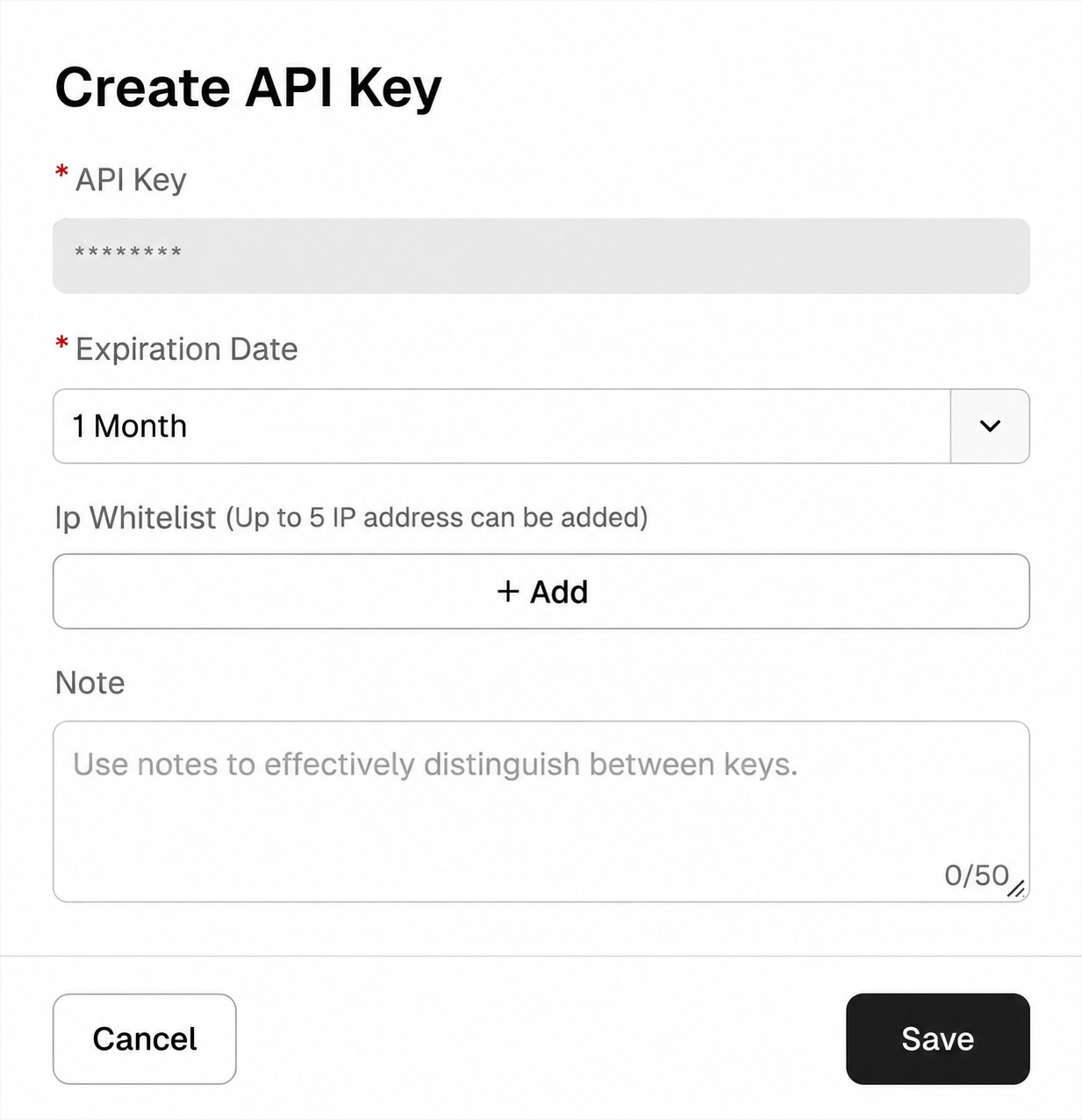
Get your Scrapeless API key and build the documented WebSocket endpoint with the browser session options you need.
Ready to get started? Create your Scrapeless account →
Set browser_mode to cdp and cdp_url to the authenticated Scrapeless endpoint, then pass the configuration to AsyncWebCrawler.
Start with a known public page. Check the returned title, content, or task result, then close the session when the task ends.
Open a page such as example.com through Scrapeless Agent Browser. Connect Crawl4AI over CDP, run your page-reading logic, and inspect the extracted Markdown before passing it to your application.
{
"url": "https://example.com",
"html": "<h1>Example Domain</h1>\n<p>This domain is for use in documentation examples.</p>"
}Connect Playwright to the Scrapeless Agent Browser over CDP.
Drive a remote Agent Browser with your Puppeteer workflow.
Connect agentic browser control to Scrapeless browser infrastructure.

Connect Scrapling’s dynamic sessions to a managed cloud browser over CDP.
Bring Google Search and web scraping into your visual workflows.
Connect web data to visual scenarios and the apps your team uses.
Bring search, scraping, and browser automation into the tools you already use.