
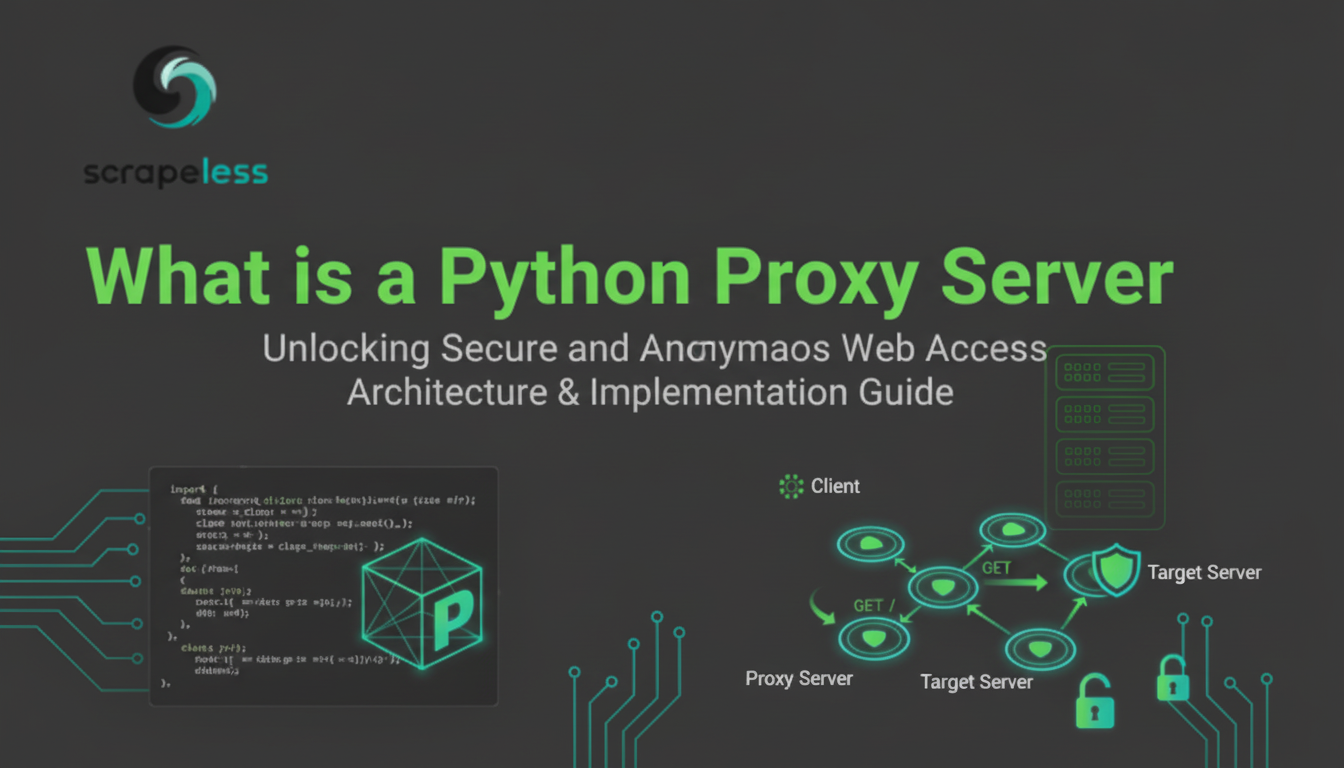
Building a Python Proxy Server: A Step-by-Step Guide

Expert Network Defense Engineer
Master the fundamentals of network programming by building your own proxy server in Python. For production-grade scraping, switch to Scrapeless Proxies — fast, reliable, and affordable.
A proxy server acts as an intermediary for requests from clients seeking resources from other servers. Building a simple proxy server in Python is an excellent way to understand the core concepts of network programming, socket communication, and the HTTP protocol. This guide will walk you through creating a basic, multi-threaded HTTP proxy server using Python's built-in socket and threading modules.
What is a Python Proxy Server?
A Python proxy server is a script that uses Python's networking capabilities to route client requests to a destination server and relay the response back to the client. While a simple script won't offer the advanced features of commercial services—such as IP rotation, session persistence, or geolocation targeting—it provides a foundational understanding of how these systems work.
The proxy we will build is a forward proxy, meaning it sits between a client (like a web browser) and a destination server (like a website). It will handle basic HTTP requests by:
- Listening for incoming client connections.
- Receiving the client's request.
- Extracting the destination host and port from the request headers.
- Establishing a new connection to the destination server.
- Forwarding the client's request to the destination.
- Receiving the response from the destination server.
- Sending the response back to the original client.
How to Implement an HTTP Proxy Server in Python
The following code demonstrates a complete, functional HTTP proxy server. We will use the socket module for network communication and the threading module to handle multiple client connections concurrently, which is a common practice in network server design [1].
The Complete Python Proxy Server Code
This script is designed to run locally on port 8888 and will handle incoming HTTP requests.
python
import socket
import threading

def extract_host_port_from_request(request):
    """
    Extracts the destination host and port from the HTTP request headers.
    """
    # Find the value after the "Host:" string
    host_string_start = request.find(b'Host: ') + len(b'Host: ')
    host_string_end = request.find(b'\r\n', host_string_start)
    host_string = request[host_string_start:host_string_end].decode('utf-8')

    # Check for a specific port in the host string
    port_pos = host_string.find(":")

    # Default to port 80 (standard HTTP port)
    port = 80
    host = host_string

    if port_pos != -1:
        # Extract the specific port and host
        try:
            port = int(host_string[port_pos + 1:])
            host = host_string[:port_pos]
        except ValueError:
            # Handle cases where port is not a valid number, default to 80
            pass

    return host, port

def handle_client_request(client_socket):
    """
    Handles a single client connection by forwarding the request and relaying the response.
    """
    try:
        # 1. Read the client's request
        request = b''
        client_socket.settimeout(1) # Set a small timeout for non-blocking read
        while True:
            try:
                data = client_socket.recv(4096)
                if not data:
                    break
                request += data
            except socket.timeout:
                break
            except Exception:
                break

        if not request:
            return

        # 2. Extract destination host and port
        host, port = extract_host_port_from_request(request)

        # 3. Create a socket to connect to the destination server
        destination_socket = socket.socket(socket.AF_INET, socket.SOCK_STREAM)
        destination_socket.connect((host, port))

        # 4. Send the original request to the destination
        destination_socket.sendall(request)

        # 5. Read the response from the destination and relay it back
        while True:
            response_data = destination_socket.recv(4096)
            if len(response_data) > 0:
                # Send back to the client
                client_socket.sendall(response_data)
            else:
                # No more data to send
                break

    except Exception as e:
        print(f"Error handling client request: {e}")
    finally:
        # 6. Close the sockets
        if 'destination_socket' in locals():
            destination_socket.close()
        client_socket.close()

def start_proxy_server():
    """
    Initializes and starts the main proxy server loop.
    """
    proxy_port = 8888
    proxy_host = '127.0.0.1'

    # Initialize the server socket
    server = socket.socket(socket.AF_INET, socket.SOCK_STREAM)
    server.setsockopt(socket.SOL_SOCKET, socket.SO_REUSEADDR, 1) # Allows reuse of the address
    server.bind((proxy_host, proxy_port))
    server.listen(10) # Listen for up to 10 simultaneous connections

    print(f"Python Proxy Server listening on {proxy_host}:{proxy_port}...")

    # Main loop to accept incoming connections
    while True:
        client_socket, addr = server.accept()
        print(f"Accepted connection from {addr[0]}:{addr[1]}")

        # Create a new thread to handle the client request
        client_handler = threading.Thread(target=handle_client_request, args=(client_socket,))
        client_handler.start()

if __name__ == "__main__":
    start_proxy_server()
Key Components Explained
socketModule: This is the foundation of network communication in Python. We usesocket.socket(socket.AF_INET, socket.SOCK_STREAM)to create a TCP socket for both the listening server and the connection to the destination [2].threadingModule: Since a proxy server must handle multiple clients simultaneously, we usethreading.Threadto process each incoming request in a separate thread. This prevents one slow client from blocking all other requests. For best practices in network programming, it is important to manage these threads efficiently [3].extract_host_port_from_request: This function is crucial. It parses the raw HTTP request data to find theHost:header, which tells the proxy where the client actually wants to go. This is a key difference between a proxy and a regular web server.handle_client_request: This function contains the core logic: receiving the request, connecting to the destination, forwarding the request, and relaying the response.
When to Use a Custom Python Proxy vs. Commercial Solutions
Building a custom proxy is an invaluable learning experience, and it gives you complete control over the request and response flow. You can easily modify the handle_client_request function to implement custom logic, such as:
- Request Modification: Changing headers or user agents before forwarding.
- Content Filtering: Blocking requests to certain domains.
- Logging: Detailed logging of all traffic.
However, for production-level tasks like large-scale web scraping, a custom script quickly hits limitations:
- IP Management: It requires a pool of IPs to rotate, which a simple script cannot provide.
- Scalability: Handling thousands of concurrent connections requires advanced asynchronous programming (e.g., using
asyncio) and robust infrastructure. - Anti-Bot Evasion: Bypassing sophisticated anti-bot systems like Cloudflare or Akamai requires advanced techniques that are complex to implement from scratch. If you're facing issues like 403 errors during web scraping, a commercial solution is often necessary.
Recommended Proxy Solution: Scrapeless Proxies
For developers and businesses that need a reliable, scalable, and high-performance proxy network without the overhead of building and maintaining infrastructure, Scrapeless Proxies offers a superior solution. Scrapeless is built for modern data extraction and automation, providing a full suite of proxy types and advanced features that a custom Python script cannot easily replicate.
Scrapeless is the ideal choice for:
- Global IP Rotation: Access to a massive pool of Residential, Datacenter, and ISP IPs with automatic rotation.
- High Success Rates: Optimized infrastructure to handle retries, CAPTCHAs, and sophisticated anti-bot measures. For instance, Scrapeless offers tools to help bypass CAPTCHAs effectively.
- Ease of Integration: Simple API and clear documentation for integration into any Python project, allowing you to focus on data analysis rather than network plumbing.
Whether you are performing large-scale e-commerce data collection or need to monitor market trends, Scrapeless provides the speed, stability, and anonymity required for enterprise-grade operations.
For those interested in advanced data extraction, Scrapeless also offers a Scraping API and a guide to the best residential proxies, which are essential tools for serious data professionals.
Conclusion
Building a Python proxy server is a fantastic exercise in network programming, offering deep insight into how the internet works at the application layer. While your custom script is perfect for learning and small-scale, controlled environments, production-level data extraction demands the robustness and scale of a commercial proxy service. By understanding the fundamentals of your custom proxy, you are better equipped to leverage the power of professional solutions like Scrapeless Proxies for your most demanding projects.
Frequently Asked Questions (FAQ)
Q: Why is threading used in the Python proxy server?
A: The threading module is used to enable the proxy server to handle multiple client connections simultaneously. Without threading, the server would have to wait for one client's request and the subsequent response to complete before it could accept a new connection, leading to a slow and unresponsive server. Threading allows each client request to be processed concurrently [4].
Q: Can this Python proxy handle HTTPS traffic?
A: The provided code is a basic HTTP proxy and cannot directly handle HTTPS traffic. To handle HTTPS, the proxy would need to implement the HTTP CONNECT method. This involves establishing a tunnel between the client and the destination server, with the proxy simply relaying the encrypted data without inspecting it. Implementing this requires more complex socket logic.
Q: What is the difference between a forward proxy and a reverse proxy?
A: The script we built is a forward proxy, which sits in front of the client and forwards requests to various servers on the internet. A reverse proxy sits in front of a web server (or a group of servers) and intercepts requests from the internet, forwarding them to the appropriate internal server. Reverse proxies are commonly used for load balancing, security, and caching.
Q: Is it legal to build and use a proxy server?
A: Yes, building and using a proxy server is legal. Proxies are legitimate tools for network management, security, and privacy. However, the legality depends on how the proxy is used. Using any proxy (custom or commercial) for illegal activities, such as accessing unauthorized data or engaging in cybercrime, is illegal.
Q: How can I make this proxy more robust for production use?
A: To make this proxy production-ready, you would need to:
- Switch to Asynchronous I/O: Replace
threadingwith a library likeasyncioorTwistedfor better performance and scalability. - Add HTTPS Support: Implement the
CONNECTmethod for secure traffic. - Implement Caching: Store frequently requested content to reduce latency and bandwidth usage.
- Error Handling: Add more robust error handling for network failures and malformed requests.
- IP Management: Integrate with a commercial proxy provider like Scrapeless to handle IP rotation and pool management.
References
[1] Real Python - An Intro to Threading in Python
[2] Python Documentation - Socket Programming HOWTO
[3] StrataScratch - Python Threading Like a Pro
[4] RFC 7230 - Hypertext Transfer Protocol (HTTP/1.1): Message Syntax and Routing
At Scrapeless, we only access publicly available data while strictly complying with applicable laws, regulations, and website privacy policies. The content in this blog is for demonstration purposes only and does not involve any illegal or infringing activities. We make no guarantees and disclaim all liability for the use of information from this blog or third-party links. Before engaging in any scraping activities, consult your legal advisor and review the target website's terms of service or obtain the necessary permissions.





