
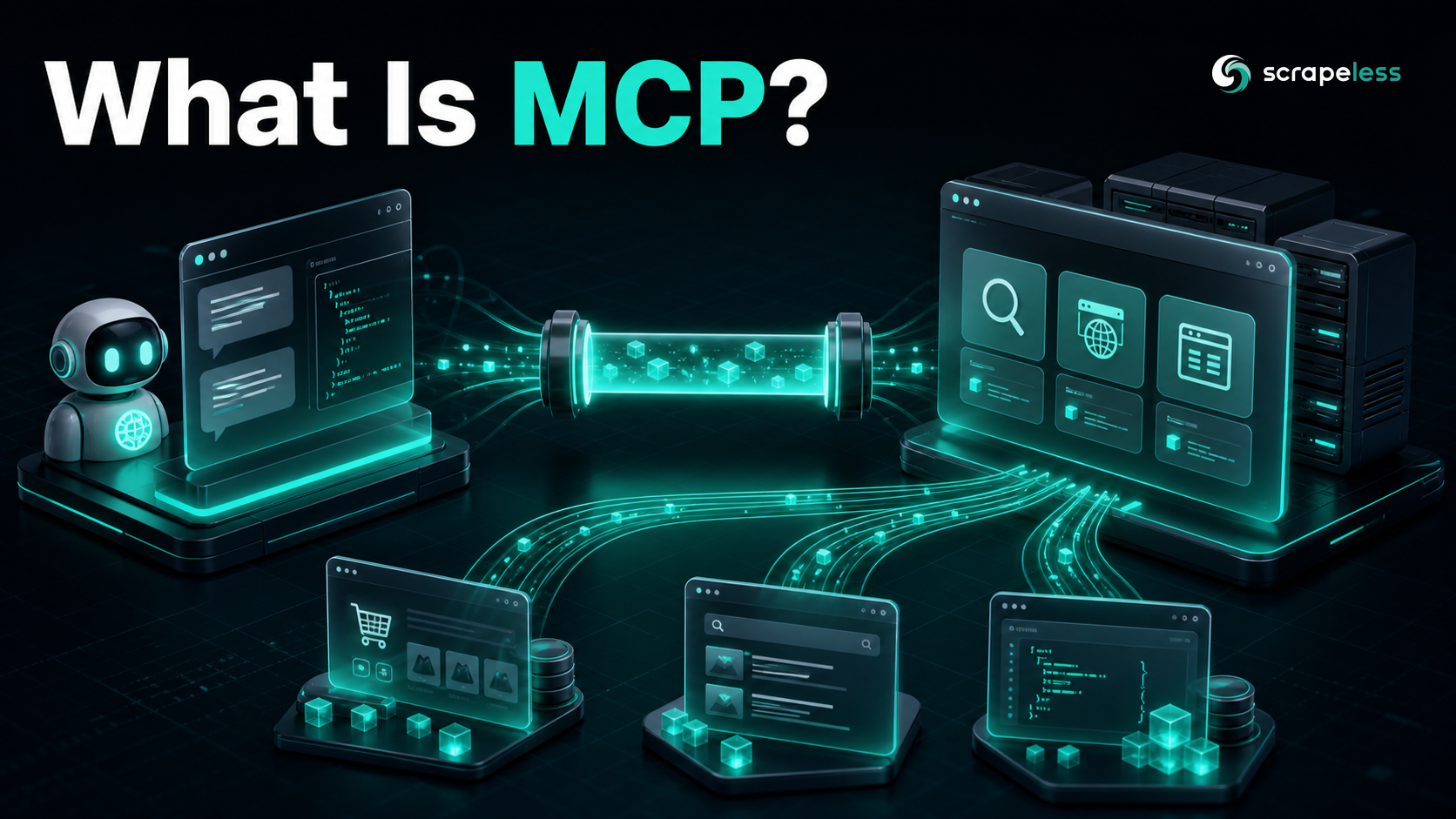
What Is MCP? The Model Context Protocol Explained for Web Data

Expert in Web Scraping Technologies
TL;DR
MCP is the standard that lets an AI application reach external tools and data through one protocol instead of a pile of custom integrations. For web data it is the bridge from a model that only knows its training set to an agent that can search, scrape, and browse the live web — each capability exposed as a discoverable tool, each call a JSON-RPC message, each server portable across every MCP-capable host. The launch announcement covers the Scrapeless implementation in the Scrapeless MCP Server post.
Introduction
The Model Context Protocol (MCP) is an open standard that lets an AI application call external tools and data sources through one uniform interface. Instead of hand-coding a separate integration for every API an agent needs, you connect the agent to an MCP server, and the server exposes its capabilities — search, browse, scrape, query a database — as a list of callable tools the model can invoke during a conversation.
For web data specifically, MCP is the layer that turns "the model can only read its training data" into "the model can fetch a live page, run a Google search, or drive a real browser, then reason over what comes back." This entry explains what MCP is, the client/server mechanism underneath it, and where it fits against the older ways of wiring tools into an LLM.
Why MCP exists
Before MCP, every tool an agent used was a bespoke integration. A team that wanted its assistant to search the web, read a PDF, and query a warehouse wrote three different adapters, each with its own auth, its own payload shape, and its own failure modes. Swap the model, or add a fourth tool, and the wiring multiplied. The protocol was introduced by Anthropic in late 2024 and has since been adopted across the agent ecosystem precisely to collapse that M-by-N integration problem into one contract.
The analogy that stuck is a port standard. MCP is to AI tooling what a universal connector is to peripherals: the host application speaks one protocol, and any server that also speaks it plugs in without custom glue. A web-scraping server, a filesystem server, and a Postgres server all present the same shape to the model, so the agent runtime learns the protocol once rather than learning every vendor's API.
How MCP works
MCP is a client–server protocol built on JSON-RPC 2.0, the same lightweight remote-procedure-call format used across much of the tooling world. Three roles do the work:
- Host — the AI application the user interacts with (a chat client, an IDE assistant, an autonomous agent). It runs one MCP client per server it connects to.
- Client — the connector inside the host that holds a single session with one server and relays messages in both directions.
- Server — the program that exposes capabilities. A web-data server publishes tools like a search call or a page fetch; a database server publishes query tools; a filesystem server publishes read and write tools.
The handshake is fixed. On connect, the client and server exchange an initialize message that pins the protocol version and declares capabilities — the live Scrapeless MCP server, for example, negotiates protocol version 2024-11-05 and advertises a tools capability. After the client sends an initialized notification, it can call tools/list to discover what the server offers, then tools/call to invoke one. Every message is a JSON-RPC object with a method, params, and an id that pairs each request to its response.
Tools are the primitive most web-data work relies on. A tool has a name, a human-readable description, and a JSON Schema for its inputs, so the model knows both that it can call google_search and what arguments the call expects. A minimal tools/call exchange looks like this:
json
// Schema reflects the JSON-RPC 2.0 / MCP tools/call shape. Field values are illustrative samples.
// Request
{
  "jsonrpc": "2.0",
  "id": 2,
  "method": "tools/call",
  "params": {
    "name": "scrape_markdown",
    "arguments": { "url": "https://example.com" }
  }
}
// Response
{
  "jsonrpc": "2.0",
  "id": 2,
  "result": {
    "content": [{ "type": "text", "text": "# Example Domain\n..." }]
  }
}
Transport sits underneath that message layer. Local servers usually run over stdio — the host launches the server as a subprocess and pipes JSON-RPC over standard input and output. Remote servers run over streamable HTTP, where the client opens a session against a URL and receives responses as server-sent events. The Scrapeless MCP server is reachable as a remote endpoint at https://api.scrapeless.com/mcp, authenticated with an API key from the docs, and exposes 21 tools spanning Google search and trends, direct page scraping (HTML, markdown, screenshot), and a full set of browser-automation actions — create a session, navigate, click, type, scroll, snapshot, and wait — so an agent can either pull a page in one call or drive a real cloud browser step by step.
Get your API key on the free plan: app.scrapeless.com
What teams use MCP for with web data
- Live web access for agents. An assistant that can call a search or scrape tool answers from the current web instead of stale training data, with the page content returned as text the model reads inline.
- One client, many sources. Because every server presents the same
tools/listsurface, a single agent runtime can hold sessions with a search server, a browser server, and a database server at once, and route each task to the right tool. - Browser-driven extraction. Tools that create and steer a cloud browser let an agent reach JavaScript-rendered or interaction-gated pages — clicking through, waiting for a render, then reading the DOM — without the host shipping its own browser stack.
- Structured scraping in a prompt. A markdown or HTML scrape tool turns "read this URL" into a single tool call that returns clean, model-ready content, so a retrieval step becomes part of the conversation rather than a separate pipeline.
- Portable integrations. A server written once works across every MCP-capable host — the same web-data tools light up in a desktop chat client, an IDE agent, and a custom runtime with no per-host rewrite.
MCP vs the older ways to wire tools
| Approach | How tools are described | Reuse across hosts | Discovery |
|---|---|---|---|
| MCP | One protocol; servers publish tools with JSON Schema inputs | Any MCP host connects without custom code | Dynamic — tools/list at runtime |
| Native function calling | Per-app schema passed in the API request | Re-implemented per model and per app | Static — defined in your own code |
| Hand-rolled API adapters | Bespoke client per service | None — each is one-off | None — hard-coded |
| Plugin specs (per-vendor) | Vendor-specific manifest | Tied to that vendor's host | Manifest-based |
The distinction that matters: function calling is how a model asks to use a tool; MCP is how a server offers tools to any model's host. They compose rather than compete — an MCP host typically renders each server-listed tool as a function-calling definition for whatever model it runs. What MCP adds is the standard contract and runtime discovery, so the tools an agent can reach are no longer frozen in the application's source code. For a deeper look at how MCP browser tooling compares with Chrome DevTools and Playwright integrations, the MCP integration guide walks through the trade-offs.
MCP draws its message format directly from the JSON-RPC 2.0 specification, whose payloads are encoded as the JSON interchange format defined in RFC 8259. The protocol's own roles, lifecycle, and primitives are set out in the official Model Context Protocol documentation, and the exact shape of tool discovery and invocation lives in the MCP server tools specification.
What to look for in an MCP server for web data
- A real browser, not just an HTTP fetch. Many target pages render client-side or gate content behind interaction. A server whose tools can create and drive a cloud browser reaches those pages; an HTTP-only fetch tool cannot.
- Both fast and deep paths. A markdown or HTML scrape covers static pages in one call; step-by-step browser actions cover the hard ones. Servers that expose both let the agent pick per task.
- Clean tool descriptions and schemas. The model only uses a tool well when its description and input schema are precise — vague tools get called wrong or ignored.
- Managed infrastructure. Residential egress across 195+ countries, session handling, and anti-detection rendering are what make web tools return real content rather than challenge pages — and a managed server hides all of it behind the tool call.
- Remote and local transport. A remote streamable-HTTP endpoint connects from any host with a key; a stdio launch suits local subprocess setups. The Scrapeless Scraping API backs the server's tools, with usage-based pricing and free credits on signup.
Ready to Connect Your Agent to the Live Web?
Join our community to claim a free plan and connect with developers building MCP-powered web-data agents: Discord · Telegram.
Sign up at app.scrapeless.com for free credits and point the Scrapeless MCP server's tools at the searches, pages, and browser flows your agent needs.
FAQ
Q: What does MCP stand for?
MCP stands for Model Context Protocol — an open standard for connecting AI applications to external tools and data sources through a single client–server interface built on JSON-RPC 2.0.
Q: Is MCP the same as function calling?
No. Function calling is how a model requests a tool within one API call; MCP is how a server offers tools to any MCP-capable host. They work together — a host usually turns each MCP-listed tool into a function-calling definition for the model it runs.
Q: Do I need to write code to use an MCP server?
To use one from an MCP-capable host, you point the host at the server's endpoint or launch command and supply any required key — the host handles the protocol handshake and tool discovery. Building your own server is where the code lives.
Q: What can an MCP server do for web scraping?
It exposes scraping and browsing as callable tools, so an agent can fetch a page as markdown or HTML, run a search, or drive a cloud browser through clicks and scrolls — then reason over the returned content inside the same conversation.
Q: How many tools does the Scrapeless MCP server expose?
The Scrapeless MCP server at https://api.scrapeless.com/mcp exposes 21 tools, covering Google search and trends, direct page scraping in HTML, markdown, and screenshot form, and a full set of cloud-browser automation actions.
At Scrapeless, we only access publicly available data while strictly complying with applicable laws, regulations, and website privacy policies. The content in this blog is for demonstration purposes only and does not involve any illegal or infringing activities. We make no guarantees and disclaim all liability for the use of information from this blog or third-party links. Before engaging in any scraping activities, consult your legal advisor and review the target website's terms of service or obtain the necessary permissions.





