
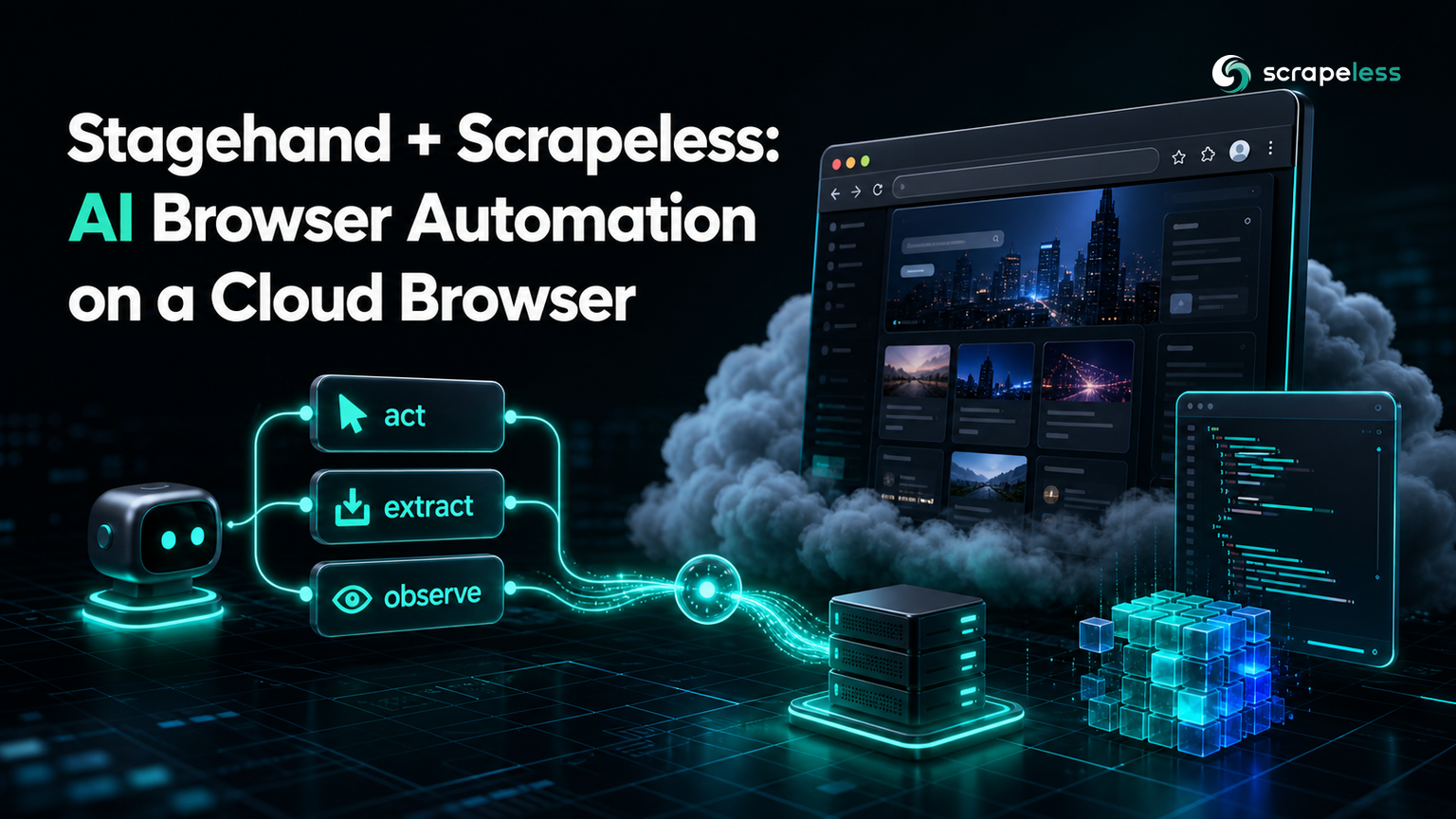
Stagehand + Scrapeless: AI Browser Automation on a Cloud Browser

Senior Web Scraping Engineer
TL;DR:
- Stagehand is an AI browser-automation framework that pairs plain-English instructions with real Playwright code, exposing three primitives —
act,extract, andobserve— on top of a Chrome DevTools Protocol session. - Point Stagehand at the Scrapeless Scraping Browser by setting one field:
localBrowserLaunchOptions.cdpUrlto the Scrapeless WebSocket endpoint. Nothing else about your Stagehand code changes. - The browser then runs in the cloud, so your automation gets managed sessions, fingerprinting, and residential egress instead of a local Chromium you have to launch, scale, and keep unblocked.
- You bring your own model key. Stagehand calls a language model for
act/extract/observe; the browser and the model are separate concerns. - Start free. New Scrapeless accounts include free Scraping Browser credits — sign up at app.scrapeless.com.
Stagehand, the open-source framework from Browserbase, sits between two extremes: brittle selector scripts that break on every markup change, and free-roaming agents you cannot predict. It gives you three composable primitives — act to do something, extract to pull structured data, and observe to find elements — each driven by a natural-language instruction and each returning to your control. What Stagehand still needs is a browser to drive. Running that browser locally means launching Chromium, scaling it, and keeping it from being blocked. This guide connects Stagehand to the Scrapeless Scraping Browser instead, so the framework stays the same and the browser moves to the cloud. Every command and output below was captured from a live run.
What This Integration Gives You
Stagehand connects to a browser over the Chrome DevTools Protocol. The Scrapeless Scraping Browser exposes exactly that: a real Chrome environment you reach over a WebSocket URL. Wiring the two together means:
- No local browser to operate. You do not launch, patch, or scale Chromium; the session runs server-side and you connect to it.
- Managed sessions and egress. The cloud browser handles realistic device profiles and residential routing, so the pages Stagehand reads look like a real visitor's.
- The same Stagehand API.
act,extract, andobservebehave identically whether the browser is local or remote — only the connection URL changes. - A clean split of concerns. Scrapeless runs the browser; your chosen model runs the reasoning. You can swap either without touching the other.
Prerequisites
- Node.js 20.19+ or 22.12+ and a package manager (this guide uses
pnpm). - A Scrapeless API key for the Scraping Browser — get one on the free plan at app.scrapeless.com.
- A model-provider API key. Stagehand calls a language model for its primitives; any supported provider works.
Install
Add Stagehand and Zod, which types the structured output of extract:
bash
pnpm add @browserbasehq/stagehand zodConnect Stagehand to the Scraping Browser
The whole integration is one field. Stagehand's localBrowserLaunchOptions.cdpUrl accepts a CDP WebSocket endpoint; pass the Scrapeless Scraping Browser URL, with your API key as the token query parameter. The model is supplied separately as an llmClient.
javascript
import { Stagehand, AISdkClient, getAISDKLanguageModel } from "@browserbasehq/stagehand";
import { z } from "zod";

// Your own model provider (OpenAI here; drop in any supported provider key).
const model = getAISDKLanguageModel("openai", "gpt-4o-mini", {
  apiKey: process.env.OPENAI_API_KEY,
});

const stagehand = new Stagehand({
  env: "LOCAL",
  llmClient: new AISdkClient({ model }),
  localBrowserLaunchOptions: {
    cdpUrl:
      `wss://browser.scrapeless.com/api/v2/browser` +
      `?token=${process.env.SCRAPELESS_API_KEY}` +
      `&session_ttl=180&proxy_country=US`,
  },
});

await stagehand.init();
After init(), Stagehand is driving a Chrome session hosted by Scrapeless. The Playwright context is available as stagehand.context, and the three AI primitives live on the stagehand instance.
Drive the Page
Navigation uses the standard Playwright context. Grab the active page and go to a target:
javascript
const context = stagehand.context;
const page = context.pages()[0] ?? (await context.newPage());
await page.goto("https://news.ycombinator.com", { waitUntil: "domcontentloaded" });
observe — find an element in plain English
observe returns candidate elements with a resolved selector, so you can inspect what an action would target before running it:
javascript
const candidates = await stagehand.observe("the login link in the top navigation bar");
console.log(candidates[0]);
A live run returned a single resolved candidate:
json
// Captured from a live scraper run against the Scrapeless Scraping Browser.
{
  "description": "Link to login page in top navigation bar",
  "method": "click",
  "arguments": [],
  "selector": "xpath=/html[1]/body[1]/center[1]/table[1]/tbody[1]/tr[1]/td[1]/table[1]/tbody[1]/tr[1]/td[3]/span[1]/a[1]"
}
extract — turn a page into typed data
extract takes an instruction and a Zod schema, and returns data that matches the schema. The schema is the contract; Stagehand fills it from the page:
javascript
const result = await stagehand.extract(
  "extract the top 3 story titles and their point counts from the front page",
  z.object({
    stories: z.array(z.object({ title: z.string(), points: z.number() })).max(3),
  }),
);
console.log(result);
The live run returned typed rows straight from the front page:
json
// Captured from a live run — real titles and point counts from the front page.
{
  "stories": [
    { "title": "Running Gemma 4 26B at 5 tokens/sec on a 13-year-old Xeon with no GPU (neomindlabs.com)", "points": 82 },
    { "title": "Mysteries of Telegram Data Centers (dev.moe)", "points": 163 },
    { "title": "Open-source memory for coding agents, synced over SSH (github.com/vshulcz)", "points": 43 }
  ]
}
act — perform an action from an instruction
act executes a plain-English action against the page. Here it clicks a navigation link, which moves the session to a new URL:
javascript
console.log(page.url()); // https://news.ycombinator.com/
await stagehand.act("click the 'new' link in the top navigation");
await page.waitForLoadState("domcontentloaded");
console.log(page.url()); // https://news.ycombinator.com/newest
The live run navigated from https://news.ycombinator.com/ to https://news.ycombinator.com/newest, confirming the instruction resolved to a real click.
Close the Session
Release the cloud browser when the run finishes:
javascript
await stagehand.close();Why Run the Browser on Scrapeless
Stagehand is deliberately unopinionated about where the browser lives — that is what makes the cdpUrl swap so clean. Running Chromium yourself is fine for a laptop demo, but a real workload means concurrency, session hygiene, and staying unblocked across many pages. The Scrapeless Scraping Browser is a real Chrome environment with realistic device and fingerprint profiles and residential egress, reached over the same CDP WebSocket Stagehand already speaks. You keep Stagehand's programming model and hand the browser operations to a managed service. The connection options — session lifetime, region, and fingerprint — are covered in the Scraping Browser documentation, and for a different CDP-driven agent integration see the Hermes browser-skill walkthrough.
Get your key on the free plan at app.scrapeless.com and the Scraping Browser credits cover the first runs.
Conclusion
Stagehand gives you act, extract, and observe over a browser you point at with a single URL. Set localBrowserLaunchOptions.cdpUrl to the Scrapeless Scraping Browser endpoint, supply your model key, and the framework runs unchanged on a managed cloud browser — with extract returning schema-typed data and act driving the page from plain English. The connection is one field; everything you build on top of it stays the same.
Ready to run your Stagehand scripts on a cloud browser? Start free from the Scrapeless dashboard, see the Scraping Browser product page, or compare plans on Scrapeless pricing.
FAQ
Q: What is Stagehand?
A: Stagehand is an open-source browser-automation framework from Browserbase that adds three natural-language primitives — act, extract, and observe — on top of a Chrome DevTools Protocol session, so you mix plain-English instructions with deterministic Playwright code.
Q: How does Stagehand connect to the Scrapeless Scraping Browser?
A: Set localBrowserLaunchOptions.cdpUrl in the Stagehand constructor to the Scrapeless WebSocket endpoint wss://browser.scrapeless.com/api/v2/browser, with your API key as the token query parameter. Stagehand then drives the cloud session over CDP.
Q: Do I still need a language-model key?
A: Yes. Scrapeless provides the browser; Stagehand calls a model for act, extract, and observe. Supply your own provider key through Stagehand's model configuration — the browser and the model stay separate.
Q: Does my Stagehand code change when I move to the cloud browser?
A: No. Only the connection URL changes. act, extract, observe, and the Playwright context behave the same whether the browser is local or the remote Scrapeless session.
Q: How do I get structured data out of a page?
A: Call extract with an instruction and a Zod schema. Stagehand returns an object that matches the schema — for example an array of { title, points } — so you get typed data instead of raw HTML.
Q: How do I set the browser's region?
A: Add a proxy_country query parameter to the Scrapeless CDP URL, so the session's egress matches the market you want to see.
Q: Can I inspect an element before acting on it?
A: Yes. Call observe with a description; it returns candidate elements with a resolved selector and a suggested method, which you can review before running act.
At Scrapeless, we only access publicly available data while strictly complying with applicable laws, regulations, and website privacy policies. The content in this blog is for demonstration purposes only and does not involve any illegal or infringing activities. We make no guarantees and disclaim all liability for the use of information from this blog or third-party links. Before engaging in any scraping activities, consult your legal advisor and review the target website's terms of service or obtain the necessary permissions.





