
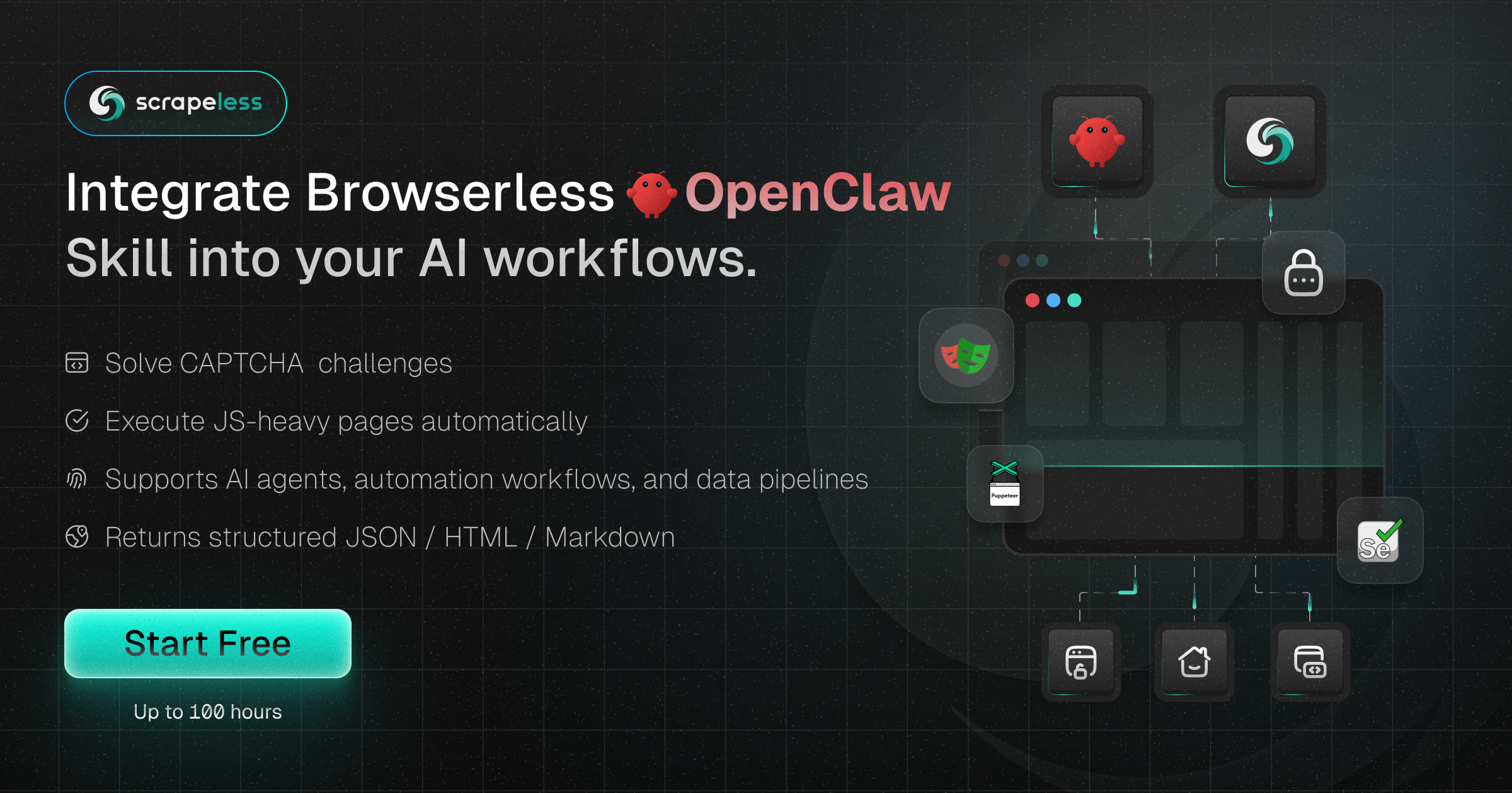
Best Scraping Browser in 2026: Scrapeless Released Scraping Browser OpenClaw Skill With Free Plan

Expert in Web Scraping Technologies
overview
AI agents are changing how we interact with the web, but they often hit a wall when faced with complex bot detection. Traditional headless browsers require significant local resources and constant maintenance to avoid being blocked. The Scraping Browser Skill, powered by Scrapeless, offers a high-performance cloud browser infrastructure designed to solve these exact challenges. By offloading browser operations to a managed cloud environment, developers can focus on building intelligent agentic workflows rather than fighting with anti-bot systems. This blog is written for AI developers and automation engineers to provide a comprehensive guide on scaling high-performance browser operations using the Scrapeless Scraping Browser Skill within the OpenClaw ecosystem.
The Shift from Simple Scraping to Agentic Browser Operations
Modern web environments are increasingly hostile to automated scripts. High-performance data extraction now requires more than just fetching HTML; it requires a browser that behaves like a human. According to research by Statista, nearly half of all internet traffic is generated by bots, leading websites to implement aggressive fingerprinting and behavioral analysis. Scraping Browser addresses this by providing isolated browser environments with unique, high-reputation fingerprints. This level of anti-detection ensures that your AI agents can navigate the web without being flagged as suspicious.
Core Features of the Scraping Browser Skill
The Scraping Browser Skill is more than just a remote browser; it is a comprehensive toolset for web automation. It integrates seamlessly with the OpenClaw framework, allowing agents to perform complex tasks through a simplified interface.
- Web Navigation: Open and browse any website
- Form Operations: Fill out forms and submit data
- Element Interaction: Click buttons, links, and other elements
- Screenshots: Capture full page or specific elements
- Data Extraction: Get text, links, and other data from web pages
- Web App Testing: Automate testing of web application functionality
- Proxy Support: Use residential proxies for global access
- Anti-detection: Built-in browser fingerprinting and anti-detection features
Getting Started: Installation and Configuration
Setting up the Scraping Browser Skill is straightforward. Ensure you have Node.js version 18.0.0 or higher installed on your system.
1. Global Installation
Get the skill on Github. Use npm to install the CLI tool globally:
bash
npm install -g scrapeless-scraping-browser2. Authentication
You need a valid API token from the Scrapeless dashboard. Once obtained, configure the CLI:
bash
scrapeless-scraping-browser config set apiKey your_api_token_hereAlternatively, you can set an environment variable for temporary sessions:
bash
export SCRAPELESS_API_KEY=your_api_token_hereJoin Scrapeless Discord or Telegram community to claim your free plan.
Technical Walkthrough: Performing Browser Ops
The power of Scraping Browser lies in its ability to handle dynamic web applications that require JavaScript rendering. Unlike static scrapers, it fully executes scripts, allowing your AI agents to interact with React, Vue, or Angular-based sites.
Basic Navigation and Visuals
Navigating to a page and capturing its state is the first step in any automation flow.
bash
# Open a website
scrapeless-scraping-browser open https://example.com

# Get the page title for verification
scrapeless-scraping-browser get title

# Take a screenshot for visual analysis
scrapeless-scraping-browser screenshot
Handling Complex Form Operations
AI agents often need to log in or submit data. The Scraping Browser Skill simplifies this by providing a reference-based system for elements.
bash
# Open the login page
scrapeless-scraping-browser open https://example.com/login

# Identify interactive elements (buttons, inputs)
scrapeless-scraping-browser snapshot -i

# Fill fields and click using the @e references
scrapeless-scraping-browser fill @e1 "your_username"
scrapeless-scraping-browser fill @e2 "your_password"
scrapeless-scraping-browser click @e3
Data Extraction
bash
# Open data page
scrapeless-scraping-browser open https://example.com/data

# Get interactive elements
scrapeless-scraping-browser snapshot -i

# Extract text
scrapeless-scraping-browser get text @e5
Why Scraping Browser Outperforms Traditional Methods
Many developers start with local Puppeteer or Playwright setups, but quickly encounter scaling issues. Managing a pool of local browsers is notoriously difficult. A report from Gartner highlights the rise of AI-augmented development, where cloud-based tools are essential for handling the compute demands of modern applications.
| Feature | Local Headless Browser | Scraping Browser Skill |
|---|---|---|
| Resource Usage | High (Local CPU/RAM) | Low (Cloud Offloaded) |
| Bot Detection | High risk of being blocked | Built-in stealth & fingerprints |
| Proxy Management | Manual & Complex | Integrated Global Proxies |
| Scalability | Limited by hardware | Virtually unlimited |
| AI Integration | Requires custom wrappers | Native OpenClaw support |
Strategic Use Cases for AI Agents
1. Automated Market Intelligence
Companies use Scraping Browser to monitor competitor pricing and product launches across different regions. By utilizing the global IP geolocation feature, an agent can "see" the web as a user in London, Tokyo, or New York. This is critical for capturing localized pricing data that varies by region. For more on how to optimize these workflows, check out our guide on https://www.scrapeless.com/en/blog/web-scraping-for-ai-agents.
2. Dynamic Web App Testing
Quality Assurance teams use the skill to automate E2E testing for complex web applications. The ability to create persistent sessions with new-session allows for testing multi-step user journeys, such as adding items to a cart and proceeding to checkout, without losing state.
3. Real-time Content Aggregation
For news aggregators or financial monitors, speed and reliability are paramount. Scraping Browser handles high-concurrency requests, allowing an agent to scrape dozens of news sites simultaneously. This ensures that the most recent data is always available for analysis. Learn more about managing high-volume tasks in our article on https://www.scrapeless.com/en/blog/how-to-scrape-dynamic-websites.
Advanced Session Management
For long-running tasks, creating a dedicated session is recommended. This allows the browser to maintain cookies and local storage across multiple commands.
bash
# Create a session with a 30-minute time-to-live (TTL)
scrapeless-scraping-browser new-session --name "market-research" --ttl 1800

# List all active sessions
scrapeless-scraping-browser sessions

# Close the session when finished
scrapeless-scraping-browser close
Best Practices for Browser Automation
When using Scraping Browser, it is important to follow ethical scraping guidelines. Always check a site's robots.txt and avoid overwhelming servers with too many requests in a short window. According to W3C WebDriver Standards, consistent wait times and proper session handling are key to reliable automation. Using the wait command ensures that the DOM is fully loaded before the agent attempts to interact with elements, reducing flakiness in your scripts.
Choosing Scrapeless for Your Browser Ops
The Scraping Browser Skill is a core part of the Scrapeless ecosystem, which is dedicated to making web data accessible for the AI era. Whether you are building a simple bot or a complex autonomous agent, our cloud browser infrastructure provides the stability and stealth you need. We also offer specialized tools like the https://www.scrapeless.com/en/blog/google-search-api for those who need direct access to search engine results without managing a full browser.
Conclusion: Future-Proof Your AI Workflows
The web is becoming more complex, but your tools don't have to be. By adopting the Scraping Browser Skill, you gain access to a scalable, anti-detection-ready environment that fits perfectly into the OpenClaw ecosystem. Stop worrying about IP bans and resource leaks, and start building the next generation of AI-driven web applications.
Ready to get started?
Visit the https://app.scrapeless.com to claim your free trial. New users can get up to 3,000 free requests to test the performance and bypass success rates of our cloud browser.
FAQ
Q1: How does Scraping Browser handle Cloudflare and CAPTCHAs?
Scraping Browser has built-in anti-detection mechanisms that automatically solve Cloudflare Turnstile and reCAPTCHA. It uses high-reputation residential proxies and realistic browser fingerprints to appear as a genuine user.
Q2: Is it compatible with my existing Puppeteer or Playwright scripts?
Yes, Scraping Browser is fully compatible with Puppeteer and Playwright. You can connect your existing scripts to our cloud infrastructure by simply changing the browser connection URL.
Q3: What are the system requirements for the CLI tool?
You need Node.js version 18.0.0 or higher. The CLI itself is lightweight as the heavy browser processing is handled in the Scrapeless cloud.
Q4: Can I target specific countries for my browser sessions?
Absolutely. The skill supports global IP geolocation, allowing you to select specific countries for your residential proxy exit nodes.
Q5: Is there a cost to use the Scraping Browser Skill?
We offer a free plan with up to 100 hours for new users. After the trial, we provide flexible pricing based on your usage and concurrency needs.
At Scrapeless, we only access publicly available data while strictly complying with applicable laws, regulations, and website privacy policies. The content in this blog is for demonstration purposes only and does not involve any illegal or infringing activities. We make no guarantees and disclaim all liability for the use of information from this blog or third-party links. Before engaging in any scraping activities, consult your legal advisor and review the target website's terms of service or obtain the necessary permissions.





