
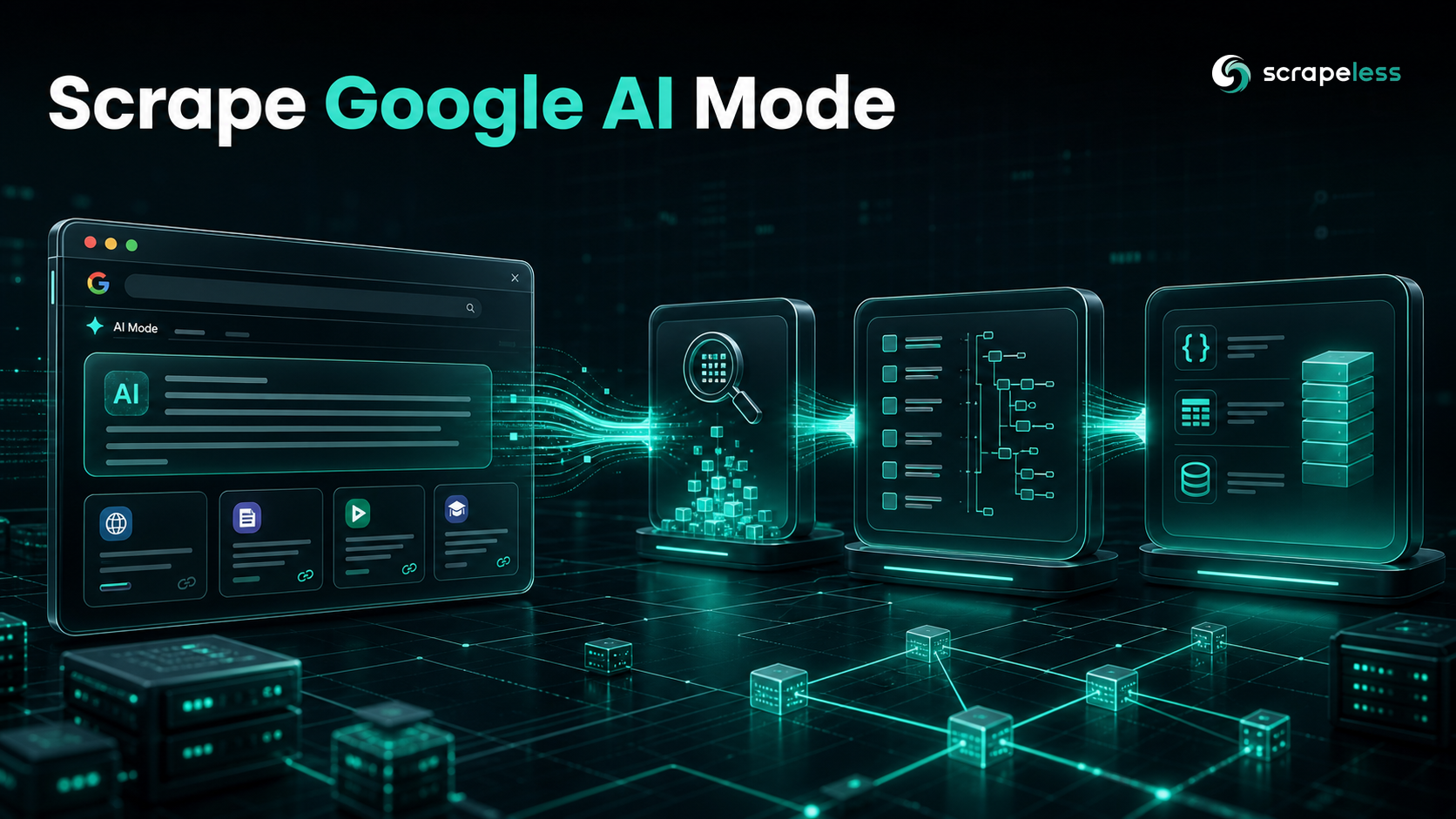
How to Scrape Google AI Mode: Answers, Citations & Sources

Expert in Web Scraping Technologies
TL;DR:
- Google AI Mode is a full-page conversational answer engine, not the inline AI Overview block. It fans one prompt into many parallel sub-searches and returns a long, synthesized, multi-part answer with its own cited sources — the closest Google analog to ChatGPT or Perplexity.
- The
scraper.aimodeactor captures it in one synchronous POST. A single call to/api/v2/scraper/executereturns the answer; there is no trigger-then-poll-then-download flow to manage. - One call returns three answer formats plus citations.
task_resultcarriesresult_text(plain prose),result_md(markdown),result_html(the rendered answer), acitationsarray of the sources the answer drew on, and araw_urlfor provenance. citationsis the share-of-citation surface. Each entry names the source — title, URL, site name, snippet — so you can dedupe and rank the domains Google's AI Mode pulls from for research-intent queries.- Egress is pinned by
country; the answer language is not guaranteed. The same prompt can return a non-English answer on a given run, so detect language downstream rather than assuming the country sets it. - The envelope matches the rest of the actor line. Every call returns
{ status, task_id, task_result }, so a client written here also reads ChatGPT, Gemini, and Perplexity. - Free to start. New Scrapeless accounts include free trial credits — sign up at app.scrapeless.com.
Introduction: AI Mode is Google's answer engine, not a SERP block
Google AI Mode is a separate, chat-style answer page: you ask a question, Google decomposes it into many parallel sub-searches, and it returns a long synthesized answer with follow-up prompts and its own list of cited sources. It is not the AI Overview box that sits inline above the blue links — that is a different surface, captured by a different actor. AI Mode is where Google routes research and comparison questions, and it behaves like ChatGPT or Perplexity more than like a results page.
For a brand or a research team, that page is now a primary destination, and it is hard to read at scale. The answer is JavaScript-rendered, the layout shifts, and the sources behind it are buried in markup that changes without notice. Capturing it by hand means driving a conversational page that fights automation.
The scraper.aimode actor returns that page as data in one request: a prompt goes in, and a structured answer comes back in plain text, markdown, and HTML, with the cited sources as an array. The sections below cover the capture request, the response schema field by field, a Python client that turns a prompt set into a citation-share table, and the companion actors for the rest of Google's AI surfaces. For the inline AI Overview block, Google AI Overview scraping covers the separate scraper.overview actor.
What You Can Do With Google AI Mode Data
- Share-of-citation tracking. Run a fixed set of research prompts on a schedule and count which domains AI Mode cites for each — the GEO metric for the queries Google routes into AI Mode.
- Brand and competitive monitoring. Detect when an answer starts or stops naming your product for a buying or comparison question, and which source the mention traces to.
- Content-gap analysis. See which pages AI Mode draws on for a topic, and which of your own pages never surface.
- RAG and eval datasets. Feed
result_textpluscitationsinto a retrieval system or an evaluation set as clean prompt–answer–source rows. - Answer diffing over time. Store
result_htmlper capture and diff the rendered answer to watch how Google's synthesis shifts. - Multi-locale capture. Pin
countryper call to compare how the answer and its sources change across markets.
Why the Scrapeless Google AI Mode Scraper
The Scrapeless Google AI Mode scraper is the scraper.aimode actor, part of the Universal Scraping API line. For AI Mode specifically, it brings:
- One synchronous POST that returns the answer — no trigger-then-poll-then-download flow to manage.
- Three output formats in a single response:
result_textfor embeddings,result_mdfor rendering,result_htmlfor faithful archival. - A unified
citationsarray — one attribution surface, with no ad or shopping fields mixed in — ready to operationalize for citation-share tracking. - Residential egress pinned by the
countryyou pass, with rendering and anti-bot handling run server-side. - The same
x-api-tokenheader and{ status, task_id, task_result }envelope as the rest of the actor line.
Get your API key on the free plan at app.scrapeless.com.
Prerequisites
- Python 3.10 or newer (the client below uses only
requests) or any HTTP client for the curl call - A Scrapeless account and API key — sign up at app.scrapeless.com
- The key exported as
SCRAPELESS_API_KEY - Basic familiarity with the terminal and JSON — no browser, proxy, or CAPTCHA solver to buy
How the Google AI Mode Scraper works
A single POST to /api/v2/scraper/execute with the scraper.aimode actor returns the answer. The actor renders the AI Mode page server-side and parses it into the response envelope.
Request parameters
Parameters go inside the input object.
input field |
required | description |
|---|---|---|
prompt |
yes | the free-form question to send to AI Mode; research and comparison phrasing triggers the answer most reliably |
country |
yes | two-letter region code (e.g. US); pins residential egress for the run |
Quick capture with curl
bash
# Requires SCRAPELESS_API_KEY in the environment.
curl -sS -X POST https://api.scrapeless.com/api/v2/scraper/execute \
  -H "Content-Type: application/json" \
  -H "x-api-token: ${SCRAPELESS_API_KEY}" \
  -d '{
    "actor": "scraper.aimode",
    "input": {
      "prompt": "best running shoes 2026",
      "country": "US"
    }
  }'
# Pipe to: | jq '.task_result.citations'  for the cited sources.
Response envelope
The answer lives under task_result in three formats, with the sources as a citations array and a raw_url for provenance. The shape below is a real capture for the prompt above; field values are an illustrative sample from a live run.
json
// Schema is what scraper.aimode returns; field values are an illustrative sample from a live run (offers/citations trimmed).
{
  "status": "success",
  "task_id": "…",
  "task_result": {
    "result_text": "### Best Daily Trainers (Most Versatile)\n#### ASICS Novablast 5 — Price: $129.95 (was $150) | Seller: ASICS & more | Rating: 4.x …",
    "result_md": "### Best Daily Trainers (Most Versatile)\n\n…",
    "result_html": "<div>… the rendered AI Mode answer …</div>",
    "citations": [
      {
        "website_name": "GearLab",
        "title": "10 Best Running Shoes of 2026 | Lab Tested & Ranked",
        "url": "https://…",
        "snippet": "…",
        "favicon": "https://…",
        "thumbnail": "https://…"
      }
    ],
    "raw_url": "https://…"
  }
}
Which format to read depends on the job:
result_text— plain prose, the cleanest field for embeddings, language detection, or quick parsing.result_md— markdown structure for rendering; note it can carry inline images as base64 data URIs, so strip those before storing.result_html— the faithful rendered answer, large (hundreds of KB); keep it for archival and diffing, not for parsing.citations— the structured attribution array; this is what you dedupe and rank for share-of-citation.
A few honest observations from running it:
- Language is not pinned by
country. The sameUSprompt returned an English answer on one run and a non-English one on another. Treat the answer language as variable: detect it fromresult_textdownstream and filter, rather than assuming the country sets it. - Output varies run to run. Citation count and answer length shift between calls for the same prompt — store
task_idand a capture timestamp, because the series over time is the signal, not any single call. - Not every query triggers AI Mode. Conversational, research, and comparison prompts trigger the answer; a bare navigational query may not. Phrase for research intent.
- Treat every field as nullable.
citationscan come back empty and a format can be missing on a given run; guard for it instead of assuming presence.
Get your API key on the free plan: app.scrapeless.com
Integrating the API in Python
The pattern for scale is a fixed prompt set, one call each, citations flattened into domain counts. The client reads SCRAPELESS_API_KEY from the environment, posts a prompt, and builds a citation-domain tally so a share-of-citation table falls out directly.
python
"""Capture Google AI Mode answers for a prompt set (scraper.aimode).
    export SCRAPELESS_API_KEY=your_api_token_here
    python capture_aimode.py
"""
import os
from collections import Counter
from urllib.parse import urlparse

import requests

ENDPOINT = "https://api.scrapeless.com/api/v2/scraper/execute"
PROMPTS = [
    "best running shoes 2026",
    "best crm for small business",
    "most reliable electric suv 2026",
]


def capture(prompt: str, country: str = "US") -> dict:
    resp = requests.post(
        ENDPOINT,
        headers={
            "Content-Type": "application/json",
            "x-api-token": os.environ["SCRAPELESS_API_KEY"],
        },
        json={"actor": "scraper.aimode", "input": {"prompt": prompt, "country": country}},
        timeout=180,
    )
    resp.raise_for_status()
    return resp.json().get("task_result", {}) or {}


def cited_domains(task_result: dict) -> list[str]:
    domains = []
    for citation in task_result.get("citations") or []:
        url = citation.get("url") or ""
        host = urlparse(url).netloc.removeprefix("www.")
        if host:
            domains.append(host)
    return domains


if __name__ == "__main__":
    tally = Counter()
    for prompt in PROMPTS:
        result = capture(prompt)
        text = result.get("result_text") or ""
        domains = cited_domains(result)
        if not text and not domains:
            # Persistent empty = no AI Mode answer for this query/geo. Record and move on.
            print(f"{prompt}: no AI Mode answer")
            continue
        tally.update(domains)
        print(f"{prompt}: {len(text)} chars, {len(domains)} citations")
    print("\nShare of citation (domains across the prompt set):")
    for domain, count in tally.most_common(10):
        print(f"  {count:>2}  {domain}")
Each prompt yields the answer text plus the domains AI Mode cited; tallying the domains across the set produces a share-of-citation table. To follow a conversation, send the follow-up as its own prompt — each call captures one turn, so a multi-step thread is a sequence of independent captures keyed to the same topic. Write the rows to a warehouse on a schedule and citation share, answer drift, and new sources fall out as time series.
Companion actors for end-to-end Google-AI capture
One account and one envelope read all of Google's answer surfaces. Capture the same query, country, and timestamp across actors for a complete picture:
scraper.overview— the inline AI Overview block; send all AI-Overview work there (Google AI Overview scraping covers it).scraper.google.search— the organic results for the same query, to join against the AI answer.scraper.chatgpt,scraper.gemini,scraper.perplexity,scraper.grok— the rest of the answer engines on the same{ status, task_id, task_result }shape. The ranked best LLM scrapers comparison reads these surfaces on the same envelope.
How to avoid common problems
- Empty or varying output.
result_textorcitationscan come back empty, and counts shift run to run. Storetask_idand a timestamp; the series is the signal. Treat every field as nullable. - No AI Mode answer for a query. Not every prompt triggers AI Mode — phrase as a research or comparison question; a navigational lookup may return nothing.
- Wrong language. The answer language can differ from the
countryyou pass, so detect language fromresult_textand filter rather than assuming. - Choosing the format. Use
result_textfor embeddings and language checks,result_mdfor rendering (strip inline base64 images), andresult_htmlonly for archival and diffing.
Conclusion: one POST for Google's conversational answers
Capturing Google AI Mode takes one call: a POST to the scraper.aimode actor returns the conversational answer in three formats with its cited sources as an array. Phrase prompts for research intent, pin country, read result_text plus citations, detect language downstream, and treat every field as nullable. Run a fixed prompt set on a schedule with Universal Scraping API credits, and capture AI Mode alongside the AI Overview block and the organic results for the full Google-AI picture. The request shape and field names are confirmed against the live scraper.aimode actor in the LLM Chat Scraper reference.
Ready to Build Your AI-Answer Visibility Pipeline?
Join our community to claim a free plan and connect with developers building AI-answer data pipelines: Discord · Telegram.
Sign up at app.scrapeless.com for free trial credits and point the prompt set above at the research questions and markets your visibility program tracks.
FAQ
Q: Is it legal to scrape Google AI Mode?
The data returned is the publicly visible AI Mode answer Google shows any user. As with any scraping, the legality depends on jurisdiction and use — review the relevant terms and consult counsel before building on it, and collect only public answer and source data.
Q: Does Google offer an official AI Mode API?
No. There is no official endpoint for AI Mode answers, which is why a managed actor that renders and parses the page is needed.
Q: Do I need a proxy or a CAPTCHA solver?
No. Rendering, residential egress, and anti-bot handling run server-side. You send one POST with an x-api-token header and read JSON back; the country field selects the egress market.
Q: How is AI Mode different from AI Overview?
AI Mode is a full-page conversational answer engine that fans a prompt into many sub-searches; AI Overview is the inline block above the organic results. They are separate surfaces with separate actors — scraper.aimode here, scraper.overview for the block.
Q: In what format is the data returned?
The envelope is JSON: { status, task_id, task_result }. The answer itself comes in three forms — result_text, result_md, and result_html — plus a citations array and a raw_url.
Q: How do I extract the cited sources?
Read task_result.citations; each entry carries the source title, URL, site name, and snippet. Parse the host from each URL and tally across captures for share-of-citation.
Q: Which format should I use for RAG?
Use result_text for embeddings, or result_md when you want structure — after stripping any inline base64 images. Keep result_html for archival, not for retrieval.
Q: Can I capture answers for a specific country?
Pass the country code to pin residential egress per market. It controls the egress region; the answer language can still vary, so detect and filter language downstream.
Q: Why is my response empty or different from the browser?
The query may not trigger AI Mode, the region may differ, or output varies run to run. Phrase for research intent, pin country, store task_id plus a timestamp, and treat fields as nullable.
At Scrapeless, we only access publicly available data while strictly complying with applicable laws, regulations, and website privacy policies. The content in this blog is for demonstration purposes only and does not involve any illegal or infringing activities. We make no guarantees and disclaim all liability for the use of information from this blog or third-party links. Before engaging in any scraping activities, consult your legal advisor and review the target website's terms of service or obtain the necessary permissions.





