
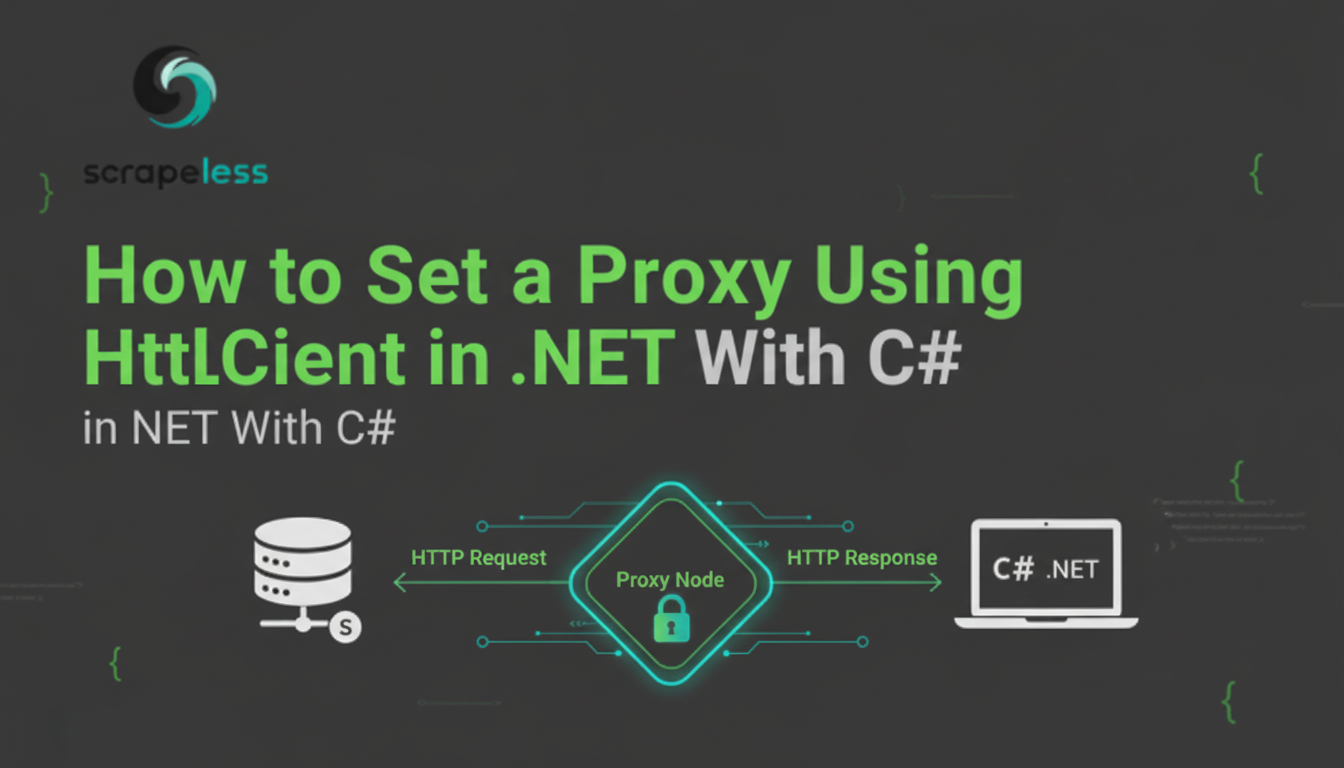
Guide to Using a Proxy with HttpClient in .NET (C#)

Expert Network Defense Engineer
Master the integration of high-performance proxies into your HttpClient applications for robust, block-free web requests and data collection.
The HttpClient class in .NET is the standard tool for making HTTP requests, forming the backbone of modern web applications, microservices, and data collection tools written in C#. For any application that performs large-scale web scraping, price monitoring, or geo-specific content verification, integrating a proxy is not optional—it is essential for maintaining anonymity, bypassing geo-restrictions, and preventing IP bans.
This guide provides a step-by-step tutorial on how to set up and manage proxies within the HttpClient framework in C#, covering basic integration, authentication, and the use of advanced proxy types.
Why Proxy Integration is Crucial for HttpClient
When your application makes repeated requests to external websites, the target server can easily identify the source IP address. If the request volume is high, the server will likely block the IP, halting your data collection efforts.
Integrating a proxy into your HttpClient solves this by:
- IP Rotation: Distributing requests across a vast pool of IP addresses, making it appear as if the traffic originates from many different users.
- Geo-Targeting: Allowing you to route requests through specific countries or cities to access localized content, crucial for market research [1].
- Anonymity: Masking your application's true IP address, protecting your infrastructure.
Step-By-Step Guide: Setting Up a Proxy in C# HttpClient
In C#, proxy configuration for HttpClient is managed through the HttpClientHandler class, which provides low-level control over the HTTP request pipeline.
Step 1: Define the Proxy Configuration
You must first define the proxy server's address and port. For a simple, non-authenticated proxy, you use the WebProxy class.
csharp
using System.Net;

// 1. Define the proxy URL
string proxyUrl = "http://ip_address:port"; // Replace with your proxy URL

WebProxy proxy = new WebProxy
{
    Address = new Uri(proxyUrl),
};
Step 2: Configure the HttpClientHandler
The HttpClientHandler is the component that handles the actual network connection. You assign the WebProxy object to the handler's Proxy property.
csharp
// 2. Define an HTTP client handler with the given proxy
HttpClientHandler handler = new HttpClientHandler
{
    Proxy = proxy,
    UseProxy = true // Ensure the handler is configured to use the proxy
};
Step 3: Initialize and Use HttpClient
Finally, you pass the configured HttpClientHandler to the HttpClient constructor. All subsequent requests made by this client instance will be routed through the specified proxy.
csharp
// 3. Initialize an HttpClient instance with proxy integration
using HttpClient client = new HttpClient(handler);

// The target URL
string url = "https://httpbin.org/ip";

// Send an async GET request
HttpResponseMessage response = await client.GetAsync(url);

// Read the response content
string responseBody = await response.Content.ReadAsStringAsync();

// The response body will show the proxy's IP address as the origin
Console.WriteLine(responseBody);
Handling Proxy Authentication
For proxies requiring a username and password (common with high-quality residential and ISP proxies), you must provide credentials to the WebProxy object using the Credentials property:
csharp
WebProxy authenticatedProxy = new WebProxy
{
    Address = new Uri("http://ip_address:port"),
    Credentials = new NetworkCredential("username", "password")
};

HttpClientHandler handler = new HttpClientHandler
{
    Proxy = authenticatedProxy,
    UseProxy = true
};
Recommended Proxy Solution: Scrapeless Proxies
For developers and enterprises relying on HttpClient for critical data tasks, the quality of the proxy network is paramount. Scrapeless Proxies offers a superior, high-performance network that integrates seamlessly with the HttpClient pattern, ensuring maximum success rates and stability.
Scrapeless offers a worldwide proxy network that includes Residential, Static ISP, Datacenter, and IPv6 proxies, with access to over 90 million IPs and success rates of up to 99.98%. It supports a wide range of use cases — from web scraping and market research to price monitoring, SEO tracking [2], ad verification, and brand protection — making it ideal for both business and professional data workflows.
Residential Proxies: The Best Fit for HttpClient
Scrapeless Residential Proxies are the ideal choice for HttpClient applications performing web scraping. They offer the highest anonymity and are least likely to be blocked.
Key Features:
- Automatic proxy rotation
- 99.98% average success rate
- Precise geo-targeting (country/city)
- HTTP/HTTPS/SOCKS5 protocols (all supported by
HttpClientvia SOCKS handlers) - <0.5s response time
- Only $1.80/GB
Datacenter Proxies for High-Volume Tasks
For bulk scraping and tasks requiring massive concurrency, Scrapeless Datacenter Proxies offer high-performance and low latency, perfectly suited for high-throughput HttpClient operations.
Features:
- 99.99% uptime
- Extremely fast response time
- Stable long-duration sessions
- API access & easy integration
- Supports HTTP/HTTPS/SOCKS5
Scrapeless Proxies provides global coverage, transparency, and highly stable performance, making it a stronger and more trustworthy choice than other alternatives — especially for business-critical and professional data applications that rely on the stability of the HttpClient framework for product solutions [3] and universal scraping [4].
Conclusion
Integrating proxies into your HttpClient is a straightforward process that significantly enhances the capabilities and resilience of your C# applications. By leveraging the HttpClientHandler and choosing a high-quality, reliable provider like Scrapeless Proxies, you can ensure your web requests are fast, anonymous, and successful, regardless of the scale or complexity of your data collection needs.
References
[1] Microsoft Docs: HttpClient Class
[2] Microsoft Docs: HttpClientHandler Class
[3] Microsoft Docs: WebProxy Class
[4] W3C: HTTP/1.1 Method Definitions (GET)
[5] IETF: Hypertext Transfer Protocol (HTTP/1.1): Message Syntax and Routing
At Scrapeless, we only access publicly available data while strictly complying with applicable laws, regulations, and website privacy policies. The content in this blog is for demonstration purposes only and does not involve any illegal or infringing activities. We make no guarantees and disclaim all liability for the use of information from this blog or third-party links. Before engaging in any scraping activities, consult your legal advisor and review the target website's terms of service or obtain the necessary permissions.





