
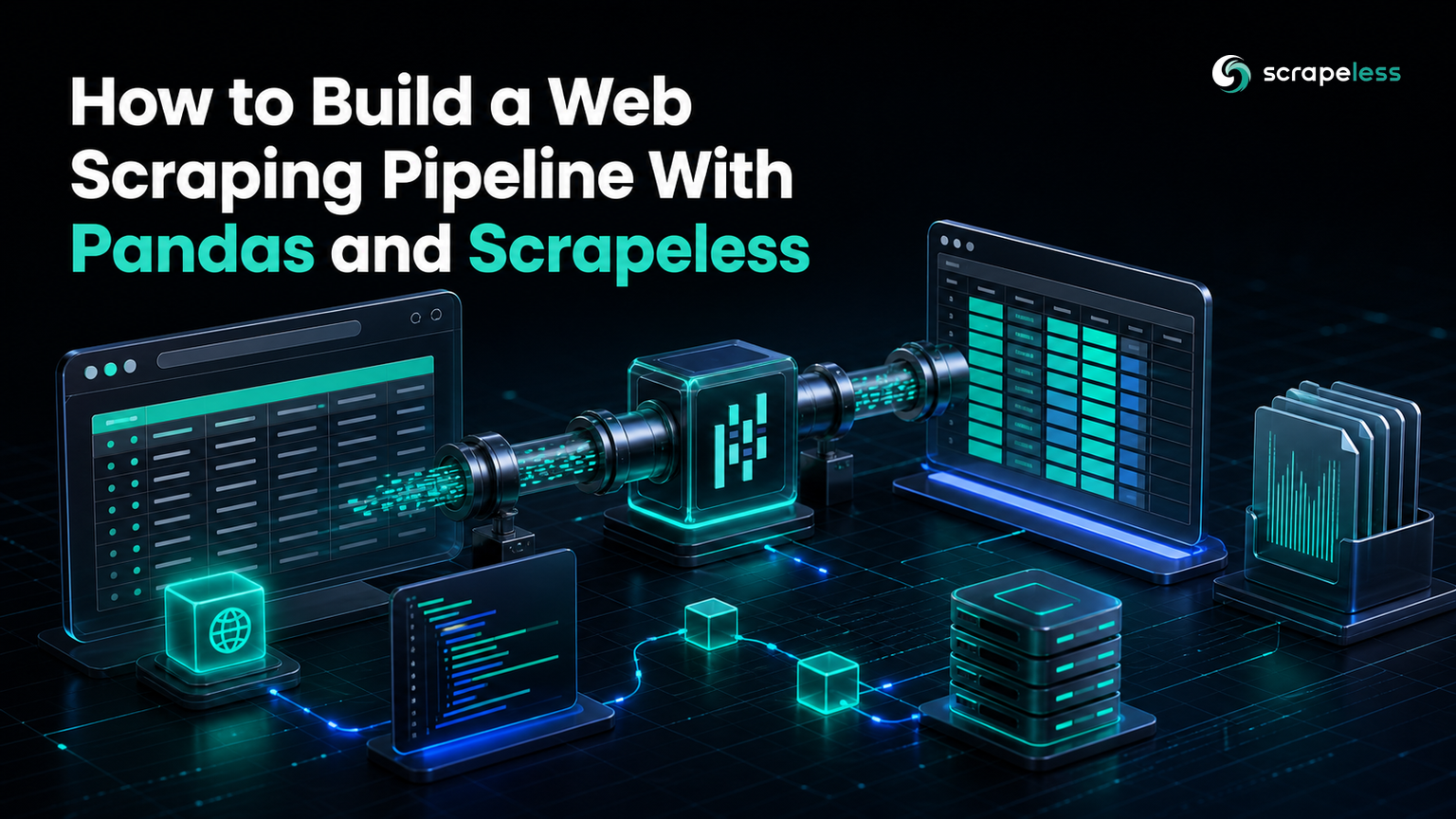
How to Build a Web Scraping Pipeline With Pandas and Scrapeless

Advanced Data Extraction Specialist
TL;DR:
- The Scrapeless Universal Scraping API returns rendered HTML for a public page, and pandas
read_htmlturns the tables on that page into DataFrames in a single call. - This guide builds the work as five explicit stages: fetch, discover, extract, transform, and store, each a few lines of Python.
- In pandas 3.x,
read_htmlneeds anio.StringIOwrapper around an HTML string, because a bare string is now read as a file path and raises an error. - Cleaning belongs after extraction: rename the columns, coerce numeric types with
pd.to_numeric, and add derived columns before anything is written to disk. - Parquet preserves column types but is not automatically smaller than CSV; on a 75-row sample its footer overhead makes it the larger file, and the size advantage arrives with volume.
- Start on the Scrapeless free plan and point the fetch stage at your own source.
Most pandas tutorials begin with a CSV that already exists. Real work rarely starts there. The numbers you want are sitting inside an HTML page, wrapped in navigation, styling, and markup that a plain requests.get often cannot even retrieve cleanly. The gap between "there is a table on that page" and "there is a typed DataFrame in memory" is where a scraping pipeline lives.
This post closes that gap with two tools. The Scrapeless Universal Scraping API handles retrieval and returns the page as HTML. pandas handles structure: it reads the tables, cleans them, and writes typed files you can analyze. The example target is a public scraping sandbox with a paginated table of NHL team seasons, so every number below comes from a real run against a real page.
Pipeline at a Glance
The pipeline has five stages, and each one hands a single, well-defined object to the next:
fetch (HTML string) → discover (which table) → extract (DataFrame) → transform (typed, clean DataFrame) → store (CSV + Parquet)
Keeping the stages separate pays off the first time a page changes. When the layout shifts, only the discover stage moves. When a column starts arriving as text, only the transform stage changes. The fetch and store stages stay untouched.
Stage 1: Fetch the Page as Clean HTML
The fetch stage sends one request to Scrapeless and returns the page as an HTML string. The request takes an actor and an input object; the unlocker.webunlocker actor retrieves the page, and the API key travels in the x-api-token header.
This pipeline needs three packages: pandas itself, a parser for read_html, and a Parquet engine for the store stage. Install all three at once.
bash
pip install pandas pyarrow lxml
python
import io
import json
import os
import urllib.request

import pandas as pd

API_URL = "https://api.scrapeless.com/api/v2/unlocker/request"


def fetch_html(url: str) -> str:
    payload = json.dumps(
        {"actor": "unlocker.webunlocker", "input": {"url": url, "js_render": False, "headless": False}}
    ).encode()
    request = urllib.request.Request(
        API_URL,
        data=payload,
        headers={"x-api-token": os.environ["SCRAPELESS_API_KEY"], "Content-Type": "application/json"},
        method="POST",
    )
    with urllib.request.urlopen(request, timeout=90) as response:
        return json.loads(response.read())["data"]


html = fetch_html("https://www.scrapethissite.com/pages/forms/")
tables = pd.read_html(io.StringIO(html))
df = tables[0]
print(f"tables on page: {len(tables)} | shape: {df.shape}")
print("raw columns:", list(df.columns))
The response body is a JSON envelope with the rendered markup under the data key, so json.loads(response.read())["data"] is the whole page as a string. js_render is set to False here on purpose, which the When You Need a Rendered Page section explains.
Set the key once in your shell before running anything. Use the real key at run time and keep the placeholder out of your source.
bash
export SCRAPELESS_API_KEY="sk_your_key_here"Stage 2: Discover the Table
Discovery answers one question: which table on the page holds the data. Running the block above prints the answer for this target.
text
tables on page: 1 | shape: (25, 9)
raw columns: ['Team Name', 'Year', 'Wins', 'Losses', 'OT Losses', 'Win %', 'Goals For (GF)', 'Goals Against (GA)', '+ / -']
read_html scans the HTML and returns a list with one DataFrame per <table> element it finds, following the same table model as the HTML tabular-data specification. This page has a single table, so tables[0] is the one you want. On a page with several tables, print the shape and the first rows of each, pick the index that matches your columns, and hard-code that index. The raw column names come straight from the <th> cells, which is why they still carry spaces and punctuation.
Stage 3: Read It Into a DataFrame
Extraction is already done. That is the point of read_html: it turns the whole table into a DataFrame without a manual loop over rows and cells. The pandas read_html reference documents the io.StringIO requirement that trips up most first attempts on pandas 3.x. A bare HTML string is interpreted as a filename; wrapping it in io.StringIO(html) tells pandas to parse the string itself.
With 25 rows and 9 columns in hand, the raw frame is usable but not yet clean. The column names are awkward, and every value is still whatever type the HTML parser inferred. Both problems belong to the next stage.
Stage 4: Transform and Type the Data
The transform stage does three jobs in order: rename the columns to something you can type, coerce the values to numbers, and add the derived columns your analysis needs.
python
raw.columns = ["team", "year", "wins", "losses", "ot_losses", "win_pct", "goals_for", "goals_against", "goal_diff"]
numeric = ["year", "wins", "losses", "ot_losses", "win_pct", "goals_for", "goals_against", "goal_diff"]
raw[numeric] = raw[numeric].apply(pd.to_numeric, errors="coerce")
raw["games"] = raw["wins"] + raw["losses"] + raw["ot_losses"].fillna(0)
raw["winning_season"] = raw["win_pct"] >= 0.5
clean = raw.dropna(subset=["team", "wins"]).reset_index(drop=True)
pd.to_numeric with errors="coerce" is the workhorse. It converts clean numbers and turns anything unparseable into NaN instead of failing the whole column, which matters here because the older seasons leave the overtime-losses cell blank. fillna(0) then treats those blanks as zero when computing games played, and dropna removes any row missing a team name or a win count. The result is a frame where every numeric column really is numeric and the derived games and winning_season columns are ready to group and filter.
Stage 5: Store It as CSV and Parquet
Storage writes the clean frame twice, because the two formats answer different needs.
python
clean.to_csv("teams.csv", index=False)
clean.to_parquet("teams.parquet", index=False)
CSV is portable and readable by anything, from a spreadsheet to a shell one-liner, and it follows the widely implemented comma-separated values format. Its cost is that types are gone the moment you write; every column is text on the way back in. Parquet keeps the schema. When you read teams.parquet back, wins is still an integer and win_pct is still a float, with no re-coercion, because the Apache Parquet file format stores each column's type alongside its values.
Parquet is not always the smaller file, whatever the folklore says. On this 75-row sample the CSV is 4,379 bytes and the Parquet file is 8,999 bytes, because Parquet's per-column metadata and footer are fixed overhead that a tiny dataset cannot amortize. Store small results as CSV if size is all you care about. Reach for Parquet when the row count grows into the tens of thousands and typed, columnar reads start to matter more than the byte count.
The Complete Pipeline
Put the five stages in one script and add pagination, and the pipeline fetches three pages, builds a 75-row frame, cleans it, and writes both files.
python
import io
import json
import os
import urllib.request

import pandas as pd

API_URL = "https://api.scrapeless.com/api/v2/unlocker/request"
BASE = "https://www.scrapethissite.com/pages/forms/"
PAGES = 3  # bounded: three pages of the public sandbox table


def fetch_html(url: str) -> str:
    """Stage 1 - fetch rendered HTML through the Scrapeless Universal Scraping API."""
    payload = json.dumps(
        {"actor": "unlocker.webunlocker", "input": {"url": url, "js_render": False, "headless": False}}
    ).encode()
    request = urllib.request.Request(
        API_URL,
        data=payload,
        headers={"x-api-token": os.environ["SCRAPELESS_API_KEY"], "Content-Type": "application/json"},
        method="POST",
    )
    with urllib.request.urlopen(request, timeout=90) as response:
        return json.loads(response.read())["data"]


# Stages 1-3 - fetch each page, discover the single table, read it straight into a DataFrame
frames = []
for page in range(1, PAGES + 1):
    html = fetch_html(f"{BASE}?page_num={page}")
    frames.append(pd.read_html(io.StringIO(html))[0])
raw = pd.concat(frames, ignore_index=True)
print(f"pages fetched: {PAGES} | rows parsed: {len(raw)}")

# Stage 4 - transform: clean column names, coerce numeric types, add derived columns
raw.columns = ["team", "year", "wins", "losses", "ot_losses", "win_pct", "goals_for", "goals_against", "goal_diff"]
numeric = ["year", "wins", "losses", "ot_losses", "win_pct", "goals_for", "goals_against", "goal_diff"]
raw[numeric] = raw[numeric].apply(pd.to_numeric, errors="coerce")
raw["games"] = raw["wins"] + raw["losses"] + raw["ot_losses"].fillna(0)
raw["winning_season"] = raw["win_pct"] >= 0.5
clean = raw.dropna(subset=["team", "wins"]).reset_index(drop=True)
print(f"rows after clean: {len(clean)} | winning seasons: {int(clean['winning_season'].sum())}")

best = clean.sort_values("wins", ascending=False).iloc[0]
print(f"best season: {best['team']} {int(best['year'])} ({int(best['wins'])} wins)")

# Stage 5 - store the frame as CSV for portability and Parquet for typed columnar reads
clean.to_csv("teams.csv", index=False)
clean.to_parquet("teams.parquet", index=False)
print(f"csv bytes: {os.path.getsize('teams.csv')} | parquet bytes: {os.path.getsize('teams.parquet')}")
The run prints a compact trace of every stage:
text
pages fetched: 3 | rows parsed: 75
rows after clean: 75 | winning seasons: 26
best season: Pittsburgh Penguins 1992 (56 wins)
csv bytes: 4379 | parquet bytes: 8999
The page_num query parameter drives pagination, and PAGES bounds the run to three pages so the example stays small and polite. Raise that constant to widen coverage, and keep it in one place so the bound is a decision, not an accident.
Point this pipeline at a source you care about by swapping the BASE URL and the column names, and the five-stage shape carries over unchanged. If you want the wider context on where each of these stages fits, the guide on what an ETL pipeline is walks through extraction, transformation, and loading as a general pattern.
When You Need a Rendered Page
This pipeline sets js_render to False, and that is a deliberate choice, not a default to leave alone. The sandbox table is present in the HTML the server sends, so there is nothing for a browser to render, and skipping rendering makes each fetch faster. Many pages are different: the table you want is injected by JavaScript after the initial HTML loads, and a non-rendered fetch returns an empty shell. When read_html finds zero tables on a page you can see in a browser, set js_render to True so Scrapeless returns the page after its scripts run. Decide per source rather than turning rendering on everywhere, because rendering a page that does not need it only adds latency.
Before you scale any of this up, read the target's robots.txt and terms. The Robots Exclusion Protocol tells you which paths a site asks automated clients to leave alone, and honoring it keeps a data pipeline on the right side of the sites it depends on. Keep the volume bounded and the target public, as this example does.
Ready to run this against a real source? Create a free Scrapeless account and change the URL in the fetch stage.
Conclusion
A scraping pipeline is five small stages, each doing one job. Scrapeless fetches the page, read_html extracts the table, to_numeric and a few assignments clean it, and two to_ calls store it. Because the stages are separate, the pipeline survives change: a new layout touches discovery, a new column type touches the transform, and the rest holds. Start from the working script above, swap in your own target, and grow the transform stage as your data demands.
Start with the Scrapeless free plan to run the fetch stage against your own pages, and check Scrapeless pricing when you size a recurring job.
FAQ
Q: Why does pandas.read_html fail on an HTML string in pandas 3.x?
A bare string argument is treated as a file path or URL, so pandas tries to open it and raises an error. Wrap the markup in io.StringIO(html) and pass that instead; read_html then parses the string in memory and returns a list of DataFrames.
Q: Do I need BeautifulSoup or lxml to use read_html?
read_html needs an HTML parser installed, and it uses lxml or html5lib under the hood, so install one of them alongside pandas. You do not write parser code yourself for table extraction; read_html drives the parser and hands back DataFrames.
Q: When should I set js_render to True?
Set it to True when the data is added to the page by JavaScript after the initial HTML loads, which shows up as read_html finding zero tables on a page that clearly has one in the browser. Leave it False when the table is already in the server's HTML, because rendering an unnecessary page only adds latency.
Q: Should I store scraped data as CSV or Parquet?
Choose CSV when you want a portable, human-readable file and the row count is small; choose Parquet when you want to preserve column types and the dataset is large enough that typed, columnar reads matter. On tiny samples Parquet can be the larger file because of its fixed footer overhead, so size alone favors CSV until the data grows.
Q: How do I handle a page with several tables?
read_html returns every table as a separate DataFrame in a list, so print the shape and first rows of each element to identify the one you want, then index it directly. Once you know the position is stable, hard-code that index in the extract stage.
Q: How do I keep the scrape polite when I add more pages?
Keep the page bound in a single constant, as PAGES does here, so widening coverage is one deliberate edit rather than an unbounded loop. Read the site's robots.txt and terms first, and only collect public data at a volume the target can absorb.
At Scrapeless, we only access publicly available data while strictly complying with applicable laws, regulations, and website privacy policies. The content in this blog is for demonstration purposes only and does not involve any illegal or infringing activities. We make no guarantees and disclaim all liability for the use of information from this blog or third-party links. Before engaging in any scraping activities, consult your legal advisor and review the target website's terms of service or obtain the necessary permissions.





