
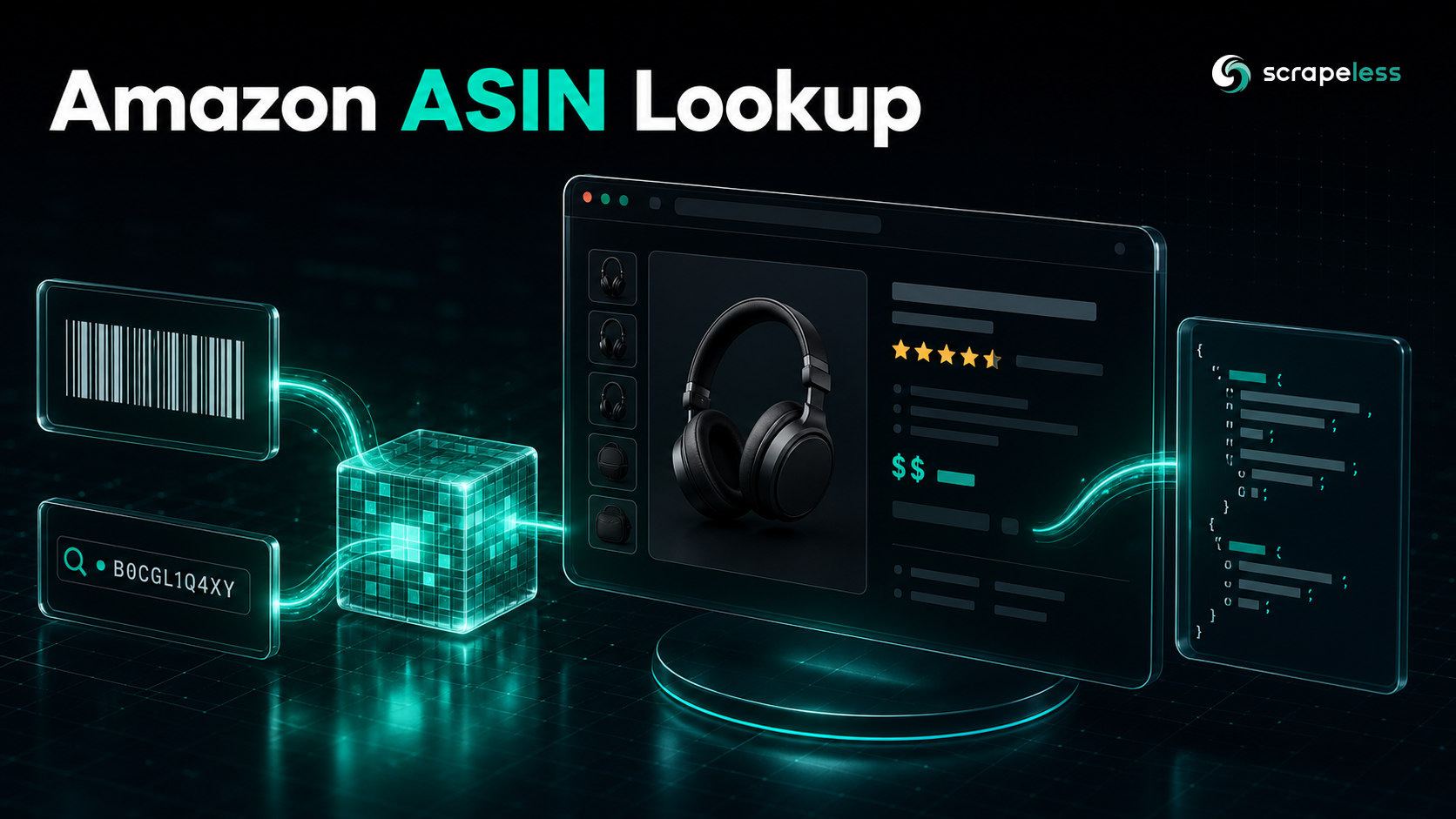
Amazon ASIN Lookup: Turn an ASIN Into a Product Record With the Scraper API

Web Data Collection Specialist
TL;DR:
- An ASIN is Amazon's primary key for a product, and the Amazon Scraper API turns one into a full product record. Pass a product URL containing the ASIN and the
scraper.amazonactor returns title, brand, pricing, availability, ratings, seller, and category fields as structured JSON. - The lookup runs through one authenticated endpoint:
POST https://api.scrapeless.com/api/v1/scraper/requestwith anx-api-tokenheader, anactorofscraper.amazon, and aninputobject carrying theurland atypeofproduct. - The response separates raw and parsed data in one payload. Every call returns three top-level keys —
html(the rendered page),metadata(the request echo), andresult(the parsed product object) — so you can read clean fields or fall back to the HTML. - Country pinning is a first-class request field. A
proxyobject with acountryofUSroutes the lookup through US residential egress, which keeps prices, availability, and the Buy Box consistent with what a US shopper sees. - The same actor covers more than product lookups. Switching
typetokeywordsturns the actor into a search-results reader (page, keyword, and aresultarray of listings), so ASIN enrichment and discovery share one integration. - Free to start. New Scrapeless accounts include free Scraper API credits — sign up at app.scrapeless.com.
Introduction: turn an ASIN into a structured product record
Every product on Amazon carries a ten-character ASIN, and it is the only identifier that holds steady while a listing's title, price, and seller change underneath it. Pricing teams, catalog builders, and AI agents all key their data off it. The hard part is going the other way: from an ASIN back to clean, current product fields.
Scraping a product page by hand means rendering a JavaScript-heavy page, surviving the access challenges Amazon serves to datacenter traffic, and then writing selectors against markup that shifts between layouts and regions. The selectors break, the prices come back localized to the wrong country, and the Buy Box seller you parsed belongs to a different region than the one you wanted.
This guide walks through an ASIN lookup on top of the Scrapeless Amazon Scraper API — the managed scraper.amazon actor in the broader Scraping API line. You send a product URL, the actor renders and parses the page server-side, and you get a structured product object back. The walkthrough covers the endpoint and its parameters, an authenticated request, the real response schema, and a Python reader that consumes the parsed fields.
What the Amazon ASIN Lookup API does
The Amazon Scraper API takes a product URL containing an ASIN and returns the parsed product record for that listing. You give it the canonical product path — https://www.amazon.com/dp/<ASIN> — and the scraper.amazon actor handles rendering, anti-detection, and field extraction on the server, then hands back JSON.
- Resolve an ASIN to product fields. A single
type: productcall returns the title, brand, price, availability, rating, review count, seller, and category path for the ASIN in the URL. - Read both the parsed object and the raw page. The
resultobject carries the structured fields; thehtmlkey carries the rendered page bytes for anything the parser did not lift. - Pin the storefront region. A
proxy.countryvalue routes the lookup through that country's residential egress, so the prices and availability match that locale rather than a random exit. - Reuse the integration for discovery. The same actor accepts a search URL with
type: keywordsand returns paginated search results, so catalog discovery and per-ASIN enrichment run through one endpoint. - Skip the browser plumbing. No local headless browser, no proxy pool, and no selector maintenance — you read fields off the parsed schema instead of maintaining any of it.
Endpoints and parameters
The Amazon ASIN lookup is one synchronous call to the Scraper API request endpoint.
POST https://api.scrapeless.com/api/v1/scraper/requestThe request body carries three top-level fields:
| Field | Type | Required | Description |
|---|---|---|---|
actor |
string | yes | The scraping service identifier — scraper.amazon for Amazon. |
input |
object | yes | Task parameters. For an ASIN lookup: url (the /dp/<ASIN> product URL) and type (product). |
proxy |
object | no | Egress configuration. country (e.g. US) pins the storefront region. |
Inside input, the ASIN lookup uses two fields:
input field |
Example | Description |
|---|---|---|
url |
https://www.amazon.com/dp/B07ZPKBL9V |
The canonical product URL. The ASIN sits in the /dp/ path segment. |
type |
product |
Selects the product-detail parser. Set it to keywords to read a search-results URL instead. |
Authentication is a single header, x-api-token, carrying your Scrapeless API key. The product lookup returns inline — the JSON body comes back on the same HTTP response, so no result-polling step is needed for scraper.amazon.
Get your API key on the free plan: app.scrapeless.com
An authenticated ASIN lookup
This request looks up a single ASIN and pins egress to the US storefront. The x-api-token header carries your key; keep it in an environment variable rather than the command.
bash
# Look up one ASIN (B07ZPKBL9V) and pin the US storefront.
curl -s -X POST "https://api.scrapeless.com/api/v1/scraper/request" \
  -H "Content-Type: application/json" \
  -H "x-api-token: ${SCRAPELESS_API_KEY}" \
  -d '{
    "actor": "scraper.amazon",
    "input": {
      "url": "https://www.amazon.com/dp/B07ZPKBL9V",
      "type": "product"
    },
    "proxy": { "country": "US" }
  }'
The response arrives as one JSON object with html, metadata, and result keys. The metadata object echoes the request — the type you asked for and a rawUrl pointing at the stored rendered page:
json
{
  "rawUrl": "https://api.scrapeless.com/storage/scrapeless.scraper.amazon/<hash>.html",
  "type": "product"
}
The response schema
The parsed structured product data lives under result. Below is the shape returned for ASIN B07ZPKBL9V, with the field names exactly as the actor emits them and the values captured from the live lookup.
json
{
  // Schema reflects exactly what the scraper.amazon product parser emits.
  // Values are a real capture for ASIN B07ZPKBL9V; the features array is an illustrative sample.
  "result": {
    "asin": "B07ZPKBL9V",
    "input_asin": "B07ZPKBL9V",
    "parent_asin": "B0GR1S2JM2",
    "title": "Apple iPhone 11, 64GB, PRODUCT RED - Unlocked (Renewed)",
    "brand": "Apple",
    "manufacturer": "Apple Computer",
    "final_price": "$174.00",
    "initial_price": "$174.64",
    "discount": "-11%",
    "availability": "Only 4 left in stock - order soon.",
    "is_available": true,
    "reviews_count": 60289,
    "seller_name": "WirelessSource",
    "categories": ["Cell Phones & Accessories", "Cell Phones"],
    "domain": "https://www.amazon.com",
    "url": "https://www.amazon.com/dp/B07ZPKBL9V",
    "images_count": 1,
    "features": ["...", "...", "..."]
  }
}
The product object carries more than the fields above — the full result also exposes buybox_seller, number_of_sellers, product_dimensions, item_weight, date_first_available, model_number, variations, product_details, prices_breakdown, and a nested images array, among others. Fields that don't apply to a given listing come back empty rather than missing, so code against presence, not absence.
A few fields earn a second look:
asinvsinput_asinvsparent_asin.input_asinis the ASIN you sent;asinis the listing the page resolved to;parent_asinis the variation group that the listing belongs to. For a child variation, all three can differ.- Prices are strings with their currency glyph.
final_priceis"$174.00", not a number — parse the numeric value yourself if you need arithmetic, and readprices_breakdownfor the component prices. is_availableis the boolean to branch on.availabilityis the human string ("Only 4 left in stock");is_availableis the machine flag.reviews_countis an integer. It counts ratings on the listing at lookup time and moves between calls.
Handling the structured output
In code, the lookup is one POST and a read of result. This Python reader pulls the fields most catalogs need and prints a flat record.
python
import os
import requests

API_URL = "https://api.scrapeless.com/api/v1/scraper/request"


def lookup_asin(asin: str, country: str = "US") -> dict:
    """Resolve one Amazon ASIN to its parsed product record."""
    payload = {
        "actor": "scraper.amazon",
        "input": {
            "url": f"https://www.amazon.com/dp/{asin}",
            "type": "product",
        },
        "proxy": {"country": country},
    }
    headers = {
        "Content-Type": "application/json",
        "x-api-token": os.environ["SCRAPELESS_API_KEY"],
    }
    response = requests.post(API_URL, json=payload, headers=headers, timeout=120)
    response.raise_for_status()
    return response.json()["result"]


if __name__ == "__main__":
    product = lookup_asin("B07ZPKBL9V")
    record = {
        "asin": product.get("asin"),
        "title": product.get("title"),
        "brand": product.get("brand"),
        "price": product.get("final_price"),
        "in_stock": product.get("is_available"),
        "rating_count": product.get("reviews_count"),
        "seller": product.get("seller_name"),
        "category": " > ".join(product.get("categories") or []),
    }
    print(record)
The reader keys everything off result and treats missing fields as None through .get(), which matches how the actor returns inapplicable fields empty. To enrich a list of ASINs, loop over them and keep concurrency modest — a few workers at a time is enough, and it keeps each storefront's egress clean.
For catalog discovery rather than per-ASIN enrichment, swap type to keywords and pass a search URL (https://www.amazon.com/s?k=<query>); the same call then returns a result object with keyword, current_page, total_page, and a result array of listings you can feed back into the ASIN lookup above. The same pattern scales to the rest of a competitive-pricing or catalog pipeline — pair it with the ranked rundown in the best Amazon scrapers guide to see where a managed actor fits against the alternatives, and check Scraping API pricing before you scale the call volume.
Conclusion: build an ASIN-keyed product feed
An Amazon ASIN lookup reduces to four decisions: send the /dp/<ASIN> URL, set type to product, pin proxy.country to the storefront you want, and read the parsed fields off result. The managed Amazon Scraper API handles rendering, anti-detection, and parsing, so you code against the parsed schema rather than a selector set that breaks on the next redesign.
From here, the same scraper.amazon actor feeds a wider pipeline: type: keywords discovers ASINs, type: product enriches each one, and a country-pinned egress keeps prices and availability honest per region. The full request and response reference lives in the Scrapeless documentation. Treat string prices as strings, branch on is_available, and read empty fields as nullable rather than errors.
Ready to Build Your AI-Powered Data Pipeline?
Join our community to claim a free plan and connect with developers building Amazon product-data pipelines: Discord · Telegram.
Sign up at app.scrapeless.com for free Scraper API credits and adapt the lookup above to the ASINs, storefronts, and regions your catalog needs.
FAQ
Q: What is an ASIN and where do I find it?
An ASIN is Amazon's ten-character Standard Identification Number for a product. It appears in the product URL after /dp/ (for example, B07ZPKBL9V in amazon.com/dp/B07ZPKBL9V) and in the "Product information" section of the listing. The Amazon Scraper API reads the ASIN straight from the url you pass.
Q: Do I send the ASIN or the full URL?
You send the full product URL with the ASIN in the /dp/ segment, and set input.type to product. The actor parses the ASIN from the path and returns it back to you as both input_asin (what you sent) and asin (what the page resolved to).
Q: Is scraping Amazon product data by ASIN legal?
Public product-listing data is generally accessible, but legality depends on your jurisdiction, the data you collect, and Amazon's terms of service. Review the applicable terms and consult counsel for your specific use case. Scrapeless accesses only publicly available data.
Q: Do I need to pin a proxy country?
For consistent pricing and availability, yes. Amazon localizes prices, the Buy Box, and stock by region, so set proxy.country to the storefront you want (for example, US for amazon.com). Without it, egress region can vary and skew the prices you read.
Q: Why are some fields empty in the response?
The product parser returns every field in its schema and leaves the ones that don't apply to a listing empty rather than dropping them. A renewed phone won't carry ingredients; a book won't carry item_weight. Treat empty fields as nullable and branch on presence in your code.
Q: Can I look up many ASINs at once?
The endpoint resolves one ASIN per request, so iterate over your ASIN list and call it per item. Keep concurrency modest — a few workers at a time — to keep each storefront's egress clean while you enrich a catalog.
Q: How do I find ASINs to look up in the first place?
Use the same actor with input.type set to keywords and a search URL (amazon.com/s?k=<query>). It returns a paginated result array of listings with their ASINs, which you then feed into the type: product lookup for full records.
At Scrapeless, we only access publicly available data while strictly complying with applicable laws, regulations, and website privacy policies. The content in this blog is for demonstration purposes only and does not involve any illegal or infringing activities. We make no guarantees and disclaim all liability for the use of information from this blog or third-party links. Before engaging in any scraping activities, consult your legal advisor and review the target website's terms of service or obtain the necessary permissions.





