
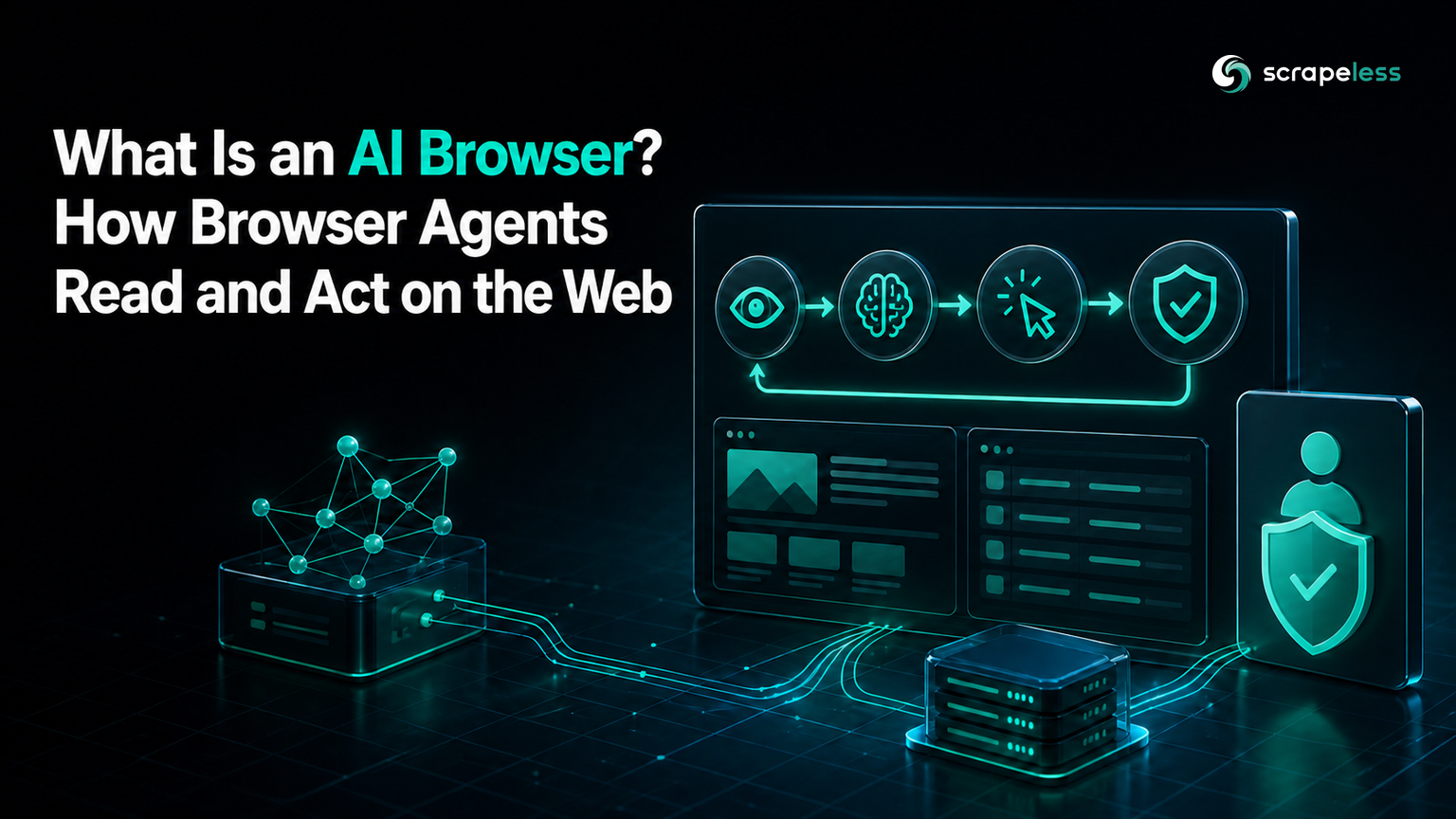
What Is an AI Browser? How Browser Agents Read and Act on the Web

Expert in Web Scraping Technologies
TL;DR:
- An AI browser combines a browser environment with models that can interpret page context and help complete web tasks. The term covers assistants inside consumer browsers, AI-native browsing products, and developer-run browser agents.
- A browser agent follows an observe → reason → act → verify loop. The browser supplies page state; the agent chooses actions; the runtime checks permissions, results, and stopping conditions.
- Reliability depends on the browser layer, not only the model. Session state, stable element targeting, network evidence, time limits, and human handoff determine whether a multi-step task completes safely.
- Web content is untrusted input. Browser agents need narrow permissions, action approval, data isolation, and defenses against indirect prompt injection.
The phrase “AI browser” is used for several products that look similar in a demo but behave differently in a system design. One adds a summarization panel to a browser a person controls. Another makes AI the primary way to navigate. A third gives an autonomous agent a remote browser so it can click, type, read, and extract data.
That distinction matters when a team chooses infrastructure. A consumer assistant can improve personal research without exposing an automation API. A browser agent can execute a repeatable workflow, but it also needs state, permissions, observability, and a reliable browser runtime. The useful question is therefore not only “what is an AI browser?” It is “who controls the session, what actions are allowed, and how is success verified?”
What Is an AI Browser?
An AI browser is a browser-based system that uses an AI model to interpret web content, answer questions about a page, or perform actions toward a user-defined goal. It connects language understanding with browser state such as the current URL, visible text, document structure, screenshots, cookies, and interaction history.
The broad definition includes three product shapes:
- An AI assistant embedded in a conventional browser.
- An AI-native browser designed around conversation and task completion.
- A browser agent in which software controls a browser session through tools or an automation protocol.
These shapes can overlap. An AI-native browser may expose an agent mode, while a developer browser agent may offer a chat interface. The operational boundary is more useful than the marketing label: a person-led browser assists; an agent-led browser acts.
AI Assistant vs AI-Native Browser vs Browser Agent
| Type | Primary operator | Typical input | Typical output | Best fit |
|---|---|---|---|---|
| Browser AI assistant | Person | Page question or writing request | Summary, answer, or draft | Individual research and reading |
| AI-native browser | Person with agent features | Conversational goal | Browsing session plus result | Guided multi-step personal tasks |
| Browser agent | Software runtime | Goal, policy, and tools | Actions, evidence, structured data | Repeatable automation and data work |
A browser AI assistant normally reads the current page and responds without owning the full session. An AI-native browser can make conversation central to navigation and may perform some actions. A browser agent is an application component: it receives a task, observes a page, invokes browser actions, stores state, and returns evidence to another system.
This is why “AI browser vs browser agent” is not merely a naming debate. The browser agent must operate under an explicit contract. It needs to know which domains it may visit, whether it may submit forms, which data can leave the session, and when a person must approve an action.
How the Agent Loop Works
The common agentic browser loop has four stages.
Observe
The browser exposes the current page through accessible text, a DOM snapshot, a screenshot, or a combination of these. The observation should also include the URL, navigation state, visible dialogs, and recent action result. A model cannot distinguish a completed task from a partially loaded page if those signals are absent.
Reason
The model maps the goal and current observation to a next action. It may decide to follow a link, fill a field, extract a table, or ask for approval. The surrounding runtime should validate that choice against the tool schema and task policy.
Act
An automation tool performs the chosen operation in the browser. Interfaces such as WebDriver define remote browser control semantics, while CDP-based clients provide another common integration path. The model does not press a physical mouse; it requests an operation through a controlled interface.
Verify
The system checks the resulting page state against a concrete condition. A successful click is not the same as a successful task. Verification may require a changed URL, a visible confirmation, a downloaded file, or extracted fields that pass a schema.
The loop continues until the completion condition is met, a time or action budget is exhausted, or a policy requires human input.
Start Scraping with Scrapeless
Power up your web scraping and automation workflow with Scrapeless!
Sign up today and get $5 in free credit — no credit card required.Claim your free credit now in the Scrapeless Dashboard.
What AI Browsers Are Good At
AI browser automation is useful when the web task requires interpretation as well as interaction.
- Research across public sources: open result pages, identify relevant sections, and return source-linked notes.
- Structured extraction from dynamic pages: render client-side content, navigate pagination, and map visible records to a defined schema.
- Repetitive portal work: move through the same approved workflow while preserving session state.
- QA exploration: describe a user journey in natural language, execute it, and retain screenshots or console evidence.
- Agent tool use: give a larger agent a browser capability for tasks that lack a suitable API.
The browser is justified when rendering or interaction is required. If a documented API returns the needed data directly, an API call is usually easier to validate and operate.
Where Reliability Breaks
Models are probabilistic, while web interfaces change. A robust system expects ambiguity rather than hiding it.
First, page state can be incomplete. Lazy-loaded content, overlays, consent dialogs, and client-side routing can make a correct action target temporarily unavailable. The observation needs readiness signals and bounded waits.
Second, visual and DOM representations can disagree. A hidden element may exist in the document, while text embedded in a canvas may be visible but absent from accessible markup. Combining representations improves coverage, but it also raises cost and context size.
Third, session state can drift. Authentication, cookies, locale, viewport, and prior navigation affect what the agent sees. Store these as task state and isolate sessions by user or workflow.
Fourth, a plausible result may still be wrong. Require field schemas, source URLs, evidence snapshots, and explicit completion checks. Confidence prose from the model is not proof of a successful browser action.
Security, Prompt Injection, and Permissions
A browser agent reads content controlled by other parties. Text on a page can contain instructions aimed at the model rather than the human reader. OWASP describes this as indirect prompt injection: untrusted content attempts to alter the agent’s behavior.
The defense is architectural. Treat page text as data, keep system policy outside the page context, and validate every proposed action against the original task. The OWASP AI Agent Security guidance recommends least-privilege tools, input and output validation, human controls for high-impact actions, monitoring, and adversarial testing.
Browser permissions should be divided by consequence:
- Read public pages under an allowlist.
- Download only approved file types into an isolated location.
- Require approval before submitting a form, sending a message, purchasing, or changing an account.
- Keep credentials outside model-visible text and inject them only at the execution boundary.
- Block page content from expanding tool permissions or changing the task goal.
NIST’s agent tool-access taxonomy separates read-only and write capabilities across trusted and untrusted environments. That framing is practical for browser design because public web pages are untrusted even when the requested task is harmless.
How Developer Teams Build the Browser Layer
A production browser layer usually contains five parts:
- Session service: creates isolated browser contexts and controls lifetime, locale, network route, and stored profile use.
- Observation service: returns page text, document structure, screenshots, network events, and error state in a bounded format.
- Action tools: expose narrow operations such as navigate, click, type, extract, and capture evidence.
- Policy gate: checks domains, action type, sensitive data, and approval requirements before execution.
- Evidence store: records input, output, URL, timestamp, action result, and completion state for review.
Scrapeless Agent Browser provides the managed browser layer through a standard CDP WebSocket endpoint and supports integration with Playwright, Puppeteer, and agent frameworks. Its getting-started documentation documents current session parameters such as lifetime, location, and recording.
The Scrapeless AI Agent page represents the agent-facing product direction; it is not a consumer browser replacement. For a concrete tool-oriented pattern, the Scrapeless MCP use-case guide shows how agents can combine browser actions with structured web data. Current usage options are on the Scrapeless pricing page.
Is an AI Browser Right for Your Workflow?
Choose an AI browser when the job depends on page meaning, dynamic rendering, or multi-step interaction. Choose a conventional automation script when the path is stable and deterministic. Choose an API when the data provider already exposes a supported endpoint.
Before adopting a browser agent, answer four questions:
- Can success be expressed as a machine-checkable condition?
- Can the browser operate with a narrow domain and action allowlist?
- Is there evidence for every consequential action and extracted record?
- Can a person inspect or take over the session when the workflow reaches an approval boundary?
If those answers are unclear, the missing piece is usually the surrounding runtime, not a larger model.
Conclusion
An AI browser connects model reasoning to web context. A browser assistant helps a person; an AI-native browser makes conversation part of navigation; a browser agent lets software run a controlled web task. The engineering value comes from the observe, reason, act, and verify loop around the model.
For a production workflow, define success first, reduce browser permissions, preserve session evidence, and treat every page as untrusted input. Then choose the lightest browser layer that can satisfy the task.
Give Your Agent a Controlled Browser Layer
Join developers working on browser agents through Discord or Telegram. Open the Scrapeless Dashboard to create an isolated browser session for an approved workflow.
FAQ
Q: What is an AI browser in simple terms?
It is a browser-based system that uses an AI model to understand page content, answer questions, or perform browser actions toward a goal.
Q: What is the difference between an AI browser and a browser agent?
An AI browser is the broad category. A browser agent is software that controls a browser session through tools and works toward a defined completion condition.
Q: How do AI browsers work?
They observe page state, use a model to choose a next step, execute a browser action through a tool, and verify the result. The runtime manages state, permissions, evidence, and stopping rules.
Q: Are AI browsers fully autonomous?
No system should be treated as universally autonomous. Safe operation depends on the task, permissions, page behavior, validation, and human approval for consequential actions.
Q: Can an AI browser replace Playwright or Selenium?
Not always. Agentic systems often use browser automation protocols underneath. Deterministic scripts remain a better fit for stable test paths, while agents help with tasks that require interpretation.
Q: What is the main security risk for browser agents?
Indirect prompt injection is a major risk because malicious instructions can be embedded in web content. Least-privilege tools, action validation, isolation, and approval gates reduce the impact.
At Scrapeless, we only access publicly available data while strictly complying with applicable laws, regulations, and website privacy policies. The content in this blog is for demonstration purposes only and does not involve any illegal or infringing activities. We make no guarantees and disclaim all liability for the use of information from this blog or third-party links. Before engaging in any scraping activities, consult your legal advisor and review the target website's terms of service or obtain the necessary permissions.





