
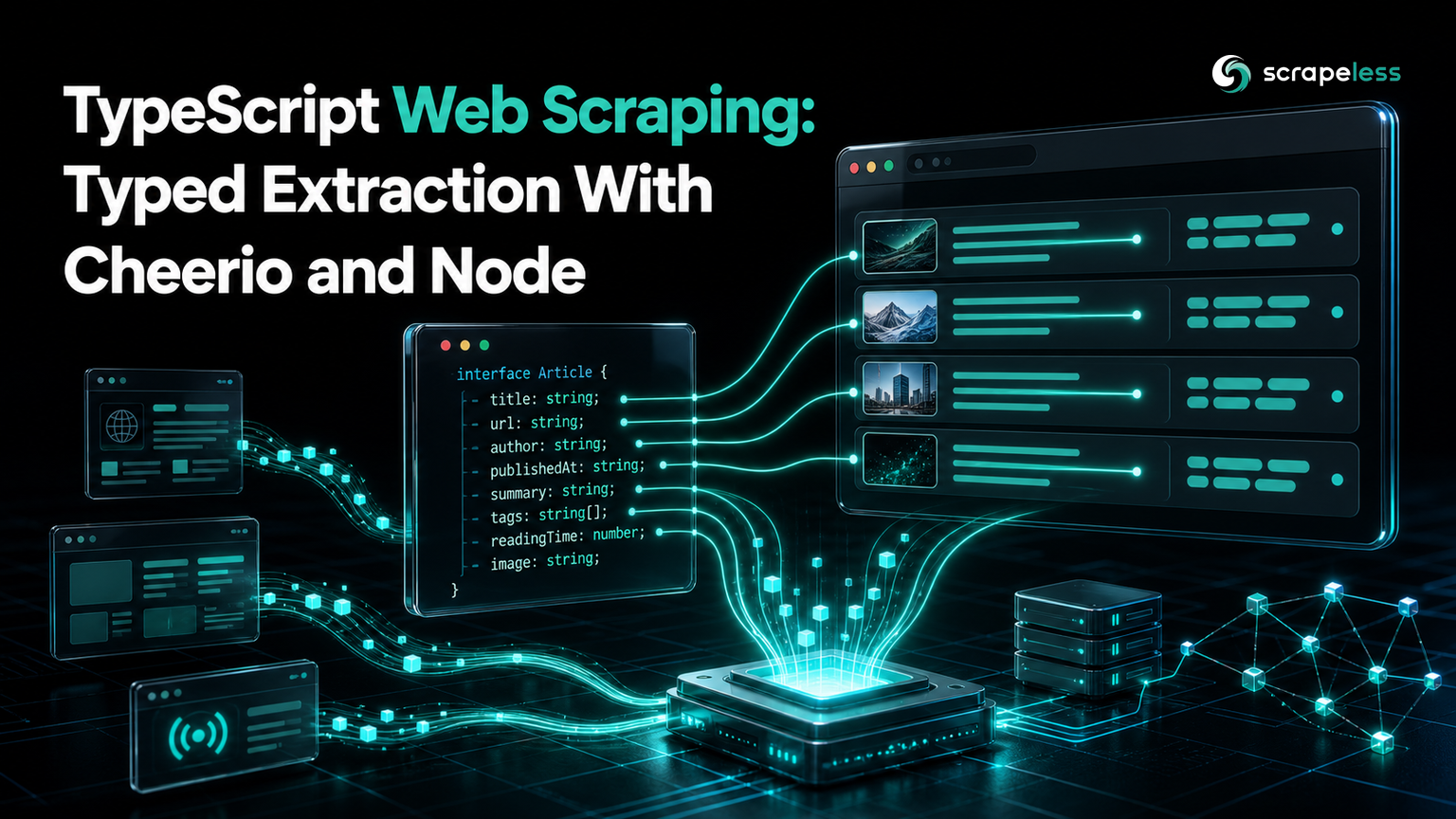
TypeScript Web Scraping: Typed Extraction With Cheerio and Node

Web Data Collection Specialist
TL;DR:
- Node 22 runs TypeScript directly with
node --experimental-strip-types, so a scraper needs no build step and no bundler. fetchis built into the runtime, which leavescheerioas the only dependency for HTML parsing and CSS selection.- Typing the record you extract is what makes a scraper maintainable: the compiler flags a renamed field at the point it is consumed rather than after the data has already moved downstream.
- Types describe the shape you expect, not the page you received — a client-rendered page still returns a valid response that parses to zero records.
- The Scrapeless Universal Scraping API renders the page first, and the same unchanged
cheerioselectors then return all 10 records. - Start on the Scrapeless free plan and point the pivot example at your own target.
TypeScript earns its place in a scraper for one reason: the data you extract has a shape, and that shape drifts. A site renames a field, a selector starts returning an empty string, and a plain JavaScript scraper carries the damage silently into whatever consumes it. A typed record turns that into a compile error.
What changed recently is the setup cost. Node 22 strips types natively, so there is no tsc step, no bundler, and no ts-node in the dependency tree.
What You Need
TypeScript web scraping in 2026 needs Node 22 or later and a single dependency. The versions below are what these examples were run against:
| Component | Version | Job |
|---|---|---|
| Node.js | 22.22.3 | Runtime, native fetch, native type stripping |
cheerio |
1.2.0 | HTML parsing and CSS selectors |
fetch is built into the runtime, so it needs no import and no HTTP library. cheerio gives a jQuery-shaped API over a parsed document, which is the closest thing to a standard for server-side HTML querying in the Node ecosystem. It parses according to the HTML parsing specification rather than treating markup as text to match patterns against.
Install
Create the project and add the one dependency:
bash
mkdir ts-scraper && cd ts-scraper
npm init -y
npm pkg set type=module
npm install cheerio@1.2.0
The type=module setting matters: the examples below use top-level await, which requires ES module syntax.
Extract a Typed Record
Declare the shape first, then make the extraction produce it. The compiler will hold you to it:
typescript
import * as cheerio from "cheerio";

interface Quote {
  text: string;
  author: string;
  tags: string[];
}

const res = await fetch("https://quotes.toscrape.com/");
if (!res.ok) throw new Error(`HTTP ${res.status}`);
const $ = cheerio.load(await res.text());

const quotes: Quote[] = $("div.quote")
  .map((_, el) => ({
    text: $(el).find("span.text").text(),
    author: $(el).find("small.author").text(),
    tags: $(el).find("a.tag").map((_, t) => $(t).text()).get(),
  }))
  .get();

console.log(`quotes parsed: ${quotes.length}`);
console.log(JSON.stringify(quotes[0], null, 2));
Run it with no build step:
bash
node --experimental-strip-types static.ts
text
quotes parsed: 10
{
  "text": "“The world as we have created it is a process of our thinking. It cannot be changed without changing our thinking.”",
  "author": "Albert Einstein",
  "tags": [
    "change",
    "deep-thoughts",
    "thinking",
    "world"
  ]
}
Three things are doing real work there.
The Quote annotation on quotes is what makes the .map() callback type-checked. Return an object missing tags, or spell it tag, and the error lands on that line rather than surfacing later as undefined in whatever consumes the array.
res.ok is the check people skip. fetch does not throw on a 404 or a 403 — it resolves normally with ok set to false, and the error page parses to zero matches exactly like an empty result. The status classes that behave this way are defined in the HTTP semantics specification.
The nested .map(...).get() is cheerio's idiom for turning a selection into a real array. The inner call collects the tag strings, so tags arrives as string[] rather than a cheerio object.
Where Types Stop Helping
A type describes the record you expect, not the page you received. Neither fetch nor cheerio runs JavaScript, so on a page that builds its content in the browser, the selectors match nothing and the types are satisfied by an empty array.
The site above publishes a client-rendered twin of the same data at /js/. The same parsing code, pointed at it:
typescript
import * as cheerio from "cheerio";

const res = await fetch("https://quotes.toscrape.com/js/");
if (!res.ok) throw new Error(`HTTP ${res.status}`);
const html = await res.text();
const $ = cheerio.load(html);

console.log(`html bytes: ${html.length}`);
console.log(`quotes parsed: ${$("div.quote").length}`);
text
html bytes: 5806
quotes parsed: 0
The request succeeded, res.ok was true, and 5,806 characters of valid HTML parsed without complaint. Quote[] is a perfectly well-typed empty array. This is the failure mode worth designing around, because nothing in the type system or the HTTP layer reports it — the quote markup is written into the DOM after a script runs.
Render First, Then Parse
The Scrapeless Universal Scraping API closes that gap by rendering the page in a cloud browser and returning the resulting HTML, so the TypeScript side stays a typed fetch call.
Set your key:
bash
export SCRAPELESS_API_KEY="your_api_key_here"Only the fetch layer changes — the Quote interface and the selector code are identical to the first example:
typescript
import * as cheerio from "cheerio";

interface Quote {
  text: string;
  author: string;
  tags: string[];
}

const res = await fetch("https://api.scrapeless.com/api/v2/unlocker/request", {
  method: "POST",
  headers: {
    "x-api-token": process.env.SCRAPELESS_API_KEY!,
    "Content-Type": "application/json",
  },
  body: JSON.stringify({
    actor: "unlocker.webunlocker",
    input: {
      url: "https://quotes.toscrape.com/js/",
      js_render: true,
      headless: true,
    },
  }),
});
if (!res.ok) throw new Error(`HTTP ${res.status}`);

const envelope: { data: string } = await res.json();
const $ = cheerio.load(envelope.data);

const quotes: Quote[] = $("div.quote")
  .map((_, el) => ({
    text: $(el).find("span.text").text(),
    author: $(el).find("small.author").text(),
    tags: $(el).find("a.tag").map((_, t) => $(t).text()).get(),
  }))
  .get();

console.log(`html bytes: ${envelope.data.length}`);
console.log(`quotes parsed: ${quotes.length}`);
console.log(`first author: ${quotes[0]?.author}`);
text
html bytes: 8940
quotes parsed: 10
first author: Albert Einstein
Same page, same selectors, same interface. The record count moves from 0 to 10 and the payload grows from 5,806 to 8,940 characters, and the only difference is which layer fetched the HTML.
Two TypeScript details in that call are worth copying. Annotating the envelope as { data: string } stops await res.json() from spreading any through the rest of the file, which is where type safety usually leaks out of a scraper. And quotes[0]?.author respects the fact that an array index can be undefined — with noUncheckedIndexedAccess enabled, the compiler requires that.
The data field holds the rendered document as a string, which is why it goes straight into cheerio.load. Render options are covered in the Scrapeless documentation, and the same js_render behavior is explored further in the JS rendering guide.
Troubleshooting
ERR_UNKNOWN_FILE_EXTENSION on a .ts file. The --experimental-strip-types flag is missing, or Node is older than 22. Type stripping removes annotations at load time; it does not type-check, so run tsc --noEmit separately when you want the compiler's opinion.
Cannot use import statement outside a module. The package is missing "type": "module". Top-level await needs ES modules.
Type stripping rejects an enum or a parameter property. Those constructs emit real runtime code rather than being erasable, so stripping cannot handle them. Use a union of string literals instead of an enum, and assign constructor fields explicitly.
Selectors match in the browser but not in the script. Compare against view-source rather than the inspector. The inspector shows the DOM after scripts have run, which is not what fetch received — print the response length first, as the example above does.
Before pointing this at a live target, check the site's terms and its /robots.txt directives, which follow the Robots Exclusion Protocol standard, and keep collection to public data at a volume the site can serve comfortably.
Conclusion
TypeScript gives a scraper a contract: declare the record, and the compiler tells you when the extraction stops satisfying it. With Node 22 stripping types natively and fetch built in, that contract costs one dependency and no build step.
What types cannot tell you is whether the page you fetched contained the data at all. That check has to be explicit — a well-typed empty array is what a client-rendered page returns, and it looks exactly like a page with no results. Measuring the difference is the habit worth keeping: 10 records server-rendered, 0 on the JavaScript twin, 10 again once something renders the page before cheerio sees it.
Start with the Scrapeless free plan to run the render step against your own targets, and check the current Scrapeless pricing when you size a job.
FAQ
Q: Do I need to compile TypeScript to scrape with it?
No. Node 22 and later run .ts files directly with node --experimental-strip-types, which removes type annotations at load time. That means no build step and no bundler for a scraper. Type stripping does not check types, so run tsc --noEmit in CI when you want the compiler to actually verify them.
Q: Which HTML parsing library should I use with TypeScript?
cheerio covers most work — it parses with an HTML-spec-compliant parser and exposes a jQuery-style selector API with TypeScript definitions included. Reach for a headless browser or a rendering API only when the content is written into the DOM by scripts, which no parser can recover on its own.
Q: Does fetch throw on a 404 in Node?
No, and this catches people out. fetch resolves normally for any HTTP response and only rejects on a network-level failure, so you have to check res.ok yourself. Without that check, an error page parses to zero matches and is indistinguishable from a page that legitimately had no results.
Q: How do I keep types honest when the response is JSON?
Annotate at the boundary. await res.json() returns any, so assigning it to a typed variable such as const envelope: { data: string } is what stops any from spreading through the rest of the file. For untrusted upstream data, validate at runtime with a schema library rather than relying on the annotation alone.
Q: Can TypeScript scrape a page that renders in the browser?
Not by itself. The language has no bearing on whether JavaScript executes — fetch returns the bytes the server sent, and the example above shows those bytes parsing to zero records on a client-rendered page. Rendering has to happen elsewhere, either in a headless browser you operate or through an API that returns the rendered DOM.
At Scrapeless, we only access publicly available data while strictly complying with applicable laws, regulations, and website privacy policies. The content in this blog is for demonstration purposes only and does not involve any illegal or infringing activities. We make no guarantees and disclaim all liability for the use of information from this blog or third-party links. Before engaging in any scraping activities, consult your legal advisor and review the target website's terms of service or obtain the necessary permissions.





