
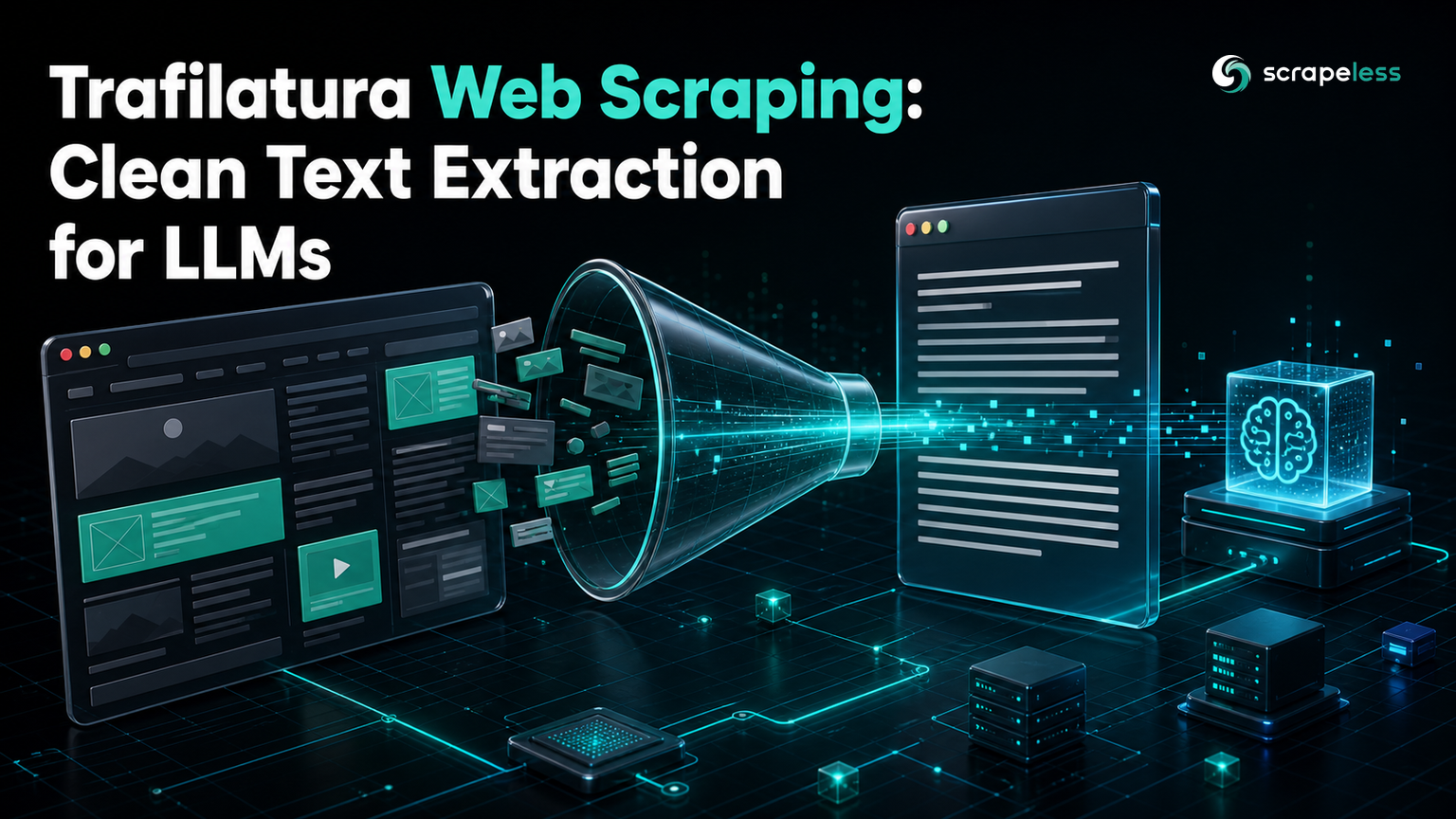
Trafilatura Web Scraping: Clean Text Extraction for LLMs

Web Data Collection Specialist
TL;DR:
- Trafilatura turns a raw HTML page into clean main-content text, stripping navigation, sidebars, and footers so a language model sees the content and not the chrome.
- On the example page, 9,275 characters of HTML become 1,324 characters of clean text, an 86% reduction that lands straight in an LLM's context window.
- Trafilatura has no fetch layer that clears blocks, so this guide pairs Scrapeless for retrieval with trafilatura for extraction.
trafilatura.extractproduces plain text, and the same call withoutput_format="markdown"or"json"gives Markdown or a metadata record with the title, author, and date.- The split is clean: Scrapeless gets the page, trafilatura gets the article out of it.
- Start on the Scrapeless free plan and point the extractor at your own pages.
A scraped HTML page is mostly not the thing you want. Navigation, cookie banners, related-article rails, and footers can be most of the bytes, and feeding all of that to a language model wastes tokens and dilutes the signal. Trafilatura solves the second half of that problem: given HTML, it finds the main content and returns it as clean text. It does not solve the first half, because it cannot fetch a page that fights back.
This guide pairs the two halves. The Scrapeless Universal Scraping API retrieves the page, and trafilatura extracts the article. Every number below comes from a real run against a public page.
What Trafilatura Does
Trafilatura is a main-content extraction library: it reads HTML and returns the article text without the surrounding boilerplate. It walks the page structure to tell content from navigation, and its extraction quality is benchmarked in the peer-reviewed paper that introduced it. For anyone building a retrieval or LLM pipeline, that is the step between "I have the HTML" and "I have text worth embedding."
What trafilatura is not is a scraper. It has no browser, no proxy, and no way through an access challenge. Its built-in fetch_url is a plain HTTP client, so on a protected page it gets a block page and dutifully extracts the block. That is why retrieval belongs to a tool built for it.
Install
Trafilatura is a single pip install.
bash
pip install trafilaturaSet your Scrapeless key in the shell. Use the real key at run time and keep the placeholder out of your source.
bash
export SCRAPELESS_API_KEY="sk_your_key_here"Basic Extraction
Fetch the page with Scrapeless, then hand the HTML to trafilatura.extract. It returns the main content as clean text.
python
import json
import os
import urllib.request

import trafilatura

API_URL = "https://api.scrapeless.com/api/v2/unlocker/request"
TARGET = "https://books.toscrape.com/catalogue/a-light-in-the-attic_1000/index.html"


def fetch_html(url: str) -> str:
    payload = json.dumps(
        {"actor": "unlocker.webunlocker", "input": {"url": url, "js_render": False, "headless": False}}
    ).encode()
    request = urllib.request.Request(
        API_URL,
        data=payload,
        headers={"x-api-token": os.environ["SCRAPELESS_API_KEY"], "Content-Type": "application/json"},
        method="POST",
    )
    with urllib.request.urlopen(request, timeout=90) as response:
        return json.loads(response.read())["data"]


html = fetch_html(TARGET)
text = trafilatura.extract(html)
print(f"raw html chars: {len(html)}")
print(f"clean text chars: {len(text)}")
print(f"boilerplate removed: {100 * (1 - len(text) / len(html)):.0f}%")
The output shows how much the page shrinks once the chrome is gone.
text
raw html chars: 9275
clean text chars: 1324
boilerplate removed: 86%
The 1,324 characters that remain are the title, price, availability, and product description; the navigation, breadcrumbs, and footer are gone. That 86% reduction is tokens you no longer pay a model to read.
Markdown and Metadata
Plain text is the default, but a retrieval pipeline usually wants structure. The same extract call takes an output_format, so Markdown keeps the headings and lists a model reads well.
python
markdown = trafilatura.extract(html, output_format="markdown")
print(f"markdown chars: {len(markdown)}")
For provenance, ask for JSON with metadata. The record carries the title, author, hostname, date, and language alongside the text, which is what you store next to an embedding so a retrieved chunk can cite its source.
python
record = json.loads(trafilatura.extract(html, output_format="json", with_metadata=True))
print(f"title: {record['title']}")
The Complete Extractor
Put the fetch, the text, the Markdown, and the metadata together, and one script takes a URL to everything a downstream pipeline needs.
python
import json
import os
import urllib.request

import trafilatura

API_URL = "https://api.scrapeless.com/api/v2/unlocker/request"
TARGET = "https://books.toscrape.com/catalogue/a-light-in-the-attic_1000/index.html"


def fetch_html(url: str) -> str:
    payload = json.dumps(
        {"actor": "unlocker.webunlocker", "input": {"url": url, "js_render": False, "headless": False}}
    ).encode()
    request = urllib.request.Request(
        API_URL,
        data=payload,
        headers={"x-api-token": os.environ["SCRAPELESS_API_KEY"], "Content-Type": "application/json"},
        method="POST",
    )
    with urllib.request.urlopen(request, timeout=90) as response:
        return json.loads(response.read())["data"]


html = fetch_html(TARGET)
print(f"raw html chars: {len(html)}")

text = trafilatura.extract(html)
print(f"clean text chars: {len(text)}")
print(f"boilerplate removed: {100 * (1 - len(text) / len(html)):.0f}%")

markdown = trafilatura.extract(html, output_format="markdown")
print(f"markdown chars: {len(markdown)}")

record = json.loads(trafilatura.extract(html, output_format="json", with_metadata=True))
print(f"title: {record['title']}")
The run reports each output the pipeline consumes.
text
raw html chars: 9275
clean text chars: 1324
boilerplate removed: 86%
markdown chars: 1474
title: A Light in the Attic
Where Trafilatura Stops
Trafilatura extracts; it does not retrieve past a block, and that boundary is the reason this guide uses two tools. Point trafilatura's own fetch at a protected page and it receives a challenge or an empty shell, then extracts nothing useful from it. Scrapeless handles retrieval, returning the rendered HTML, and trafilatura takes over from there. When a target renders its article with JavaScript, set js_render to True in the request so the HTML trafilatura receives already contains the content; leave it False, as here, when the markup is server-rendered.
Before you run this across a site, read its robots.txt and terms. The Robots Exclusion Protocol states which paths a site asks automated clients to avoid, and honoring it keeps an extraction pipeline sustainable. For the wider ingestion picture, the guide on building a clean web text pipeline for RAG shows where this extract step fits.
Ready to try it on your own pages? Create a free Scrapeless account and change the target URL.
Conclusion
Clean text is what a language model actually needs, and getting there is two steps: retrieve, then extract. Scrapeless returns the page, and trafilatura turns 9,275 characters of HTML into 1,324 characters of content, in text, Markdown, or a metadata record. The trafilatura documentation covers the output formats and tuning options in full. Start from the complete script, swap in your own URL, and feed the result to your embedding or LLM step.
Start with the Scrapeless free plan to retrieve your own pages, and check Scrapeless pricing when you size a recurring job.
FAQ
Q: Does trafilatura fetch web pages by itself?
It has a built-in fetch_url, but that is a plain HTTP client with no unblocking, so it fails on pages behind an access challenge. Pair it with a retrieval tool such as Scrapeless that returns rendered HTML, and let trafilatura do what it is good at, which is extracting the main content from that HTML.
Q: How is trafilatura different from BeautifulSoup?
BeautifulSoup is a parser: you tell it which elements to select. Trafilatura is an extractor: it decides which part of the page is the main content and returns it, with no selectors to write. Use BeautifulSoup when you need specific fields, and trafilatura when you want the article body as clean text.
Q: What output formats does trafilatura support?
The extract function takes an output_format of txt (the default), markdown, json, or xml. Markdown keeps headings and lists for LLM input, and JSON with with_metadata=True adds the title, author, date, and language next to the text.
Q: Can trafilatura keep the title and author?
Yes. Call extract with output_format="json" and with_metadata=True, and the returned record includes title, author, hostname, date, and language. Storing that metadata alongside an embedding lets a retrieved chunk report where it came from.
Q: Why extract main content instead of sending the whole page to an LLM?
Most of a page is navigation, ads, and footers, which on the example page is 86% of the characters. Sending all of it costs tokens and buries the signal, so extracting the main content first cuts cost and improves the model's focus on the text that matters.
At Scrapeless, we only access publicly available data while strictly complying with applicable laws, regulations, and website privacy policies. The content in this blog is for demonstration purposes only and does not involve any illegal or infringing activities. We make no guarantees and disclaim all liability for the use of information from this blog or third-party links. Before engaging in any scraping activities, consult your legal advisor and review the target website's terms of service or obtain the necessary permissions.





