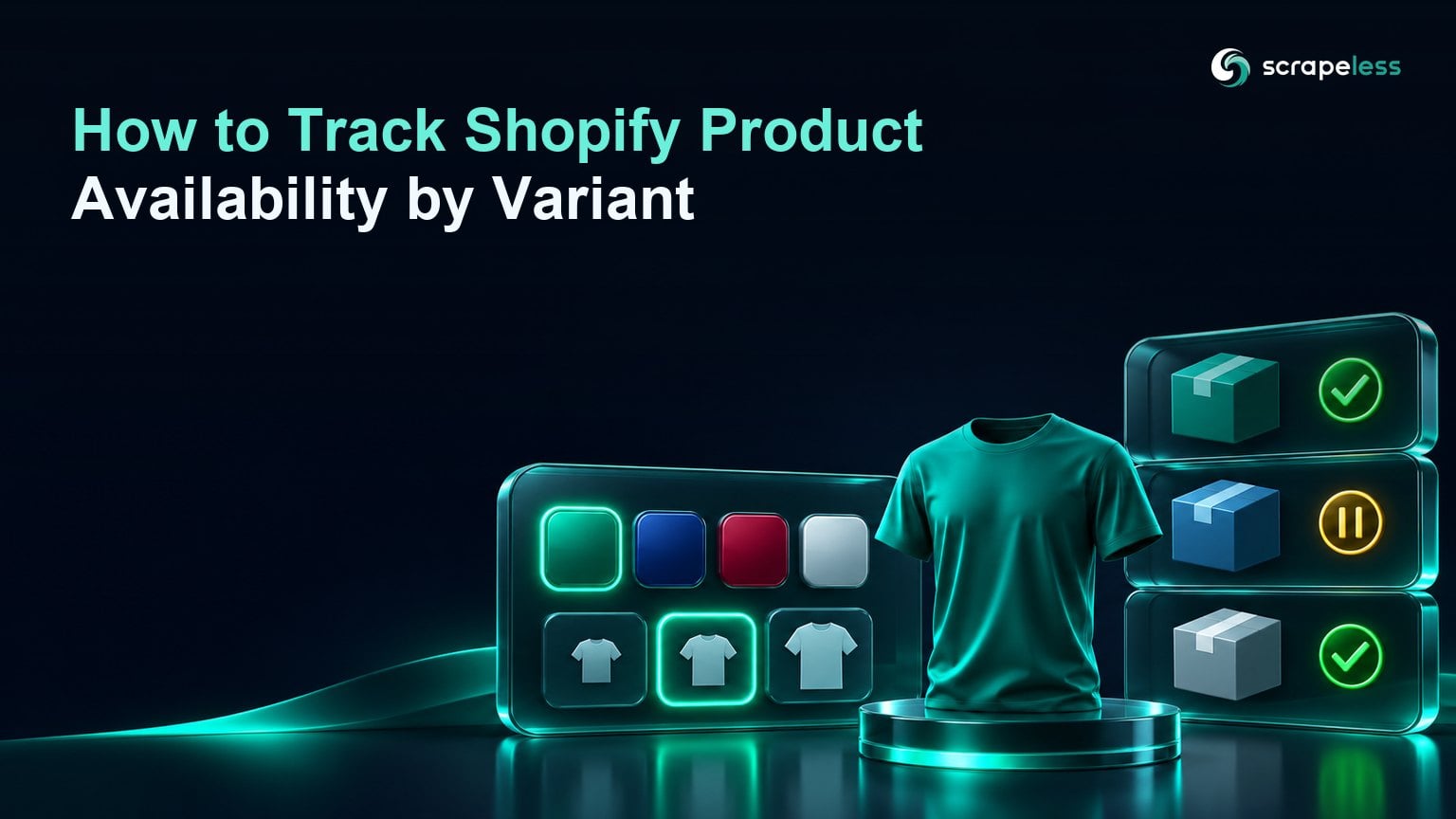
How to Track Shopify Product Availability by Variant

Senior Web Scraping Engineer
TL;DR:
- Shopify product availability varies by variant. A product can be purchasable overall while a particular size or color is unavailable.
- An unavailable variant and a failed capture are different events. Preserve unknown observations without emitting false stock changes.
- Storefront sellability is an observed offer state. Inventory quantities and fulfillment details need separately authorized sources.
- A variant ID and market form the core of a usable history. Keep the selected options for display and the ID for joins.
Introduction
A blue jacket is available in small and sold out in large. Both sizes share the same product page. A monitor that reads the product-level availability flag will report the jacket as available and miss the state the buyer actually cares about.
Collect the variant ID and the market with each observation. Those fields give you a stable comparison when the label, default selection, or storefront locale changes.
One Row Per Variant and Market
For each approved product, resolve its variants and capture the storefront's sellability signal in the chosen market. Keep the raw observation and the normalized state. The alert job should only compare observations for the same store, market, and variant.
Read Variant IDs From the Storefront
Variant identity should come from a documented storefront representation where the store makes it available. Shopify's Ajax Product API reference documents a locale-aware product route and shows variant objects with an ID and availability field. Use the store's documented access path and treat a failed response as unknown.
Where a storefront exposes a documented product record, use it to enumerate variants. When options are rendered dynamically, a browser for JavaScript storefronts can observe the visible selection. Compare the coverage plan with Scrapeless pricing before expanding the market list.
Track store, product handle or stable product identifier, variant ID, and selected option values. Preserve identifiers as strings when moving records across systems that handle large numeric IDs differently. Normalize display labels for readability while keeping source option values for review.
The ProductGroup vocabulary models variants as members of a product group. Use the same distinction in the dataset so a product-level observation cannot replace a specific variant record.
Confirm the Selected Option Before Reading Availability
A variant observation describes storefront sellability in the observed context. If the documented data surface reports an explicit availability flag, record it with the selected market. If the rendered page supplies the evidence, select the variant through its normal options and confirm that the selection has taken effect before reading the purchase control.
A preorder can still be purchasable. Keep explicit preorder and backorder language in a separate field. The Offer vocabulary associates availability with the offer, which helps explain why one variant or market can differ from another. Store shipping or pickup observations separately when they matter.
Start Scraping with Scrapeless
Power up your web scraping and automation workflow with Scrapeless!
Sign up today and get $5 in free credit — no credit card required.Claim your free credit now in the Scrapeless Dashboard.
Keep Unknown Captures Out of Stock History
An availability history needs both the source observation and its interpretation. A usable row carries store, market, variant ID, selected options, observation time, source surface, and capture state. Add the rendered purchase wording when it distinguishes ordinary availability from preorder.
| Observation | Normalized result |
|---|---|
| Explicit positive variant flag | Purchasable in the observed context |
| Explicit negative variant flag | Unavailable in the observed context |
| Variant page offers a preorder | Purchasable with preorder wording |
| Variant failed to resolve or the capture ended early | Unknown |
| Variant absent from a complete product record | Missing from that record, pending review |
If the large jacket's variant never resolves during a run, write an unknown observation. A later explicit unavailable flag is usable evidence. Keeping the two records separate prevents a theme issue from appearing as a stock change.
Compare Against the Last Valid Observation
A restock alert should compare valid observations for the same store, market, and variant. If a collection gap separates them, preserve the time window in which the state could have changed. An intervening unknown should remain visible in the collection log.
On a theme that changes the buy button after a shopper picks a size, browser automation for page checks can reproduce the ordinary selection. Wait for the variant marker to change before reading the button. Otherwise, the job can attach the default size's availability to the selected size.
Keep selector versions and original source state. The Etsy product extraction workflow illustrates the related practice of separating browser capture from structured normalization. If a storefront theme changes, validate the selected-variant evidence before enabling alerts again.
Conclusion
An availability alert should identify the exact variant, the market where it was observed, and the last comparable state. If any of those is unresolved, retain the capture for investigation and leave the stock history alone.
Ready to Build Your Variant Availability Monitor?
Join the community on Discord or Telegram to talk with developers building storefront availability workflows. Create an account in the Scrapeless Dashboard to get started.
FAQ
Q: Does storefront availability reveal exact Shopify inventory?
Storefront availability describes whether the variant is offered for purchase in that context. Exact stock and allocation need an authorized inventory source.
Q: Is a proxy required to track Shopify variants?
A permitted regional route is useful if routing depends on location. A single-market check can use the store's ordinary approved access path.
Q: What should the monitor do when a page shows an access challenge?
Mark the observation unknown and confirm the approved collection path. Preserve the last valid variant state.
Q: How can the monitor handle a new storefront theme?
Test the variant selector and availability assertion against known selections. Prefer the documented storefront representation where it is exposed and permitted.
Q: Can a scheduler run the checks without an AI agent?
A scheduler and deterministic variant keys are sufficient. Use a bounded request budget per store and preserve coverage so missing variants remain interpretable.
Q: Can you use another store's product data in a report?
Review the store's terms, permissions, and applicable laws. Restrict collection to permitted surfaces and consult counsel about reuse when scope is unclear.
At Scrapeless, we only access publicly available data while strictly complying with applicable laws, regulations, and website privacy policies. The content in this blog is for demonstration purposes only and does not involve any illegal or infringing activities. We make no guarantees and disclaim all liability for the use of information from this blog or third-party links. Before engaging in any scraping activities, consult your legal advisor and review the target website's terms of service or obtain the necessary permissions.