
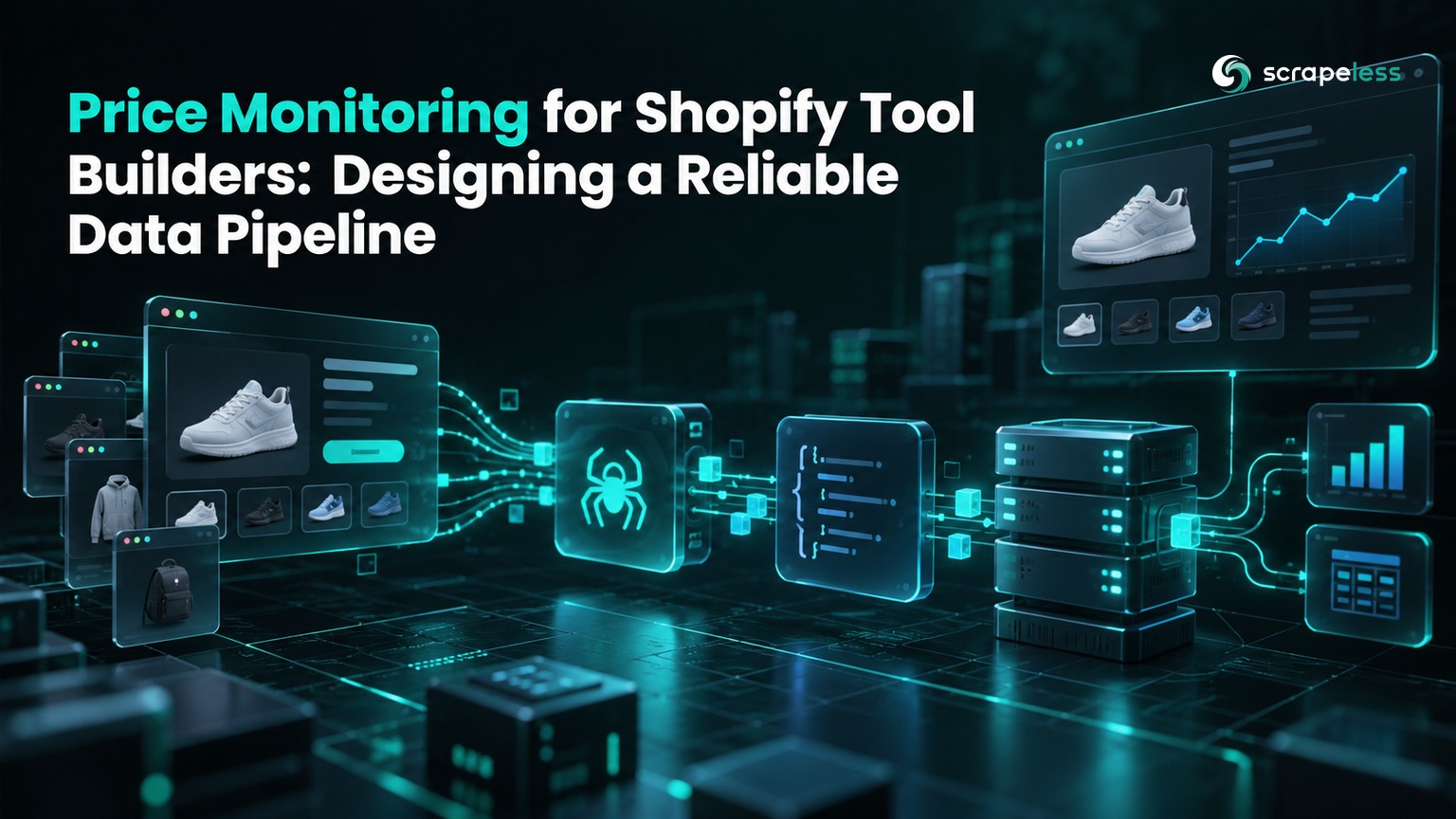
Price Monitoring for Shopify Tool Builders: Designing a Reliable Data Pipeline

Senior Web Scraping Engineer
TL;DR:
- Price monitoring for Shopify apps needs a variant-level history. Store the exact option, currency, source URL, and observation time with every price.
- A missing observation must not become a price change. Keep collection failures separate from confirmed product unavailability.
- Product matching needs its own evidence. A store-local SKU does not establish that two merchants sell the same item.
- Browser automation for ecommerce price tracking belongs at the collection layer. Your application still owns normalization, tenant isolation, and alert rules.
- Free to start. New Scrapeless accounts include free Scraping Browser runtime — sign up at app.scrapeless.com.
Introduction: A Price Is an Observation of an Offer
A Shopify product can have different prices for different variants. A price monitoring app that records only the product title and the cheapest visible price can report a discount when the shopper has simply selected another size.
The useful unit is an offer observed under a particular storefront context. Your pipeline must preserve that context all the way to an alert. Otherwise, a currency change, an unavailable variant, or an incomplete extraction can look like a commercial event.
This article designs a competitor price monitoring data pipeline for Shopify tool builders. The worked ingestion step stores a collected public product's variant observations in SQLite; the surrounding architecture explains how to turn those observations into tenant-specific signals. For the broader multi-retailer collection pattern, consider the competitive pricing pipeline.
Pipeline at a Glance
A reliable price monitoring pipeline separates source collection from commercial interpretation.
| Stage | Input | Output | Reject or hold when |
|---|---|---|---|
| Scope | Tenant's approved watchlist | Store, product, variant, market | Source or access permission is unclear |
| Collect | Public product URL and context | Raw response and capture time | Product identity cannot be confirmed |
| Normalize | Product and variant fields | Typed observations | Currency or price units are unresolved |
| Match | Observation and merchant catalog | Evidence-backed product association | Option or pack size differs |
| Store | Validated observations | Immutable history and latest view | Observation key already exists |
| Decide | Comparable current and prior offers | Price-change event | Prior observation is stale or missing |
| Deliver | Event and subscription rules | App notification or dashboard update | Tenant is not subscribed to the watch |
Treat source status and pipeline status as separate fields. A collector that fails to read a page has learned nothing about whether the product remains for sale. A complete response reporting an unavailable variant has learned something specific.
Stage 1 — Define the Watch Contract Before Collection
The watch contract specifies which offer a tenant expects the app to monitor.
Include the storefront host, product URL, selected option combination, intended market, expected currency, and acceptable age. Keep your own catalog identifier alongside the competitor identifier; do not replace one with the other.
An app connected to a merchant's store has a different authority boundary from a public competitor monitor. Authorized merchant catalog access is appropriate for the merchant's own products. Public competitor collection should stay on public storefront surfaces and respect the store's terms and access controls.
Maintain a source registry outside tenant subscriptions. Multiple tenants may follow the same publicly visible offer, but each subscription, threshold, and delivery destination still belongs to its tenant. Only share collection results where your contractual and privacy rules permit it.
Stage 2 — Collect Public Variant Data and Currency Together
The collector must retain the source's variant fields and identify the currency reported for the same storefront context.
Shopify's locale-aware product response exposes product and variant information. An accessible endpoint is a useful extraction source, but it is not a guarantee that every storefront exposes a complete catalog or every offer.
The example below ingests a browser worker's public Taylor Stitch observation. The worker discovers the public product URL, reads variant data and the read-only cart response in browser context, and emits a JSON envelope. The captured envelope contained six variants and identified USD. The ingestion step preserves integer price fields as price_raw, rather than guessing a currency conversion. This is an example observation, not a promise about future assortment.
Prerequisites and Run Instructions
Use Python with its standard-library SQLite support and a writable directory. Your permitted browser collector must first save observation.json with product_id, source_url, currency, observed_at, and a variants array containing variant_id, options, price_raw, compare_at_price_raw, and available. A source SKU is optional. Save the following as ingest_prices.py, then run python3 ingest_prices.py beside that capture. No third-party Python package is required. A missing input capture is a prerequisite failure, not an empty product catalog.
python
import json
import sqlite3
from urllib.parse import urlsplit

with open("observation.json", encoding="utf-8") as capture:
    observation = json.load(capture)
required = ("product_id", "source_url", "currency", "observed_at")
if any(not observation.get(field) for field in required):
    raise ValueError("Incomplete product identity, source, currency, or time")
variants = observation.get("variants")
if not isinstance(variants, list) or not variants:
    raise ValueError("No validated variant observations")
source_url = observation["source_url"]
source = urlsplit(source_url)
if source.scheme != "https" or not source.netloc:
    raise ValueError("Expected an HTTPS storefront source")
store = "https://" + source.netloc
rows = []
for variant in variants:
    if not variant.get("variant_id") or type(variant.get("price_raw")) is not int:
        raise ValueError("Variant identity or integer raw price is missing")
    if type(variant.get("available")) is not bool:
        raise ValueError("Variant availability must be observed")
    rows.append((store, str(observation["product_id"]), str(variant["variant_id"]),
                 observation["currency"], observation["observed_at"],
                 variant["price_raw"], variant.get("compare_at_price_raw"),
                 variant["available"], json.dumps(variant.get("options", [])),
                 source_url))

with sqlite3.connect("prices.sqlite") as db:
    db.execute("""CREATE TABLE IF NOT EXISTS observations (
        store TEXT, product_id TEXT, variant_id TEXT, currency TEXT,
        observed_at TEXT, price_raw INTEGER, compare_at_price_raw INTEGER,
        available INTEGER, options_json TEXT, source_url TEXT,
        PRIMARY KEY (store, variant_id, currency, observed_at)
    )""")
    db.executemany("INSERT OR IGNORE INTO observations VALUES (?,?,?,?,?,?,?,?,?,?)", rows)
    saved = db.execute("SELECT COUNT(*) FROM observations WHERE observed_at = ?",
                       (observation["observed_at"],)).fetchone()[0]
print(json.dumps({"product_id": str(observation["product_id"]),
                  "currency": observation["currency"],
                  "variants_saved": saved, "database": "prices.sqlite"}))
This ingestion step stops on an incomplete envelope. A production worker should record collection status outside the price table so the app can explain a gap without overwriting the last valid offer. The collection worker must use the verified locale-aware product and cart paths for its storefront; ingestion preserves the context it receives.
Stage 3 — Normalize Offers Without Inventing Comparability
Normalization preserves meaning while changing representation.
Use a source-specific money adapter. Keep the original amount, the currency code, and the documented unit convention; derive a display amount only after confirming that convention. Use decimal arithmetic for derived monetary values. Do not apply a blanket divisor across unrelated feed formats.
Separate current price, compare-at price, and a conditional discount. A membership price or a subscription offer is not automatically the anonymous one-time purchase price. The offer vocabulary models price, currency, and availability as related properties, which is a useful boundary for your own contract.
Record available as the observed boolean or as unknown. Public availability is not an inventory count. A missing SKU stays null; it should not be replaced with a fabricated catalog identifier.
Start Scraping with Scrapeless
Power up your web scraping and automation workflow with Scrapeless!
Sign up today and get $5 in free credit — no credit card required.Claim your free credit now in the Scrapeless Dashboard.
Stage 4 — Maintain Match Evidence and Immutable History
Price history is useful only when the product association remains explainable.
Match exact identifiers where they exist, then check brand, option values, pack quantity, and condition. Hold ambiguous matches for review. Store the matching method and approval state so a later catalog correction can be distinguished from a real price movement.
Keep observations append-only and build the latest-offer view separately. If an extractor changes, retain its version with the observation. The data provenance model provides a general framework for relating a result to the activity and source that produced it.
An observation's unique key should include source, variant, market context, and the logical capture identifier. The compact SQLite example uses observation time. A scheduled service should assign a stable capture identifier at job creation so duplicate delivery of the same job does not create another observation.
Stage 5 — Emit Alerts Only from Comparable Observations
An alert should compare valid offers under the same identity and market context.
Compute the difference only when both observations pass the required-field checks. If a variant is unavailable, apply an explicit stock-event rule. If the collector is blocked, publish a collection-health event and keep the commercial signal undecided.
Measure valid observations divided by scheduled eligible watches, plus observation age at the point of use. Measure cost per valid observation alongside collection spend. These are design metrics; set thresholds from your customer's decision window rather than borrowing a universal refresh interval.
An HTTP success code does not certify a usable product record. The HTTP response semantics describe the request outcome; your validator must still check identity, currency, and source content.
Where a Cloud Browser Fits the Price Monitoring Service
A cloud browser helps collect storefront states that require JavaScript or interaction.
Use Scrapeless Agent Browser when the watch needs a rendered option selection or a consistent browser session. The cloud browser does not supply your product matching policy, tenant permissions, or pricing decisions. Compare its runtime costs with your collection budget using Scrapeless pricing.
Start collection serially and expand only within the store's stated limits and your account capacity. Read access policies before scheduling. The robots exclusion protocol describes crawler preferences; it is not a substitute for access authorization.
Conclusion: Make Every Price Change Explainable
Reliable price monitoring for Shopify apps starts with a watch contract and ends with an evidence-backed event. Collect the exact variant, preserve money semantics, store immutable observations, and compare only compatible offers. Keep collection health visible so an unavailable reading cannot quietly become a pricing recommendation.
Ready to Build Your Shopify Price Monitoring Pipeline?
Join our community to claim a free plan and connect with developers building ecommerce data services: Discord · Telegram.
Sign up at app.scrapeless.com and adapt the collection layer to your approved storefront watchlist.
FAQ
Q: Is price monitoring of public Shopify stores legal?
The legal position depends on the jurisdiction, access method, store terms, and intended use. Review those conditions and obtain legal advice for the service you operate; public visibility alone does not settle every question.
Q: How often should a Shopify price monitoring app collect data?
Set the cadence from the decision's maximum acceptable observation age and the source's access limits. Promotion alerts may need a different window from assortment reports. Display the actual capture time in either case.
Q: Does every price monitoring job need a proxy?
A publicly accessible response may work without a proxy, as the checked browser collection did. Browser workflows that depend on a market should configure the documented proxyCountry parameter and verify the resulting currency independently.
Q: What should the app do with an access challenge or changing markup?
Record an unconfirmed collection result rather than a price. For an authorized browser workflow, load the homepage first in the same session and wait for the real product marker. Recheck the extractor when the storefront markup changes.
Q: Can the pipeline run without an AI agent?
Yes. The Python ingestion step runs directly, and a scheduler can coordinate the remaining application stages. An AI agent can assist with source inspection, but deterministic validation should control stored prices and alerts.
Q: What concurrency and URL policy should a first implementation use?
Begin with one worker per storefront and use the observed canonical product URL. If parallelism is permitted, keep the initial ceiling at three workers per host or the store's stricter limit, then assess collection health before increasing it.
At Scrapeless, we only access publicly available data while strictly complying with applicable laws, regulations, and website privacy policies. The content in this blog is for demonstration purposes only and does not involve any illegal or infringing activities. We make no guarantees and disclaim all liability for the use of information from this blog or third-party links. Before engaging in any scraping activities, consult your legal advisor and review the target website's terms of service or obtain the necessary permissions.





