
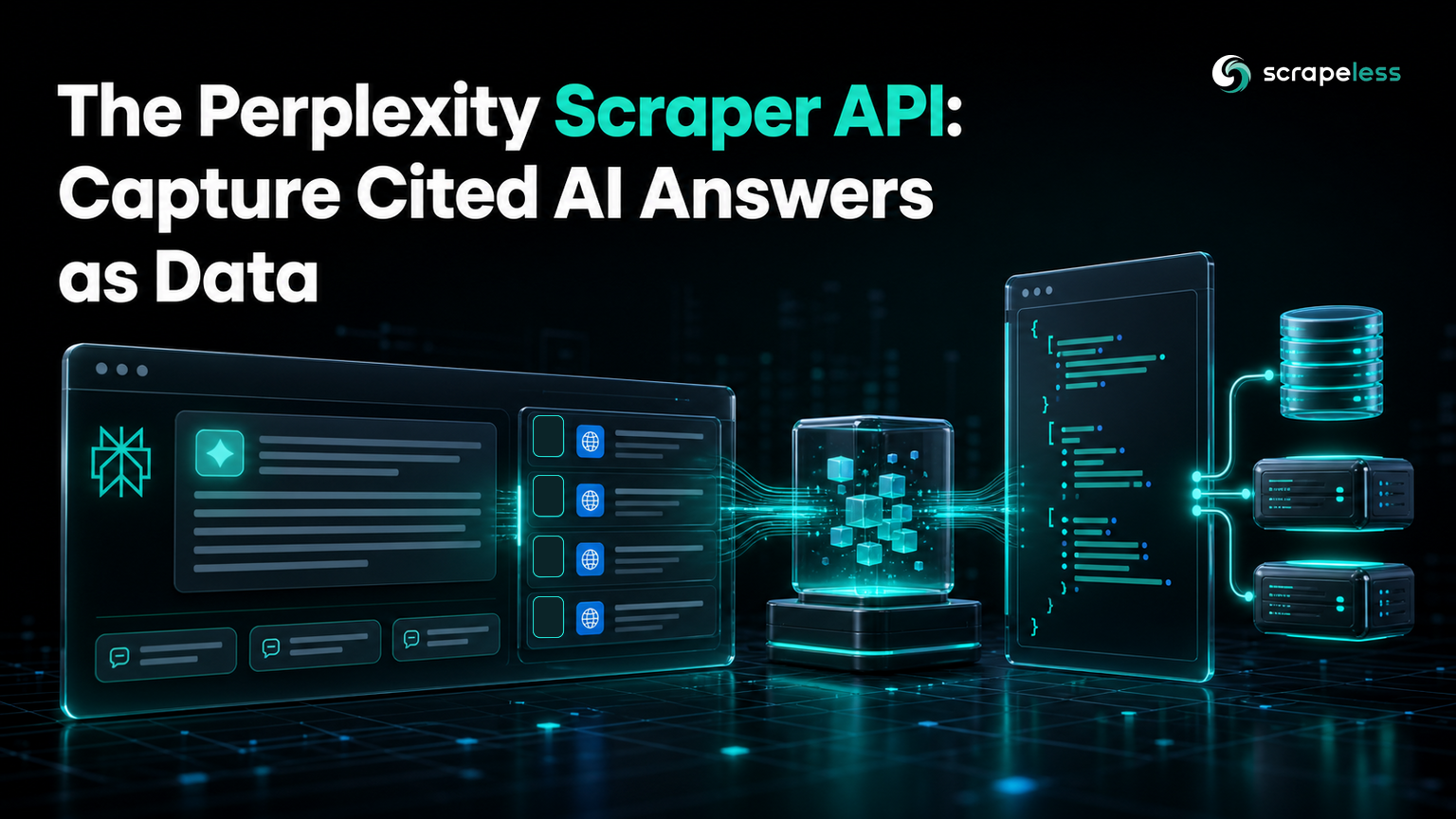
Perplexity Scraper API: Capture Cited AI Answers as Data

Senior Web Scraping Engineer
TL;DR:
- The Perplexity Scraper captures Perplexity's answer with its web sources. Send a prompt to
scraper.perplexity; get back the answer text, the web results it cited, follow-up suggestions, and any media. - It is a two-call async flow. POST the prompt to create a task, then GET the result by
task_id— in a live run the answer came back in about 12 seconds. - Web sources come as a structured list. Each
web_resultsentry has aname, aurl, and thesnippetPerplexity drew from — no HTML parsing. - You also get the follow-up prompts. Perplexity's suggested next questions come back in
related_prompt, useful for mapping a topic. - Turn on web search per request. Set
web_search: trueto get the grounded, cited answer rather than a model-only reply. - Free to start. New Scrapeless accounts include free Scraper API usage — sign up at app.scrapeless.com.
Introduction: read Perplexity's answer and its sources
Perplexity built its reputation on cited answers: ask a question, get a synthesized reply with the web pages it drew from listed alongside. For anyone tracking how their brand shows up in AI answers, that citation list is the prize — it's the modern equivalent of a search results page, decided by an answer engine instead of ten blue links.
The Scrapeless Perplexity Scraper reads that whole object as data. You send a prompt to the scraper.perplexity actor and get back the answer text, the web sources behind it, the follow-up questions Perplexity suggests, and any media it surfaced. This guide covers the request shape, a first curl, the response schema, a Python integration, and how to use it — every request and response below was captured against the live API.
What you can do with it
- Capture Perplexity's answer text — the full synthesized reply as CommonMark-style Markdown.
- Read the web sources — the pages Perplexity cited, each with a name, URL, and snippet.
- Map a topic with follow-ups — the
related_promptsuggestions show where a conversation goes next. - Track brand visibility in AI answers — run buyer questions and see which domains Perplexity cites.
- Localize by region — set
countryto see the answer as a user in that market would.
Why the Scrapeless Perplexity Scraper
The Perplexity Scraper is part of the Scrapeless LLM Chat Scraper line, the managed way to read AI-engine answers as data. For Perplexity specifically, it brings:
- A single request contract — send a prompt, get the answer, sources, and follow-ups; no browser to drive.
- Structured web results — sources come back as fields, not markup to parse.
- Residential proxies in 195+ countries — answers are fetched through clean, region-appropriate egress.
- Web search as a flag — one field decides grounded-and-cited versus model-only.
Get your API key on the free plan at app.scrapeless.com.
Prerequisites
- A Scrapeless account and API key — sign up at app.scrapeless.com
curlfor the first request, and Python 3.10+ for the integration- Basic familiarity with HTTP and JSON
How the Perplexity Scraper works
The flow is two calls: create a task, then fetch its result.
Request parameters
| Field | Where | Meaning |
|---|---|---|
actor |
top level | scraper.perplexity |
input.prompt |
input | the question to ask Perplexity |
input.country |
input | ISO country code to localize the answer |
input.web_search |
input | true for a grounded, cited answer |
Auth is the x-api-token header on both calls.
Quick capture with curl
Create the task:
bash
curl -X POST https://api.scrapeless.com/api/v2/scraper/request \
  -H "x-api-token: ${SCRAPELESS_API_KEY}" \
  -H "Content-Type: application/json" \
  -d '{
    "actor": "scraper.perplexity",
    "input": { "prompt": "Recommended attractions in New York", "country": "US", "web_search": true }
  }'
# { "status": "pending", "task_id": "504f46ef-…" }
Then fetch the result by task_id:
bash
curl -X GET https://api.scrapeless.com/api/v2/scraper/result/{task_id} \
  -H "x-api-token: ${SCRAPELESS_API_KEY}"
Response envelope
Once status is success, the answer and its sources are in task_result:
json
// illustrative sample — field shape is exact (captured live); values abbreviated
{
  "status": "success",
  "task_result": {
    "prompt": "Recommended attractions in New York",
    "result_text": "Here are some must-see attractions in New York City…",
    "web_results": [
      { "name": "20 Best Things to Do in NYC", "url": "https://example.com/nyc", "snippet": "From the Statue of Liberty to…" }
    ],
    "related_prompt": [
      "Focus on history and architecture for a two-day trip",
      "I am traveling with my kids for three days"
    ],
    "media_items": [
      { "url": "https://example.com/img.jpg", "thumbnail": "https://example.com/thumb.jpg", "medium": "image", "source": "example.com" }
    ]
  }
}
In a live run this returned in about 12 seconds with 19 web results, 5 follow-up prompts, and a media item.
Integrating the API in Python
Create the task, poll until it's done, and read the answer and its sources:
python
import os
import time
import requests

API_KEY = os.environ["SCRAPELESS_API_KEY"]
BASE = "https://api.scrapeless.com"
HEADERS = {"x-api-token": API_KEY, "Content-Type": "application/json"}


def ask_perplexity(prompt: str, country: str = "US") -> dict:
    created = requests.post(
        f"{BASE}/api/v2/scraper/request",
        headers=HEADERS,
        json={
            "actor": "scraper.perplexity",
            "input": {"prompt": prompt, "country": country, "web_search": True},
        },
        timeout=60,
    )
    task_id = created.json()["task_id"]

    for _ in range(30):
        time.sleep(3)
        got = requests.get(f"{BASE}/api/v2/scraper/result/{task_id}", headers=HEADERS, timeout=60)
        data = got.json()
        if data.get("status") in ("success", "failed"):
            return data
    raise TimeoutError("result not ready in time")


result = ask_perplexity("Recommended attractions in New York")
answer = result["task_result"]
print(answer["result_text"])
for w in answer["web_results"]:
    print("-", w["name"], w["url"])
Get your API key on the free plan: app.scrapeless.com
How to avoid common problems
- A field that isn't present is null, not an error. Not every answer carries
media_items; treat each field as optional and guard for its absence. - Set
web_searchwhen you want sources. Without it you get a model-only reply and noweb_results; the grounded, cited answer is what makes this useful for monitoring. - Fetch results promptly. The result is retrieved by
task_id; poll shortly after creating the task rather than long after. - Track sources, not prose. The answer wording shifts run to run, so compare the
web_resultsdomains over time — the way answer engines surface and cite pages is described in Google's AI-features guidance for the web, and the HTTP contract you call follows the HTTP semantics specification.
Conclusion: your brand, as Perplexity cites it
The Perplexity Scraper turns a cited AI answer into data: the reply text, the web sources behind it, and the follow-ups the engine suggests, in one two-call flow. Run the prompts your customers ask, store the web_results, and watch which domains Perplexity trusts over time. Pair it with the other engines in the Universal Scraping API line, read up on what an LLM scraper is, and the docs cover every field.
Ready to Build Your AI-Powered Data Pipeline?
Join our community to claim a free plan and connect with developers monitoring AI answers: Discord · Telegram.
Sign up at app.scrapeless.com for free Scraper API usage, and see pricing for scale.
FAQ
Q: What does the Perplexity Scraper return?
The answer text (result_text), a web_results array of cited sources (each with name, url, snippet), the related_prompt follow-up suggestions, and any media_items. In a live run one prompt returned 19 web results and 5 follow-ups.
Q: Is it synchronous?
No. You POST the prompt to create a task and GET the result by task_id. In a live run the answer was ready in about 12 seconds.
Q: What does web_search do?
With web_search: true Perplexity grounds the answer in live web pages and returns them in web_results. Without it, you get a model-only reply and no sources.
Q: Can I localize the answer?
Yes — set input.country to an ISO code, and keep it fixed when comparing results over time.
Q: Do I need a proxy?
No. Egress is handled inside the actor through residential IPs; you only send the prompt, country, and the web_search flag.
At Scrapeless, we only access publicly available data while strictly complying with applicable laws, regulations, and website privacy policies. The content in this blog is for demonstration purposes only and does not involve any illegal or infringing activities. We make no guarantees and disclaim all liability for the use of information from this blog or third-party links. Before engaging in any scraping activities, consult your legal advisor and review the target website's terms of service or obtain the necessary permissions.





