
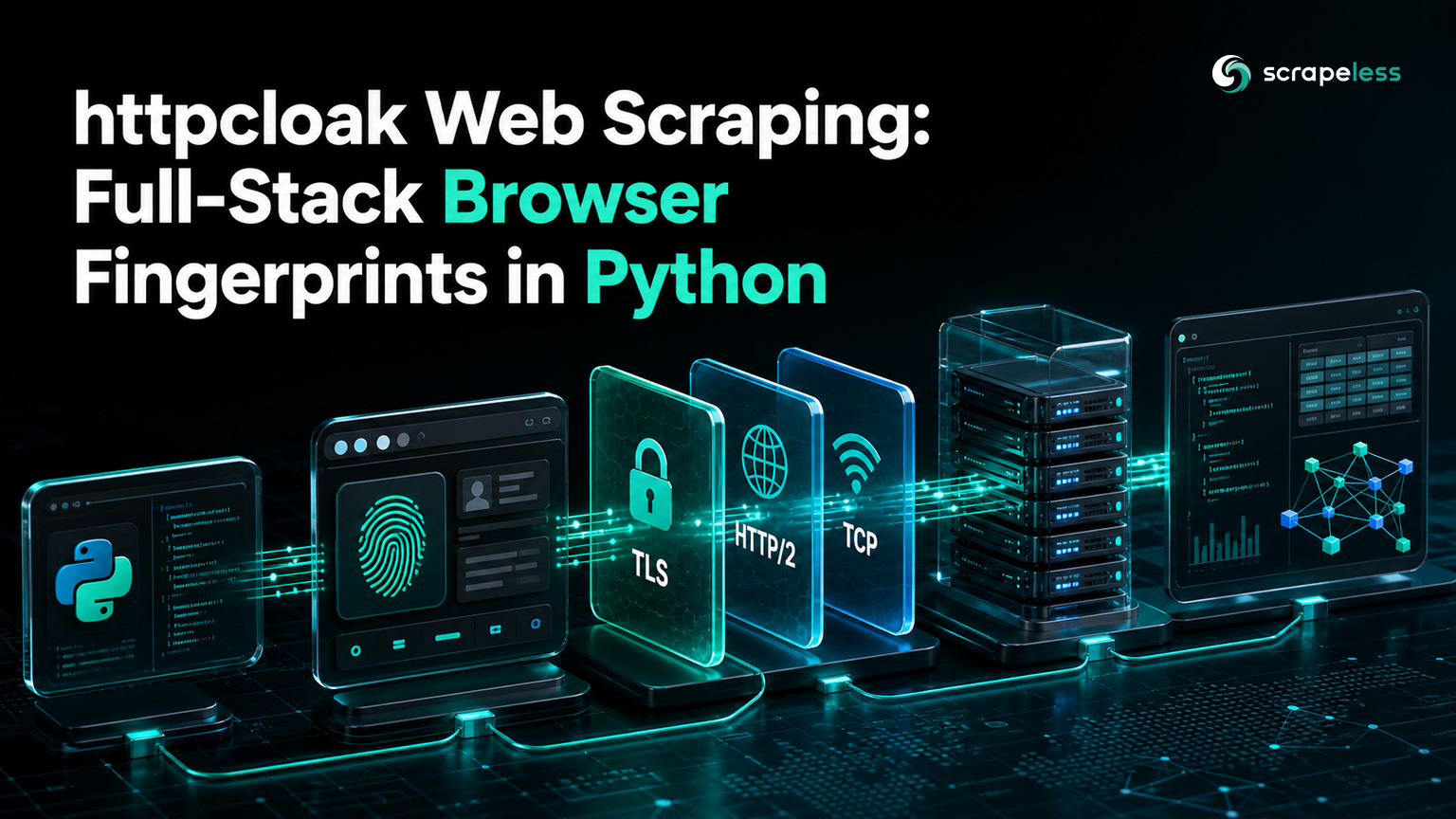
httpcloak Web Scraping: Full-Stack Browser Fingerprints in Python

Expert Network Defense Engineer
TL;DR:
- httpcloak is a Python HTTP client that emulates a browser across the whole network stack: TLS, HTTP/2, HTTP/3, and TCP, not the TLS handshake alone.
- One
httpcloak.get(url, preset="chrome-146")call presents a browser's JA3, JA4, and HTTP/2 fingerprint together, with no browser process. - A request has more than one fingerprint: the JA3 hash changes each run because of GREASE, while the JA4 and HTTP/2 fingerprints stay constant.
- httpcloak runs no JavaScript, so on a client-rendered page it returns the empty shell; the guide proves it with 0 quote blocks from httpcloak and 10 from Scrapeless with rendering.
- Use httpcloak when a network fingerprint is the wall, and Scrapeless when the page needs rendering, challenges cleared, or IP rotation.
- Start on the Scrapeless free plan for the pages a fingerprint alone cannot reach.
A server can fingerprint a request at several layers before it reads a byte of the response. The TLS ClientHello is one. The HTTP/2 SETTINGS frames are another. The TCP options are a third. A client that fixes only the TLS layer still stands out on the others, and a detector that checks more than one layer flags the mismatch. httpcloak addresses the whole stack at once by borrowing a real browser's fingerprint across all of them.
This guide reads back the fingerprints httpcloak produces, explains why one of them changes between runs while the others do not, and then draws the line httpcloak cannot cross. Where a page needs a real browser, the Scrapeless Universal Scraping API takes over. Every value below comes from a real run.
What httpcloak Emulates
httpcloak is a requests-style client that reproduces a browser's fingerprint across layers. At the TLS layer it presents a browser JA3 and JA4. At the transport layer it reproduces the HTTP/2 SETTINGS frames, window sizes, and stream priorities that together form the fingerprint defined over the HTTP/2 protocol, and it extends to HTTP/3 and TCP options. You select a target with a preset, and the httpcloak repository lists the browser versions it ships, from chrome-146 to firefox-133 and safari-18.
What httpcloak does not do is run a browser. There is no JavaScript engine and no rendering. It is a set of fingerprints, not a browser.
Install
httpcloak is a single pip install.
bash
pip install httpcloakRead a Full-Stack Fingerprint
Pass a preset and httpcloak builds that browser's network signature. The request below asks a fingerprinting service to report the layers it saw.
python
import httpcloak

response = httpcloak.get("https://tls.peet.ws/api/all", preset="chrome-146", timeout=30)
data = response.json()
print("http version:", data["http_version"])
print("ja3 hash:", data["tls"]["ja3_hash"])
print("ja4:", data["tls"]["ja4"])
print("http2 akamai hash:", data["http2"]["akamai_fingerprint_hash"])
The service reports HTTP/2, a JA3 hash, a JA4 fingerprint, and an HTTP/2 fingerprint, all from one request.
text
http version: h2
ja3 hash: 0f368595c1c27a2c9024014615c2a295
ja4: t13d1516h2_8daaf6152771_d8a2da3f94cd
http2 akamai hash: 52d84b11737d980aef856699f885ca86
One Request, Several Fingerprints
Run that script twice and the ja3 hash changes, while the ja4 and the http2 akamai hash stay the same. That is not instability. The GREASE mechanism inserts random reserved values into the TLS ClientHello, and JA3 hashes those values, so JA3 moves between connections, exactly as real Chrome's does. The JA4 fingerprint sorts and excludes the GREASE values, so it is stable, and the HTTP/2 fingerprint comes from fixed SETTINGS frames, so it is stable too. The lesson is that a request has several fingerprints, and checking only JA3 sees noise where the durable signal lives in JA4 and the HTTP/2 layer.
Where httpcloak Stops
A full-stack network fingerprint gets a request past a fingerprint check, but it does not render the page. On a site that builds its content with JavaScript, httpcloak returns exactly what the server sent, which is an empty shell, and no amount of fingerprint accuracy fills it. This is where a rendering tool is required.
Set your Scrapeless key in the shell. Use the real key at run time and keep the placeholder out of your source.
bash
export SCRAPELESS_API_KEY="sk_your_key_here"The script below fetches a JavaScript-rendered quotes page two ways: httpcloak with a full browser fingerprint, and Scrapeless with rendering on.
python
import json
import os
import urllib.request

import httpcloak

JS_PAGE = "https://quotes.toscrape.com/js/"

response = httpcloak.get(JS_PAGE, preset="chrome-146", timeout=30)
print("httpcloak status:", response.status_code)
print("httpcloak quote blocks:", response.text.count('class="quote"'))


def scrapeless(url: str) -> str:
    payload = json.dumps(
        {"actor": "unlocker.webunlocker", "input": {"url": url, "js_render": True, "headless": True}}
    ).encode()
    request = urllib.request.Request(
        "https://api.scrapeless.com/api/v2/unlocker/request",
        data=payload,
        headers={"x-api-token": os.environ["SCRAPELESS_API_KEY"], "Content-Type": "application/json"},
        method="POST",
    )
    with urllib.request.urlopen(request, timeout=90) as response:
        return json.loads(response.read())["data"]


html = scrapeless(JS_PAGE)
print("scrapeless quote blocks:", html.count('class="quote"'))
httpcloak gets a clean 200 and zero quotes, because the quotes are drawn by JavaScript it never runs. Scrapeless renders the page and the quotes appear.
text
httpcloak status: 200
httpcloak quote blocks: 0
scrapeless quote blocks: 10
The 200 is the trap: the request succeeds, so nothing looks wrong, but the content is not there. The two tools answer different problems. httpcloak reproduces a browser's network fingerprint across layers; it does not render, clear a challenge, or rotate IPs. For the wider view of what a server measures, the guide on browser fingerprinting covers the signals beyond the network stack.
Before running any of this across a site, read its robots.txt and terms. The Robots Exclusion Protocol states which paths a site asks automated clients to avoid, and honoring it keeps a scraper sustainable.
Ready for the pages a fingerprint alone cannot reach? Create a free Scrapeless account and render them.
Conclusion
httpcloak is the right tool when the wall is a network fingerprint, and it is thorough about it: JA3, JA4, HTTP/2, HTTP/3, and TCP from one request, selected by a browser preset. Its limit is just as clear, because it runs no JavaScript and returns the empty shell of a client-rendered page. Read back the fingerprints to understand which are stable, use httpcloak where the handshake is the wall, and hand the page to Scrapeless when it needs rendering, a cleared challenge, or a fresh IP. Start from the scripts above and match the tool to the check in front of you.
Start with the Scrapeless free plan for rendered pages, and check Scrapeless pricing when you size a recurring job.
FAQ
Q: What layers does httpcloak emulate?
httpcloak reproduces a browser fingerprint at the TLS layer (JA3 and JA4), the HTTP/2 layer (SETTINGS frames, window sizes, and priorities), HTTP/3, and TCP options. A TLS-only client fixes just the first of these, while httpcloak aims to make every layer a multi-layer detector checks match the same browser.
Q: Why does the JA3 hash change between runs but JA4 does not?
JA3 includes the GREASE values that browsers randomize in the TLS ClientHello, so it changes every connection. JA4 sorts and excludes those GREASE values, so it stays constant for the same client, and the HTTP/2 fingerprint comes from fixed frames, so it is stable too. A changing JA3 with a stable JA4 is expected, not a failure.
Q: Can httpcloak scrape a JavaScript-rendered page?
No. httpcloak has no JavaScript engine, so on a client-rendered page it returns the initial HTML shell with a 200 status and none of the rendered content. Use a rendering tool such as Scrapeless for those pages, and keep httpcloak for endpoints whose content is already in the response.
Q: How do I choose a browser to emulate?
Pass the preset argument with a shipped browser name, such as chrome-146, firefox-133, or safari-18. The preset sets the fingerprint across every layer at once, so switching from one browser to another is a single argument change rather than per-layer configuration.
Q: Is a network fingerprint enough to avoid blocking?
It is enough for a fingerprint check and nothing more. JavaScript challenges, behavioral analysis, and IP reputation are separate defenses that httpcloak does not address, so when those are in play you need rendering, challenge handling, or proxy rotation on top of the fingerprint.
At Scrapeless, we only access publicly available data while strictly complying with applicable laws, regulations, and website privacy policies. The content in this blog is for demonstration purposes only and does not involve any illegal or infringing activities. We make no guarantees and disclaim all liability for the use of information from this blog or third-party links. Before engaging in any scraping activities, consult your legal advisor and review the target website's terms of service or obtain the necessary permissions.





