
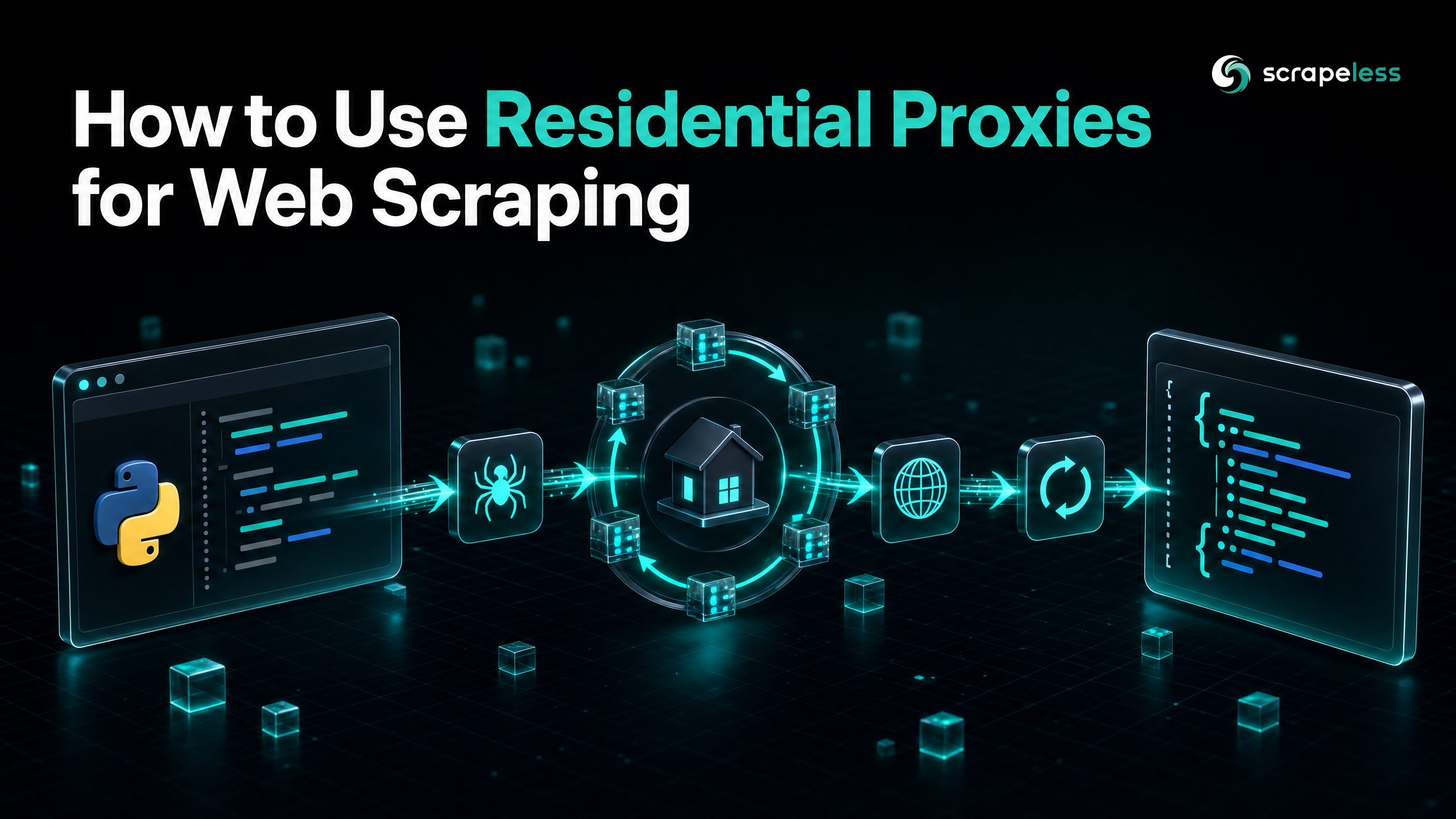
How to Use Residential Proxies for Web Scraping

Senior Cybersecurity Analyst
TL;DR:
-
Residential proxies route your requests through real household IP addresses, making your web scraping traffic appear as genuine user activity.
-
They are essential for bypassing advanced anti-bot systems, CAPTCHAs, and IP bans that easily block datacenter proxies.
-
This guide covers how to install, configure, and implement residential proxies in your scraping projects, from basic setups to advanced rotation patterns.
-
Scrapeless offers premium residential proxies starting at just $1.80/GB (as low as $1.44/GB on higher plans), with access to over 90 million IPs across 195+ countries.
Install
Before starting, you need to set up your environment. For this tutorial, we will use Python with the popular requests library, which makes handling HTTP requests and proxies straightforward.
First, ensure you have Python installed on your system. The Python standard library documentation covers the built-in HTTP modules, but for proxy support the third-party requests library is more practical. Install it using pip:
bash
# Install the requests library
pip install requests
If you are using Node.js, you can achieve similar results using axios or node-fetch. The core concepts of proxy configuration remain the same across different languages and HTTP clients.
Configure
To use residential proxies, you need your proxy credentials and the endpoint details provided by your proxy service. A standard proxy URL format looks like this:
http://username:password@proxy_address:port
With Scrapeless, you can easily generate your proxy credentials from the dashboard. Once you have them, you can configure your proxy dictionary in Python:
python
# Replace with your actual Scrapeless proxy credentials
PROXY_HOST = "proxy.scrapeless.com"
PROXY_PORT = "8000"
PROXY_USER = "your_username"
PROXY_PASS = "your_password"

proxy_url = f"http://{PROXY_USER}:{PROXY_PASS}@{PROXY_HOST}:{PROXY_PORT}"

proxies = {
    "http": proxy_url,
    "https": proxy_url
}
Basic implementation
With the configuration ready, you can now make your first request using the residential proxy. We will test the setup by making a request to a service that returns the IP address making the request, such as httpbin.org.
python
import requests

# The proxy configuration from the previous step
proxies = {
    "http": "http://your_username:your_password@proxy.scrapeless.com:8000",
    "https": "http://your_username:your_password@proxy.scrapeless.com:8000"
}

target_url = "https://httpbin.org/ip"

try:
    # Make the request using the configured proxies
    response = requests.get(target_url, proxies=proxies, timeout=10 )
    response.raise_for_status()

    # Print the IP address returned by the server
    print("Success! Your request was routed through:")
    print(response.json())

except requests.exceptions.RequestException as e:
    print(f"An error occurred: {e}")
When you run this script, the IP address returned should belong to the residential proxy network, not your local machine.
Get your API key on the free plan: app.scrapeless.com
Advanced patterns
Session Management and IP Retention
In many scraping scenarios, you need to maintain the same IP address across multiple requests, such as when navigating through a login flow or scraping a paginated list. This is known as a "sticky session."
Most residential proxy providers, including Scrapeless, allow you to control IP rotation by appending a session ID to your username.
python
import requests
import random
import string

# Generate a random session ID
session_id = ''.join(random.choices(string.ascii_lowercase + string.digits, k=8))

# Append the session ID to the username
PROXY_USER = f"your_username-session-{session_id}"
PROXY_PASS = "your_password"
proxy_url = f"http://{PROXY_USER}:{PROXY_PASS}@proxy.scrapeless.com:8000"

proxies = {
    "http": proxy_url,
    "https": proxy_url
}

# Use a requests Session object to persist cookies and headers
session = requests.Session( )
session.proxies.update(proxies)

# Multiple requests using the same session will use the same IP
response1 = session.get("https://httpbin.org/ip" )
response2 = session.get("https://httpbin.org/ip" )

print(response1.json())
print(response2.json()) # Should show the same IP as response1
Geo-Targeting
When scraping localized content, such as pricing data or regional search results, you need proxies from specific countries or cities. You can typically specify the target location in the proxy username.
python
# Target proxies in the United States
PROXY_USER = "your_username-country-us"
proxy_url = f"http://{PROXY_USER}:your_password@proxy.scrapeless.com:8000"
Troubleshooting
When working with residential proxies, you might encounter a few common issues:
-
Authentication Errors (407 Proxy Authentication Required ): Double-check your username and password. Ensure your account has sufficient balance or active bandwidth.
-
Connection Timeouts: Residential proxies route traffic through real devices, which can sometimes have slower connections or go offline. Increase your request timeout settings (e.g.,
timeout=30in Pythonrequests). -
Blocked Requests (403 Forbidden or CAPTCHAs): Even with residential proxies, aggressive scraping can trigger blocks. Ensure you are rotating IPs frequently, using realistic user agents, and adding delays between requests.
Where standard proxies stop
While residential proxies are effective for masking your identity at the network layer, modern websites employ client-side protections that look beyond the IP address.
If the target site uses advanced JavaScript challenges, browser fingerprinting, or requires rendering client-side content (like React or Vue applications), simply routing a Python requests call through a residential proxy will not be enough. The site will detect that the request is not coming from a real browser.
This is where the Scrapeless Scraping Browser becomes necessary. Instead of managing proxies, headless browsers, and fingerprinting evasion separately, you can offload the entire execution to an anti-detection cloud browser that already includes built-in residential proxy rotation:
python
from scrapeless import ScrapelessClient

client = ScrapelessClient(api_key="your_api_token_here")

# Create a browser session with US residential proxy
session = client.browser.create(
    proxy_country="US"
)

# The browser handles JS rendering, fingerprinting, and proxy rotation
print(f"Session created: {session.task_id}")
print(f"WebSocket endpoint: {session.browser_ws_endpoint}")
The Scraping Browser combines residential proxies with a full browser environment, handling TLS fingerprinting, cookie management, and JavaScript execution in a single managed service.
Conclusion
Residential proxies are a core requirement for any serious web scraping operation. By routing your traffic through real user IPs, you can bypass basic network-level blocks and access localized data reliably. Whether you are building a simple script or a large-scale data pipeline, understanding how to configure, rotate, and manage these proxies determines whether your requests succeed. Scrapeless offers Residential Proxies starting at $1.80/GB with 90M+ IPs across 195+ countries — check the full pricing for details.
Ready to Build Your AI-Powered Data Pipeline?
Join our community to claim a free plan and connect with developers building pipelines: Discord · Telegram.
Sign up at app.scrapeless.com for free Scraping Browser runtime and adapt the patterns above to the pages the pipeline needs.
FAQ
Is scraping with residential proxies legal?
Scraping publicly visible data is generally considered legal, but jurisdictions vary. Always review the target website's Terms of Service and consult legal counsel if you are unsure about your specific use case.
Do I need a proxy for web scraping?
Yes, for almost all production scraping tasks. Without proxies, your local IP address will quickly be rate-limited or permanently banned by the target website's security systems.
How do I handle WAF or Access Denied errors?
When facing a Web Application Firewall (WAF), ensure you are using high-quality residential proxies from the target's expected region (e.g., US proxies for a US-based site). Additionally, warm the session by loading the site's homepage before navigating to the specific target page.
What should I do if the website's DOM structure changes?
DOM rotation is a common anti-scraping technique. You need to regularly re-check the page structure and tighten your selectors. Relying on stable attributes like data-* tags or internal JSON endpoints works better than targeting hashed CSS classes.
How many concurrent requests should I make?
To avoid triggering rate limits and anti-bot systems, it is recommended to keep concurrency low. A good rule of thumb is to maintain ≤3 workers per host for parallel runs.
Can I use these proxies without an AI agent?
Yes, the proxy configurations and code examples provided work end-to-end without any AI agent. However, integrating them into an agent workflow is the recommended path for building resilient and adaptable data pipelines.
What is the difference between residential and datacenter proxies?
Datacenter proxies come from cloud hosting providers and are easily identifiable by anti-bot systems. Residential proxies are IP addresses assigned by Internet Service Providers (ISPs) to real homeowners, making them much harder to detect and block. For more details, check out our guide on what is a proxy browser.
Where can I learn more about how proxies work technically?
For more on the underlying HTTP mechanisms, you can read the MDN proxy documentation or review the relevant IETF RFCs on HTTP routing.
At Scrapeless, we only access publicly available data while strictly complying with applicable laws, regulations, and website privacy policies. The content in this blog is for demonstration purposes only and does not involve any illegal or infringing activities. We make no guarantees and disclaim all liability for the use of information from this blog or third-party links. Before engaging in any scraping activities, consult your legal advisor and review the target website's terms of service or obtain the necessary permissions.





