
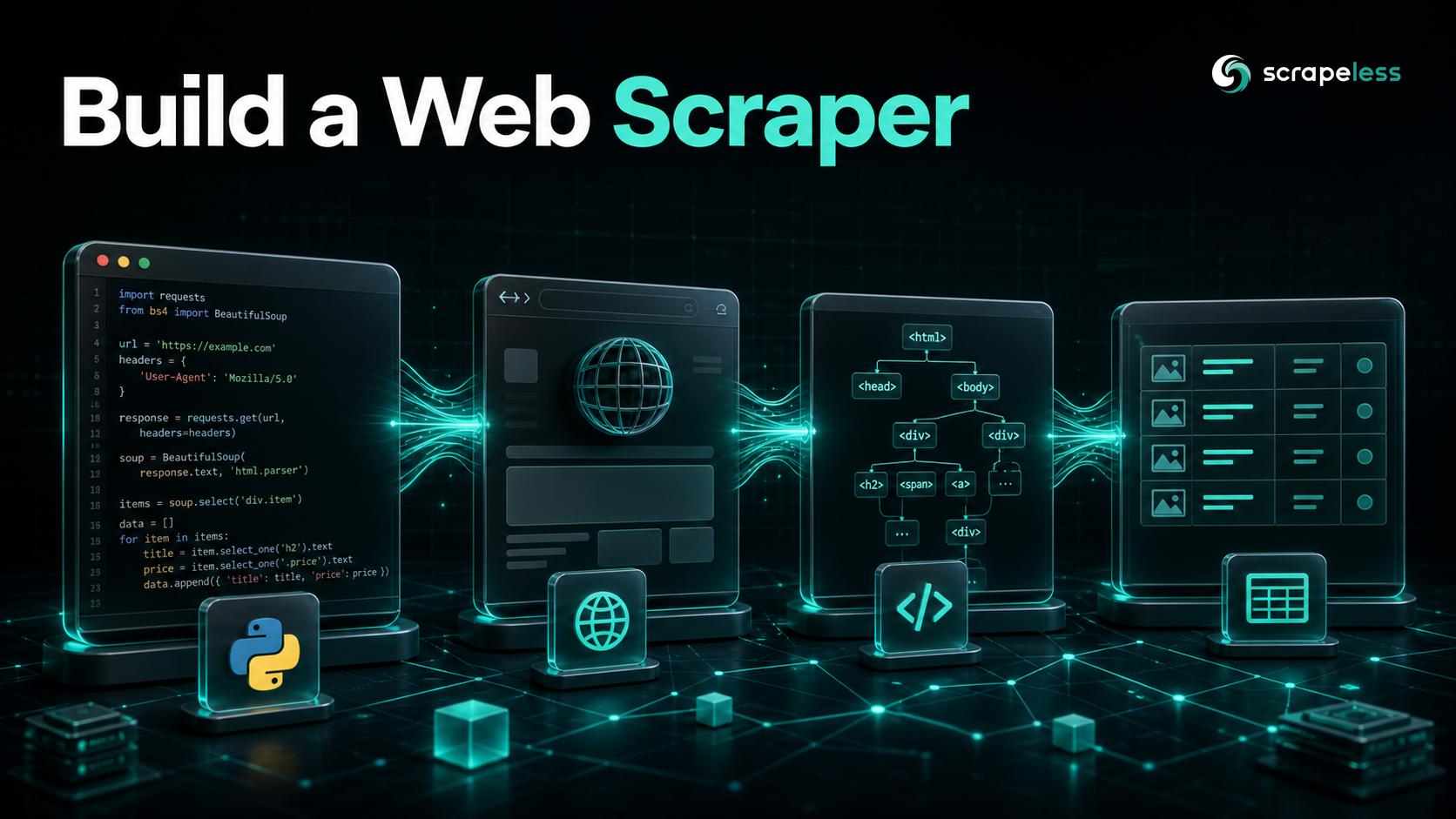
How to Build a Web Scraper: A From-Scratch Python Guide

Advanced Data Extraction Specialist
TL;DR:
- A web scraper does three things: fetch a page, pull fields out of the HTML, repeat for the next page. Once those three moves click, every scraper you build afterward is a variation on the same loop.
requestsplus BeautifulSoup handles the static web in well under 30 lines. On the practice site books.toscrape.com, one loop walks all 50 listing pages and returns 1,000 structured book records.- Pagination is just following the "next" link until it stops appearing. You read the next-page anchor on each page, resolve it to an absolute URL, and keep going until the link is gone.
- Plain HTTP cannot see JavaScript-rendered content. The practice page quotes.toscrape.com/js/ returns zero quote elements over
requests, because the markup is painted client-side after the page loads. - Scrapeless Scraping Browser renders those pages cloud-side and hands back the painted DOM. The same JavaScript page returns 10 quote elements once a cloud browser executes it, so your existing BeautifulSoup parsing keeps working unchanged.
- Free to start. New Scrapeless accounts include free Scraping Browser runtime — sign up at app.scrapeless.com.
Introduction: build a real scraper, then handle the pages that fight back
Every web scraper does the same three things: fetch a page, extract the fields you want from the HTML, and move to the next page. The libraries change, the sites change, but that loop does not. Learn it once on a page that is safe to hit, and the pattern transfers to almost anything you scrape afterward.
The friction shows up later. The first scraper most people write works perfectly on a static HTML page and then returns an empty shell on the next site they try, because that site renders its content with JavaScript after the initial response. Plain HTTP downloads the bytes the server sends; it does not run the page. So the data you can see in your browser is not in the response your scraper receives.
This guide builds the whole thing from scratch in Python. The static tier uses requests and BeautifulSoup against a books-catalogue scraping sandbox and a quotes scraping sandbox — two sites that exist specifically to be scraped. Then it pivots to the honest limit: when plain HTTP returns an empty page, the work escalates to Scrapeless Scraping Browser, a cloud browser that renders the page and returns the same DOM you would parse locally. If you would rather work in JavaScript, the same static-versus-dynamic split is covered in the Cheerio and Puppeteer walkthrough.
What You Can Do With It
- Collect product catalogs. Walk a paginated listing and pull title, price, and stock state into a CSV or JSON file.
- Track prices over time. Re-run the same scraper on a schedule and diff the numbers to watch for drops.
- Build datasets for analysis or AI. Turn pages of unstructured HTML into clean rows your notebook or model can read.
- Monitor availability. Check whether items are in stock across many pages without clicking through them by hand.
- Feed a research pipeline. Pull quotes, articles, or reviews into a structured store for downstream processing.
- Reach JavaScript-rendered pages. Escalate the pages that return an empty shell over plain HTTP to a cloud browser and keep the same parsing code.
Why Scrapeless Scraping Browser
Scrapeless Scraping Browser is a customizable, anti-detection cloud browser designed for web crawlers and AI agents. For a from-scratch scraper specifically, it solves the one problem requests cannot — running the page — and brings:
- Cloud-side JavaScript rendering. Pages that paint their content client-side return a fully rendered DOM, so BeautifulSoup parses the result exactly as it would a static page.
- Residential proxies in 195+ countries. Pin egress geography with a country code so a page returns the same content a local visitor would see.
- Anti-detection fingerprinting. The cloud browser presents a consistent, human-like browser surface instead of a bare HTTP client signature.
- One API key for the whole thing. The Python SDK mints a
browser_ws_endpointyou connect to with Playwright; the same key covers the runtime.
Get your API key on the free plan at app.scrapeless.com.
Prerequisites
- Python 3.10 or newer
requestsandbeautifulsoup4for the static tier- The
scrapelessSDK andplaywrightfor the JavaScript-rendered tier - A Scrapeless account and API key — sign up at app.scrapeless.com
- Basic familiarity with the terminal
Install
Install the two static-tier libraries first:
bash
pip install requests beautifulsoup4requests fetches pages over HTTP; beautifulsoup4 parses the returned HTML — markup defined by the HTML standard — into a tree you can query with CSS selectors. That pair is enough for every static page in Steps 1 through 4. The JavaScript-rendered tier in Step 5 adds two more packages, installed there.
Step 1 — Fetch a page and confirm you got real HTML
A scraper starts with one request. Send a GET to the target URL following HTTP semantics, check the status code, and confirm the HTML actually contains the records you expect before you write a single selector.
python
import requests
from bs4 import BeautifulSoup

url = "http://books.toscrape.com/"
resp = requests.get(url, headers={"User-Agent": "Mozilla/5.0 (tutorial-scraper)"}, timeout=30)
print("status:", resp.status_code, "bytes:", len(resp.text))

soup = BeautifulSoup(resp.text, "html.parser")
books = soup.select("article.product_pod")
print("book cards on this page:", len(books))
Against books.toscrape.com this prints status: 200 and book cards on this page: 20. The User-Agent header identifies your client; many servers reject requests that send none. If the count comes back as zero on a real site, that is the early signal the page is JavaScript-rendered — the situation Step 5 handles.
Step 2 — Discover the record, then extract its fields
Pick the repeating container first, then read the fields inside it. Prefer a stable hook — a semantic tag, a data-* attribute, or a class that describes the data — over a hashed class that breaks on the next redesign. On books.toscrape.com each book is an article.product_pod, and the fields hang off predictable child selectors.
python
import requests
from bs4 import BeautifulSoup

resp = requests.get(
    "http://books.toscrape.com/",
    headers={"User-Agent": "Mozilla/5.0 (tutorial-scraper)"},
    timeout=30,
)
resp.encoding = resp.apparent_encoding  # the catalog uses £; let requests detect it
soup = BeautifulSoup(resp.text, "html.parser")

pod = soup.select_one("article.product_pod")
title = pod.h3.a["title"]
price = pod.select_one("p.price_color").get_text(strip=True)
in_stock = "In stock" in pod.select_one("p.instock.availability").get_text()
print(title, "|", price, "|", "in stock" if in_stock else "out of stock")
This prints A Light in the Attic | £51.77 | in stock. The resp.encoding = resp.apparent_encoding line matters: without it the pound sign decodes as mojibake, because the response headers and the document's real encoding disagree. Read the field off the element that already holds it — the title lives in the anchor's title attribute, so one selector does both discovery and extraction.
Step 3 — Follow pagination until the "next" link disappears
A listing rarely fits on one page. The reliable pattern is to read the next-page link on each page, resolve it against the current URL, and loop until there is no next link left. No page counter to guess, no hardcoded range to maintain.
python
import requests
from urllib.parse import urljoin
from bs4 import BeautifulSoup

session = requests.Session()
session.headers.update({"User-Agent": "Mozilla/5.0 (tutorial-scraper)"})

records = []
url = "http://books.toscrape.com/catalogue/page-1.html"
pages = 0
while url:
    resp = session.get(url, timeout=30)
    resp.encoding = resp.apparent_encoding
    soup = BeautifulSoup(resp.text, "html.parser")
    for pod in soup.select("article.product_pod"):
        records.append({
            "title": pod.h3.a["title"],
            "price": pod.select_one("p.price_color").get_text(strip=True),
            "in_stock": "In stock" in pod.select_one("p.instock.availability").get_text(),
        })
    pages += 1
    next_link = soup.select_one("li.next > a")
    url = urljoin(url, next_link["href"]) if next_link else None

print("pages crawled:", pages, "| records collected:", len(records))
On books.toscrape.com this walks all 50 listing pages and collects 1,000 records. A requests.Session reuses the underlying connection across requests, which is faster than a fresh requests.get each time. urljoin turns the relative href (like page-2.html) into an absolute URL so the next request resolves correctly.
Get your API key on the free plan: app.scrapeless.com
Step 4 — Write the structured output
Scraped data is only useful once it is structured. The records list from Step 3 is already a list of dictionaries with consistent keys, so writing it to CSV or JSON is a few lines. Decide your schema up front — the same keys on every row — and absent fields become a None, never a crash.
python
import csv
import json

# records is the list of dicts built in Step 3.
with open("books.csv", "w", newline="", encoding="utf-8") as f:
    writer = csv.DictWriter(f, fieldnames=["title", "price", "in_stock"])
    writer.writeheader()
    writer.writerows(records)

with open("books.json", "w", encoding="utf-8") as f:
    json.dump(records, f, ensure_ascii=False, indent=2)

print("wrote", len(records), "rows to books.csv and books.json")
That is a complete, working scraper: fetch, discover, extract, paginate, store. It will handle any static HTML site with the selectors swapped for that site's markup.
Where plain HTTP stops: JavaScript-rendered pages
The scraper above breaks the moment a site renders its content with JavaScript. The practice page quotes.toscrape.com/js/ is built for exactly this lesson — the quotes are injected by a script after the page loads, not present in the initial HTML.
python
import requests
from bs4 import BeautifulSoup

resp = requests.get("https://quotes.toscrape.com/js/",
                    headers={"User-Agent": "Mozilla/5.0"}, timeout=30)
soup = BeautifulSoup(resp.text, "html.parser")
print("bytes:", len(resp.text), "| quote elements:", len(soup.select("div.quote")))
This returns bytes: 5806 and quote elements: 0. The request succeeded — status 200, real bytes — but the parsed page has no quotes in it, because requests never executes the JavaScript that creates them. No selector tweak fixes this; the data is genuinely not in the response. The page has to be run by a browser.
Step 5 — Render the page with Scrapeless Scraping Browser
Running a full browser locally for every page is heavy and gets blocked quickly. The cleaner path is a cloud browser: Scrapeless mints a session, renders the page on its side, and hands back the finished DOM — which you parse with the same BeautifulSoup code you already wrote. Install the two extra packages, then connect with Playwright over the Chrome DevTools Protocol.
bash
pip install scrapeless playwright
playwright install chromium
playwright install chromium downloads a local protocol client one time; the actual rendering still runs in Scrapeless's cloud. Export your key first (export SCRAPELESS_API_KEY=your_api_token_here), then:
python
from scrapeless import Scrapeless
from scrapeless.types import ICreateBrowser
from playwright.sync_api import sync_playwright
from bs4 import BeautifulSoup

client = Scrapeless()  # reads SCRAPELESS_API_KEY from the environment
session = client.browser.create(
    ICreateBrowser(proxy_country="US", session_ttl=180)
)

with sync_playwright() as p:
    browser = p.chromium.connect_over_cdp(session.browser_ws_endpoint)
    ctx = browser.contexts[0] if browser.contexts else browser.new_context()
    page = ctx.pages[0] if ctx.pages else ctx.new_page()
    page.goto("https://quotes.toscrape.com/js/", wait_until="domcontentloaded", timeout=60_000)
    page.wait_for_timeout(4_000)  # let the client-side script paint the quotes
    html = page.content()
    browser.close()

soup = BeautifulSoup(html, "html.parser")
quotes = soup.select("div.quote")
print("rendered bytes:", len(html), "| quote elements:", len(quotes))
print(quotes[0].select_one("small.author").get_text(strip=True))
This returns rendered bytes: 9246 and quote elements: 10, and prints Albert Einstein — the same page that gave you zero over plain HTTP. session.browser_ws_endpoint is a wss://browser.scrapeless.com/... URL; Playwright's connect_over_cdp speaks the DevTools Protocol to it, so the page runs in the cloud while your code runs locally. wait_until="domcontentloaded" plus a short fixed settle is more dependable than waiting for network idle on a script-driven page. The SDK and CLI surface are documented at docs.scrapeless.com.
What You Get Back
Once the cloud browser returns rendered HTML, the parse is identical to the static tier — same selectors, same dictionary shape:
json
[
  {
    "text": "The world as we have created it is a process of our thinking.",
    "author": "Albert Einstein",
    "tags": ["change", "deep-thoughts", "thinking", "world"]
  }
]
// Schema reflects exactly what the div.quote parse emits. Values are illustrative samples.
A few honest observations about rendered pages:
- Timing matters on rendered pages. The quotes appear only after the page's script runs, so the short settle after
domcontentloadedis what makes them present. Too short and you parse an empty page. - Selectors still drift.
div.quote,span.text, andsmall.authorare this sandbox's markup; on a real site, re-check the selectors when the page changes. - Absent fields are normal. A record may be missing a tag or a price; treat every field as nullable and your writer keeps producing clean rows.
- Pin your egress.
proxy_country="US"keeps the rendered content consistent with a US visitor; switch the code to match the region you need.
Conclusion: from one page to a real pipeline
A working scraper reduces to four moves: fetch the page, discover the repeating record, extract its fields, and follow pagination until it ends. That covers the static web with requests and BeautifulSoup. The one case it cannot reach — pages that build their content with JavaScript — escalates cleanly to Scrapeless Scraping Browser, which renders the page cloud-side and hands back the same DOM your parser already understands.
From here, scale it the same way every production scraper scales: keep your selectors tight and re-check them when markup shifts, pin egress geography to match the audience the page serves, treat absent fields as nullable, and reach for the cloud browser only on the pages that actually need rendering. For the same split in JavaScript, the Cheerio and Puppeteer guide walks the static-versus-dynamic decision in Node.js. Compare runtime options on the pricing page when you are ready to run it at volume.
Ready to Build Your AI-Powered Data Pipeline?
Join our community to claim a free plan and connect with developers building scraping pipelines: Discord · Telegram.
Sign up at app.scrapeless.com for free Scraping Browser runtime and adapt the patterns above to the sites, pages, and regions your scraper needs.
FAQ
Q: Is web scraping legal?
Scraping publicly visible data is broadly permitted in many jurisdictions, but the rules vary by country and by site. Review the target site's Terms of Service and the Robots Exclusion Protocol, avoid personal or gated data, and consult counsel for anything commercial. The practice sites in this guide exist specifically to be scraped.
Q: Do I need a proxy to build a scraper?
For a low-volume scraper against a permissive site, no. For sites that rate-limit by IP or vary content by region, yes — route through residential proxies and pin the country so the page returns the content a local visitor would see. The Scraping Browser tier in Step 5 includes proxy egress with the proxy_country setting.
Q: Why does my scraper return an empty page?
Almost always because the page renders its content with JavaScript after the initial response. Plain requests downloads the server's bytes but never runs the page's scripts, so the data you see in a browser is not in the response. Confirm by printing the element count, as in the "Where plain HTTP stops" section, then render the page with a cloud browser.
Q: How do I handle a site that shows "Access Denied" or a challenge page?
That is an anti-bot check on the request. Render the page through Scrapeless Scraping Browser with US residential egress pinned, and warm the session by loading the site's homepage first in the same browser session before hitting the target page, so the request carries a consistent, human-like browser surface.
Q: My selectors stopped working after a redesign — what now?
Markup rotates. Re-inspect the page, prefer stable hooks (semantic tags, data-* attributes, classes that describe the data) over hashed CSS classes, and update the selectors. Building against the most durable hook available keeps the scraper alive longer between fixes.
Q: How many pages can I scrape in parallel?
Keep concurrency modest — around three workers per host is a reasonable ceiling for a single site, so you stay within polite request rates and avoid tripping rate limits. Cloud-browser sessions are scarcer than HTTP requests, so cap those tighter than your static fetches.
Q: Do I have to use a browser for everything?
No, and you should not. The static tier with requests and BeautifulSoup is faster and cheaper, so use it for every page that ships rendered HTML. Escalate to the cloud browser only for the pages that genuinely need JavaScript execution.
At Scrapeless, we only access publicly available data while strictly complying with applicable laws, regulations, and website privacy policies. The content in this blog is for demonstration purposes only and does not involve any illegal or infringing activities. We make no guarantees and disclaim all liability for the use of information from this blog or third-party links. Before engaging in any scraping activities, consult your legal advisor and review the target website's terms of service or obtain the necessary permissions.





