
How to Build a Fresh Vector Database Pipeline From Live Web Data

Expert in Web Scraping Technologies
TL;DR:
- A vector database does not make web data fresh. Freshness comes from a loop that renders the source, cleans it, fingerprints it, updates changed chunks, and deletes stale chunks.
- The source record is more important than the embedding alone. Every chunk needs a stable ID, source URL, title, position, content fingerprint, and collection context.
- Chunk IDs should be deterministic. Derive them from the source, position, and normalized content so unchanged chunks keep their identity across observations.
- Upsert must be paired with stale-chunk deletion. Otherwise, removed passages remain searchable after the source changes.
- Retrieval evaluation needs freshness checks and relevance checks. Measure whether the current source revision is indexed before judging search quality.
- Scrapeless Scraping Browser supplies the rendered live-web input. Chroma stores and searches the normalized vectors; neither product replaces the other.
- Free to start. New Scrapeless accounts include free Scraping Browser runtime — sign up at app.scrapeless.com.
Introduction: A Vector Index Is a Snapshot
A vector database answers questions about the records currently stored in it. It does not know that a source page changed, disappeared, moved, or rendered a different regional variant after the last ingestion run.
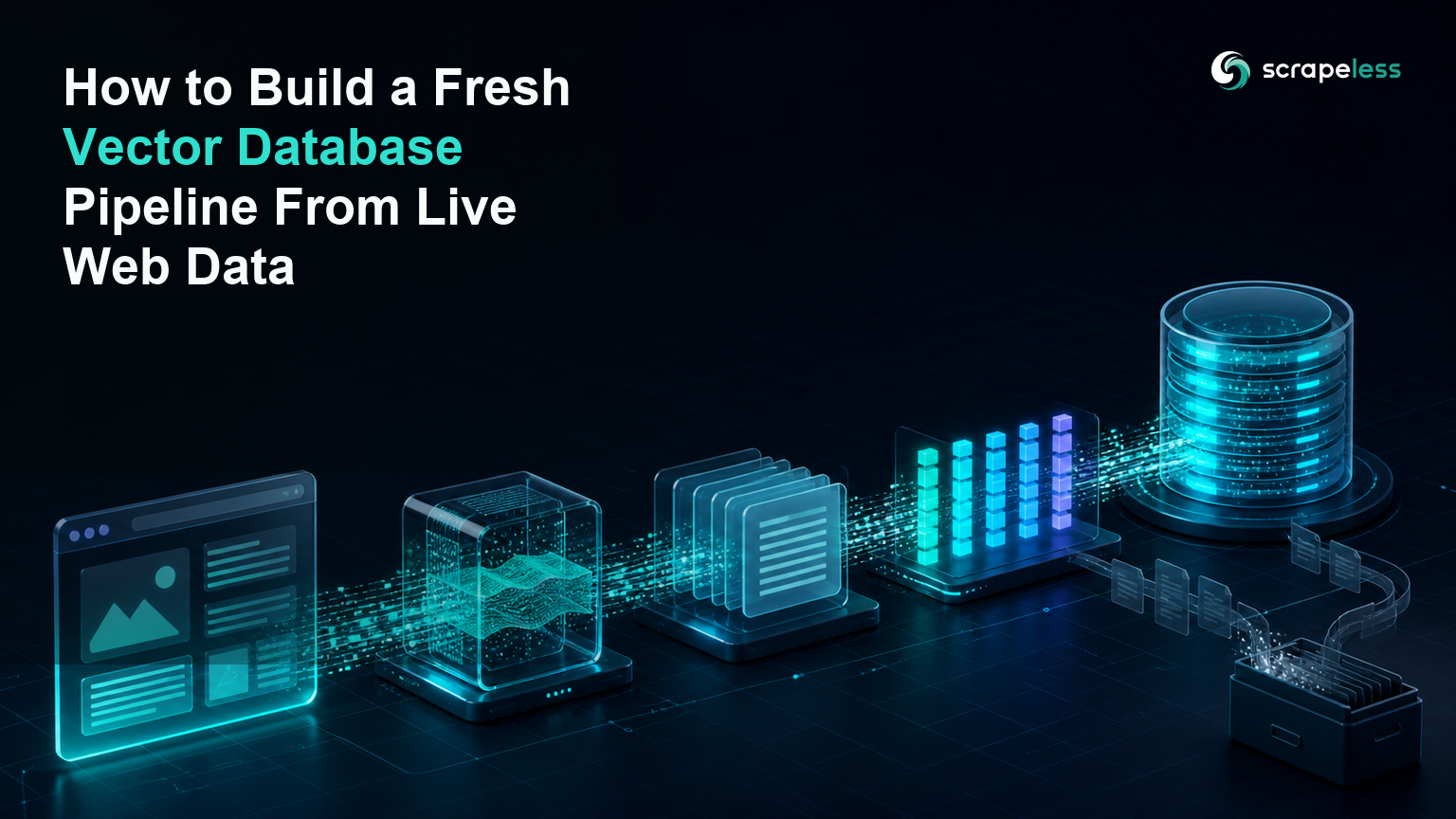
That distinction is the foundation of a fresh vector database pipeline. The web layer observes the current page. Deterministic transforms clean and split it. An embedding function maps chunks into vectors. The vector database upserts the new revision and removes records that no longer belong to the page. Evaluation checks both retrieval relevance and source freshness.
This tutorial uses Scrapeless Scraping Browser for the rendered-page boundary and Chroma 1.5.9 for local vector storage. The credential-free verification captured a public page over HTTP, then executed the clean → chunk → fingerprint → upsert → query path against Chroma. The Scrapeless cloud-render step remains an explicit API-key prerequisite.
Pipeline at a Glance
A fresh vector database web data pipeline separates observation from indexing.
| Stage | Input | Output | Freshness control |
|---|---|---|---|
| Register | Approved public URL and policy | Source record | Owner, region, cadence |
| Render | URL and browser context | Title and visible text | Expected page state |
| Clean | Rendered text | Normalized document | Boilerplate rules |
| Chunk | Normalized document | Ordered chunks | Stable boundaries |
| Embed | Chunk text | Fixed-length vectors | Model/version record |
| Upsert | IDs, vectors, metadata | Current records | Deterministic IDs |
| Reconcile | Prior and current IDs | Stale deletions | Source-level manifest |
| Evaluate | Query set and source revision | Relevance/freshness results | Acceptance thresholds |
Each stage stores evidence independently. A bad retrieval can then be traced to the render, extraction, chunking, embedding, index, or query layer.
What the Vector Database Does and Does Not Do
A vector database stores vectors and associated records, then searches for nearby vectors under an index and distance policy. Chroma can store embeddings, documents, and metadata in a collection and query those records together. the Chroma overview describes the collection and retrieval surface.
The database does not discover URLs, execute JavaScript, identify the main article, choose a legal collection scope, or decide that a source revision is current. Those responsibilities stay in the ingestion pipeline.
The following separation keeps ownership clear:
- Scrapeless Scraping Browser renders the approved page and preserves session/region context.
- Cleaning code removes navigation, repeated chrome, scripts, and empty text.
- Chunking code defines the retrieval unit.
- The embedding function defines the vector space.
- Chroma stores current chunks and returns nearest records.
- The source manifest decides which previous records are stale.
Prerequisites
- Python 3.12.
- Chroma
1.5.9, HTTPX0.28.1, and Beautiful Soup4.14.3for the executed local verification. - Node.js and the
scrapeless-scraping-browserCLI for rendered cloud input. - A Scrapeless account and API key.
- One or more public sources with a documented ingestion purpose and retention policy.
Install the vector and cleaning dependencies:
bash
python -m pip install chromadb==1.5.9 httpx==0.28.1 beautifulsoup4==4.14.3Stage 1 — Render the Live Web Source
The render stage returns a compact handoff: final URL, title, and visible main text. Do not pass raw screenshots or an unexamined page shell into the vector pipeline.
Note: The following block requires your Scrapeless API key. The credential-free verification could not create the cloud browser session, so no cloud output is presented as a completed run.
bash
SESSION=$(scrapeless-scraping-browser new-session \
  --name vector-ingest --ttl 300 --proxy-country US --json \
  | jq -r '.taskId')

scrapeless-scraping-browser --session-id "$SESSION" open \
  "https://www.iana.org/help/example-domains"
scrapeless-scraping-browser --session-id "$SESSION" wait 3000
scrapeless-scraping-browser --session-id "$SESSION" eval '
JSON.stringify({
  url: location.href,
  title: document.title,
  text: document.body.innerText
})' > rendered-page.json

scrapeless-scraping-browser stop "$SESSION"
Validate the handoff before embedding. Reject an unexpected sign-in page, access message, empty body, or soft-404. A successful HTTP status alone does not prove that the intended content rendered.
The Scraping Browser quickstart explains session setup. The Scraping Browser product page and pricing cover the managed browser layer.
Stage 2 — Clean and Chunk With Stable Boundaries
Cleaning should preserve meaning while making irrelevant changes disappear. Collapse repeated whitespace, remove known navigation/footer regions before the handoff, and keep the final URL and title beside the text.
The executed example uses 80-word windows with a 15-word overlap because the public test page is short. Those values are demonstration inputs, not universal recommendations. Production chunk size should be selected against the target corpus, embedding model, query set, and evaluation results.
Chunk positions matter. If every small edit shifts every subsequent chunk, deterministic IDs will change across the page. Prefer semantic boundaries such as headings and paragraphs when the source provides them, then apply a bounded size policy within each section.
Stage 3 — Embed With Explicit Metadata
Every vector record needs enough metadata to explain its origin and revision.
| Field | Purpose |
|---|---|
source_url |
Canonical observation source |
title |
Human review context |
position |
Order within the page |
content_sha256 |
Source-revision comparison |
| embedding model/version | Compatibility and re-index decisions |
| collection context | Region, page state, and adapter version |
The sample below uses a 64-coordinate deterministic term-hashing vector to keep the local run self-contained. It proves the vector-database plumbing, not semantic model quality. Replace it with an evaluated embedding model before production and re-index the collection when the vector space changes.
SHA-256 produces the source and record fingerprints. FIPS 180-4 specifies the secure hash algorithms. A content fingerprint detects change; it is not an authorization or trust decision.
Start Scraping with Scrapeless
Power up your web scraping and automation workflow with Scrapeless!
Sign up today and get $5 in free credit — no credit card required.Claim your free credit now in the Scrapeless Dashboard.
Stage 4 — Upsert Current Chunks and Delete Stale Ones
The following program reads rendered-page.json, creates deterministic chunk IDs, upserts them into a persistent Chroma collection, deletes previous IDs no longer present, and runs a query.
python
import hashlib
import json
import math
import os
import re
from pathlib import Path

import chromadb

VECTOR_SIZE = 64
CHUNK_WORDS = 80
OVERLAP_WORDS = 15


def hash_embedding(text: str) -> list[float]:
    vector = [0.0] * VECTOR_SIZE
    for token in re.findall(r"[a-z0-9]+", text.lower()):
        digest = hashlib.sha256(token.encode()).digest()
        bucket = int.from_bytes(digest[:2], "big") % VECTOR_SIZE
        vector[bucket] += 1.0 if digest[2] % 2 == 0 else -1.0
    length = math.sqrt(sum(value * value for value in vector)) or 1.0
    return [value / length for value in vector]


def make_chunks(text: str) -> list[str]:
    words = text.split()
    step = CHUNK_WORDS - OVERLAP_WORDS
    return [" ".join(words[start:start + CHUNK_WORDS]) for start in range(0, len(words), step)]


input_path = Path(os.environ.get("RENDERED_PAGE_PATH", "rendered-page.json"))
database_path = os.environ.get("CHROMA_PATH", "chroma-data")
page = json.loads(input_path.read_text(encoding="utf-8"))
clean_text = " ".join(page["text"].split())
chunks = make_chunks(clean_text)
fingerprint = hashlib.sha256(clean_text.encode()).hexdigest()

ids = [
    hashlib.sha256(f'{page["url"]}:{position}:{chunk}'.encode()).hexdigest()[:24]
    for position, chunk in enumerate(chunks)
]
metadata = [
    {
        "source_url": page["url"],
        "title": page["title"],
        "position": position,
        "content_sha256": fingerprint,
    }
    for position in range(len(chunks))
]

client = chromadb.PersistentClient(path=database_path)
collection = client.get_or_create_collection(
    name="live_web_pages",
    metadata={"hnsw:space": "cosine"},
)

previous = collection.get(where={"source_url": page["url"]})
stale_ids = sorted(set(previous["ids"]) - set(ids))
if stale_ids:
    collection.delete(ids=stale_ids)

collection.upsert(
    ids=ids,
    documents=chunks,
    metadatas=metadata,
    embeddings=[hash_embedding(chunk) for chunk in chunks],
)

query = collection.query(
    query_embeddings=[hash_embedding("example domains documentation")],
    n_results=min(2, len(ids)),
    include=["documents", "metadatas", "distances"],
)

print(json.dumps({
    "chromadb_version": chromadb.__version__,
    "vector_size": VECTOR_SIZE,
    "chunk_count": len(chunks),
    "stored_count": collection.count(),
    "stale_deleted": len(stale_ids),
    "fingerprint_prefix": fingerprint[:12],
    "top_ids": query["ids"][0],
}, indent=2))
The live public-page run produced the following output:
json
{
  "chromadb_version": "1.5.9",
  "vector_size": 64,
  "chunk_count": 2,
  "stored_count": 2,
  "stale_deleted": 0,
  "fingerprint_prefix": "9ed322155bab",
  "top_ids": [
    "8289a31c06c87c9e1abac29d",
    "3ee123fc6659b0c9168231ff"
  ]
}
The second execution returned the same fingerprint, IDs, and stored count. That is the expected unchanged-source behavior.
Stage 5 — Detect Changes Before Re-Embedding
Compute a normalized source fingerprint before chunking. If the fingerprint and collection context match the prior successful observation, the vector stage can stop without changing records.
When the fingerprint changes, build the new chunk set first. Upsert current IDs, then delete the difference between previous IDs and current IDs. Keep the old source manifest until the new write and reconciliation complete so a failed transformation does not erase the last known index state.
Do not rely only on timestamps. A page can return the same timestamp with different content, or a new timestamp with no meaningful text change. Content-addressed IDs make the comparison deterministic.
Stage 6 — Add Hybrid Search Without Losing Provenance
Dense vectors capture relationships defined by the embedding model, while lexical matching helps with exact identifiers, product codes, and rare names. A hybrid retrieval layer can combine both, but every result should still return the source URL, page title, chunk position, and content fingerprint.
Provenance describes how an entity was generated and which activity produced it. the W3C PROV-O vocabulary provides a formal model for entities, activities, and agents when a pipeline needs interoperable lineage.
The clean web text for RAG pipeline goes deeper on the fetch, extraction, and chunking boundary that precedes vector storage.
Evaluate Retrieval Quality and Freshness
Evaluate the pipeline with two independent question sets.
Freshness tests ask whether the latest approved source revision is present, removed passages are absent, region and page state match policy, and every result points to the current fingerprint.
Retrieval tests ask whether relevant chunks appear for representative questions, exact identifiers remain findable, irrelevant chunks stay below the acceptance threshold, and citations resolve to the evidence shown to the model.
The BEIR retrieval benchmark paper demonstrates why retrieval quality varies across datasets and tasks. Use a query set drawn from your actual corpus instead of treating one generic score as universal.
Cost and Operations Checklist
- Register source owner, purpose, region, cadence, and retention before collection.
- Reject unexpected page states before embedding.
- Store source, chunk, embedding, and adapter versions with every record.
- Skip unchanged normalized content by fingerprint.
- Delete stale chunk IDs after a successful upsert.
- Re-index when the embedding model or vector dimension changes.
- Keep no more than three workers per target host unless the owner approves another limit.
- Measure render success, clean-text yield, chunk churn, index age, query relevance, and citation validity separately.
Conclusion: Freshness Is a Reconciliation Loop
A fresh vector database pipeline is a reconciliation system, not a one-time import. Render the approved source, validate the page state, normalize the content, create deterministic chunks, embed them under a versioned model, upsert current records, and remove stale IDs.
Scrapeless Scraping Browser owns the rendered web observation. Chroma owns vector storage and search. The manifest between them proves which source revision the index represents.
Ready to Build a Fresh Web Knowledge Pipeline?
Join our community to claim a free plan and connect with developers building traceable RAG ingestion: Discord · Telegram.
Sign up at app.scrapeless.com for free Scraping Browser runtime and connect the rendered-page handoff to your evaluated vector store.
FAQ
Q: Does a vector database keep web data fresh automatically?
No. A vector database stores the records it receives. Your pipeline must observe sources, compare revisions, upsert changed chunks, and delete stale chunks.
Q: Which vector database should a web data pipeline use?
Choose the database that fits your deployment, metadata filtering, index, durability, access-control, and operations requirements. This tutorial uses Chroma for a local executable example, not as a universal ranking.
Q: Do live-web vector pipelines need a proxy?
Dynamic or region-dependent sources often need stable browser egress. Pin the approved country so successive observations refer to the same regional page state.
Q: What happens when the source DOM changes?
Re-check the render and extraction adapter before indexing. Reject an unexpected page state rather than embedding an access message, empty shell, or navigation-only page.
Q: How much concurrency should the collector use?
Keep no more than three workers per target host unless the site owner approves another limit. Vector indexing can scale separately from source collection.
Q: Is scraping public web content for a vector database legal?
Public availability does not settle every legal question. Review source terms, robots guidance, copyright, privacy, retention, and the intended downstream use; consult counsel for the specific project.
Q: Can this pipeline run without an AI agent?
Yes. The renderer, deterministic transforms, embedding function, Chroma client, and evaluation suite can run as scheduled software without an AI agent.
At Scrapeless, we only access publicly available data while strictly complying with applicable laws, regulations, and website privacy policies. The content in this blog is for demonstration purposes only and does not involve any illegal or infringing activities. We make no guarantees and disclaim all liability for the use of information from this blog or third-party links. Before engaging in any scraping activities, consult your legal advisor and review the target website's terms of service or obtain the necessary permissions.





